Pong written in assembly language for processor architecture 8086
- Click here to see the demo on YouTube.
- full article on my blog: https://alessandrobonomo28.github.io/posts/Come-programmare-giochi-per-ms-dos/
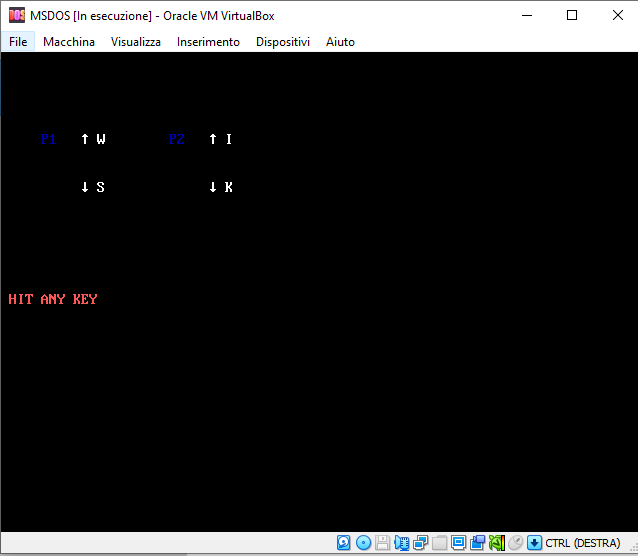
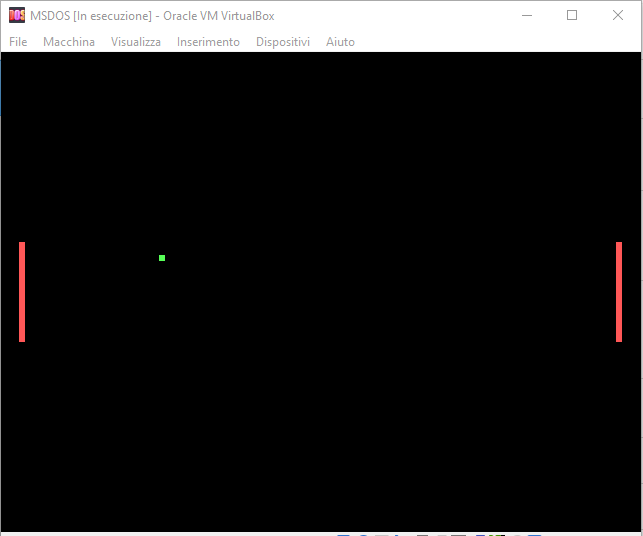
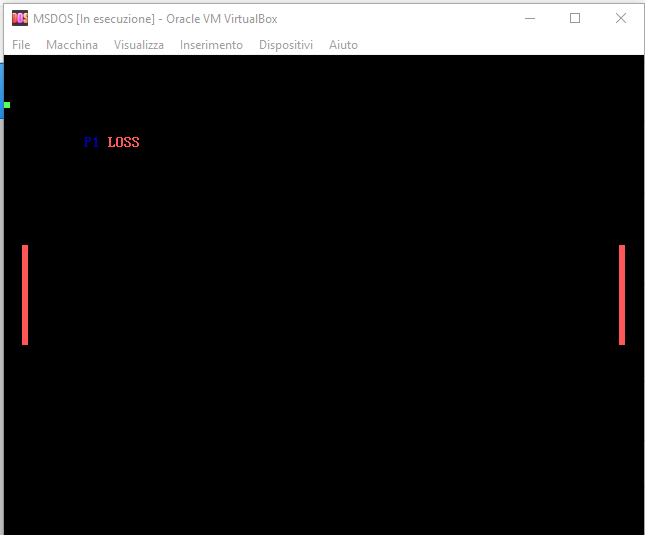
I have developed the well-known video game Pong using assembly language and played it on MS-DOS in a virtual machine. To develop the game, I utilized emu8086 as the development environment. After extensively testing the code, I compiled it and produced an executable file, which I saved onto a virtual floppy disk. To run the game, I started MS-DOS in VMware and mounted the floppy disk. Finally, I was able to successfully run Pong.
- Clone git repository
- Setup MS-DOS https://github.com/AlessandroBonomo28/MS-DOS-setup
- Load floppy1 into the MS-DOS virtual machine.
- Enter 'A:' to mount the floppy
- Enter 'pong' to execute the .com file
- Clone git repository
- Setup MS-DOS https://github.com/AlessandroBonomo28/MS-DOS-setup
- Install emu8086 to compile your assembly program into a .com executable https://github.com/AlessandroBonomo28/emu8086
- Install https://winimage.com/ to transfer your .com executable into a virtual floppy disk
- Write your program in emu8086
- Compile your program and you will get a .com file
- I have provided you a 'floppy1' virtual floppy disk. You can use winimage to inject the .com file into the floppy.
- Once your .com is in the floppy you can enter the floppy into the virtual msdos machine
- Mount the floppy with 'A:'
- Enter 'dir' to check the content of the floppy
- Enter the name of your .com file and MS-DOS will execute it