Repository for the MSD group meeting about sexy shell configurations given on 2024-04-25 by Julian Geiger at PSI.
To take it for a spin, clone the repo, install Docker and Docker Desktop, and fire both up. Then, from inside the repo, run:
docker buildx build -t msd-gm-docker -f Dockerfile .Now, feel free to grab a ☕... this is gonna take a few minutes. Once your image is built, run the container via:
docker run -it msd-gm-dockeror attach it to VSCode via the Docker VS Code extension.
Tip: If you want to skip the build process, you can also directly run it by using the container registry of this repo via:
docker run -it ghcr.io/geigerj2/msd-gm-shell:latestwhich will automatically pull the image in the background (thanks, @unkcpz!).
You are now ready to explore your beautiful new $HOME.
Today, we will go on a journey from:

to:

Because why spend half an hour on a task, when you can spend half a day automating it?

So buckle up!
When the container starts up, you will find a running Ubuntu 22.04 instance with working bash, zsh, and fish
installations. We will explore their configurations - in this order - with increasing time dedicated to each $SHELL. The
main tools that are set up are the following:
oh-myconfigs → Custom configuration frameworks created by the community (themes, plugins, etc.):- oh-my-bash
- oh-my-zsh
- oh-my-fish (we are not actually using this, but it is listed here for completeness)
- Prompt customization frameworks:
- Sorry, seems like no comparable tool exists for
bash😢 - Powerlevel10k for
zsh(to avoid having to run the interactive configuration, my.p10k.zshfile is part of this repo) - Tide for
fish:- As a little teaser, let's actually go ahead and install that right now via:
fisher install ilancosman/tide@v6
- Sorry, seems like no comparable tool exists for
→ Which also gives me an excuse to use fish from now on 😁
- tmux → Terminal multiplexer (my personal config is part of this repo)
- atuin → Replaces your shell history with an SQLite database (synchronizes between computers 😉)
- zoxide → Creates a database of your visited paths
- Or, alternatively z (pure
fishimplementation)
- Or, alternatively z (pure
- exa → "Modern replacement for
ls" (more symbols!)exaarchived → eza
- bat → "A
catclone with wings" (and syntax highlighting 😉) - entr → Run arbitrary commands on file changes
git pluginsforzsh(part ofoh-my-zsh) andfish→ plugin-git
- It underlines existing paths/files → No more "no such file or directory"
- Neat autosuggestions (to be fair, this plugin achieves the same in
zsh) - Then, let's check out
fish_config - Interactive
CLIcommand/options search - Cherry on top → fzf fish plugin
- Based on fzf → Command line fuzzy finder
- And a shameless self-promotion of my
aiidafish plugin 🚀
fishnot POSIX compliant (unlikebashandzsh) → Different (but, I would argue, better) syntax- Different configuration (setting environment variables, defining functions, no
~/.fishrcfile)
→ If you don't want to enter this rabbit hole, stay with zsh for now (or use my Dockerfile 😇)
→ But, you can always enter other shells, or execute scripts with bash <your-script>.sh
- gh → GitHub
CLIand gh act → run GitHub actions locally (sorry for all the failed CI activity,@sphuber😢) - fd → "A simple, fast and user-friendly alternative to
find" - ripgrep → Fast, recursive terminal
regexsearch - lazygit → Terminal
gitUI for keyboard warriors - gdu → Disk usage analyzer
- bottom → "Yet another cross-platform graphical process/system monitor"
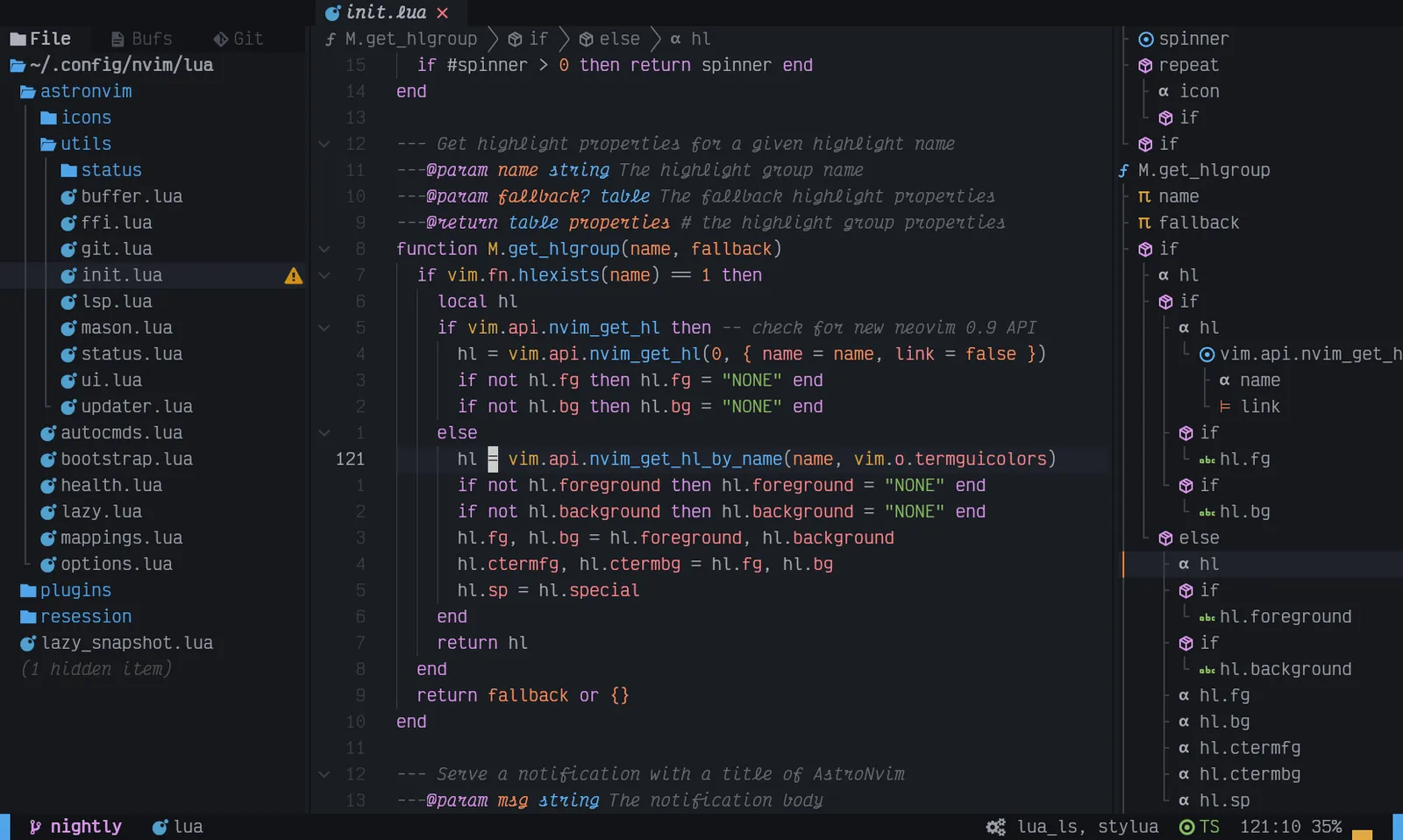
- AstroNvim →
(neo)vimon steroids (don't worry, belovedVSCode- you will never be replaced)- Good to learn some of the nitty-gritty details, but I discourage trying to customize that yourself, as you'll literally need to learn a (probably) new language (Lua)
AstroNvim screenshot
GPT4, GitHub copilot, Pol Sanz →

the software-treats Slack channel of the Nuria Lopez Group (ICIQ), and all of you for listening to this rant.