Moving assets between folders in Craft 4.4+ #12974

Replies: 1 comment 2 replies

|
It’s still possible to drag-and-drop folders and files as before (and now you can even move folders and files simultaneously, unlike before). You can drop items onto any folder that’s currently visible—either in the source list, the source path above the listing, or within the listing. |

|
@brandonkelly To be fair, I think the OP was referring to the ability to drag and drop in folders that aren't visible in the changed UI, like sibling folders, or their children. Also, when there are a lot of assets, it's possible that even subfolders in the current location aren't always visible (for example when the user has scrolled, or has used the pagination). I'm not sure if you want to try to resolve this at this point, but if you do, maybe one suggestion would be to display the current folder and siblings (not their children though) on the side, along with a 'go to parent' link at the top. |

|
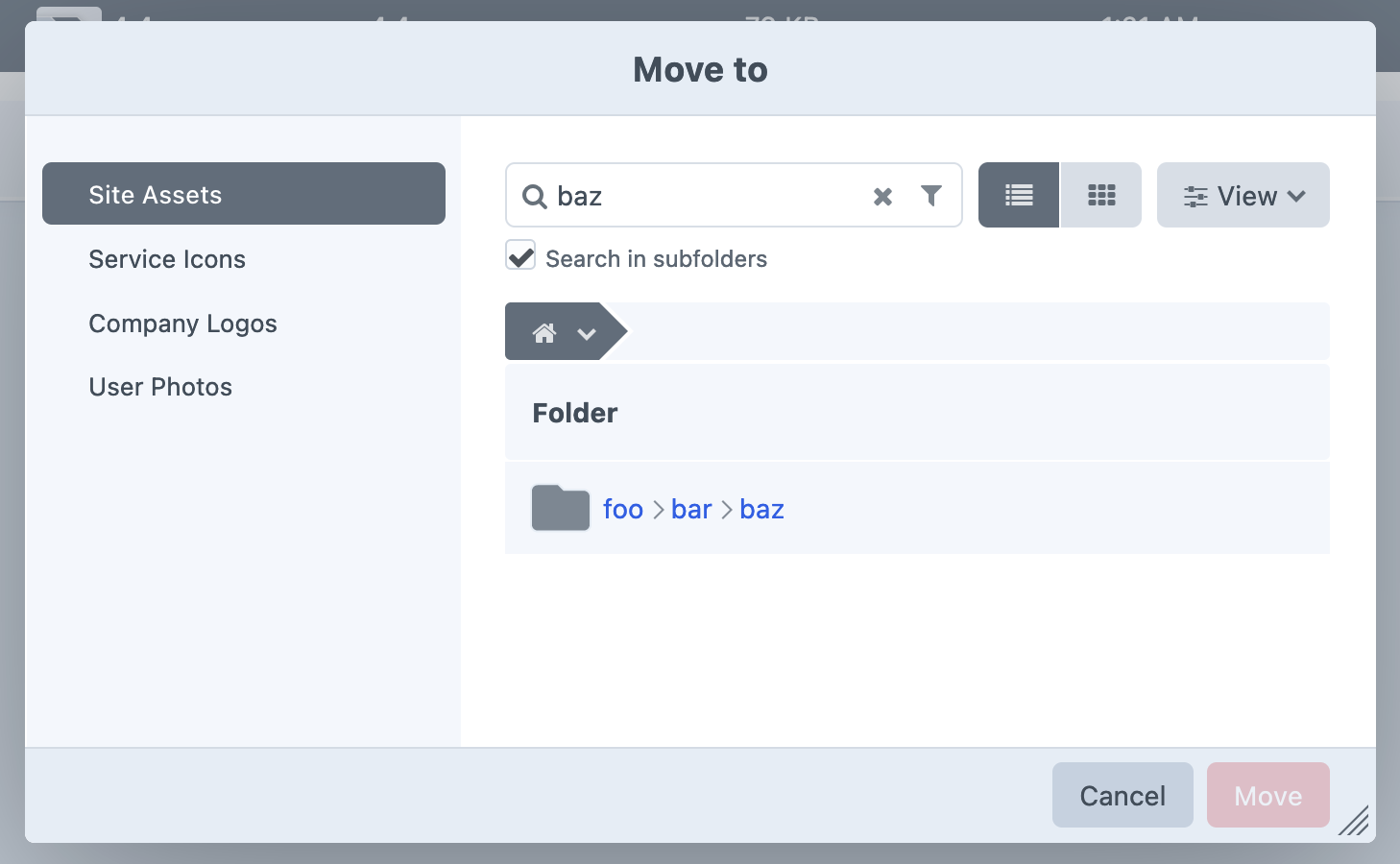
Ah, right. The main reason for the redesign was that there’s a significant performance hit when there’s too many subfolders (see the blog post), so we can’t just bring it back. The same issue would exist if we “just” showed the current folder’s siblings; having them be paginated alongside assets was a crucial part of the solution. One thing that may be overlooked: finding specific folders (e.g. to move items into) can actually be much faster now, since you can search for them across all subfolders of a selected folder.
(Note that the relative path to the folder isn’t currently showing up in 4.4.5, but that’s fixed for the next release via c21a32e.) |


Uh oh!
There was an error while loading. Please reload this page.
I like the new UI in Craft 4 within the Assets section - I do have one issue - it is now quite difficult and slow to move images from one folder to another folder, the dropdown 'move' is way to cumbersome. When you had the dropdown on the left with all the folders and you could just drag in and out of different folders it was so fast and great for cleaning up folders. Is there a possibility of having both the side dropdown and the new folders as currently?
In my training sessions with clients this has always been a huge selling point of Craft, the ability to quickly clean folders up and now it is a bit painful.
All reactions