
DP Wizard makes it easier to get started with differential privacy, the addition of calibrated noise to aggregate statistics to protect the privacy of individuals. DP Wizard demonstrates how to calculate DP statistics or create a synthetic dataset from the data you provide.
Note
This software is part of the OpenDP Commons. As such, the OpenDP Executive Committee commits to:
- Releasing this software under an OSI approved license, in this case the MIT License.
- Ensuring there are at least two maintainers, in this case Eddie de Leon (
eddiestudies) and Chuck McCallum (mccalluc), who will respond within a week to new issues and PRs. - Only making changes on
mainthrough PRs, and getting approval on these PRs before merging. - On an annual basis, recruiting one or more volunteers (not active contributors) who will conduct a health-check, focused not on the details of the algorithms but on the health of this repo as open source software. Their report will be linked here. The next (and first) health-check is scheduled for September 2026.
If differential privacy is new to you, these slides provide some background, and explain how DP Wizard works.
Options for running DP Wizard:
- No install online demo: Does not support data upload.
- Install from Docker:
docker run -p 8000:8000 mccalluc/dp-wizard - Install from PyPI:
pip install 'dp_wizard[pins]'; dp-wizard - Install from source: See developer instructions.
See the FAQ for more information.
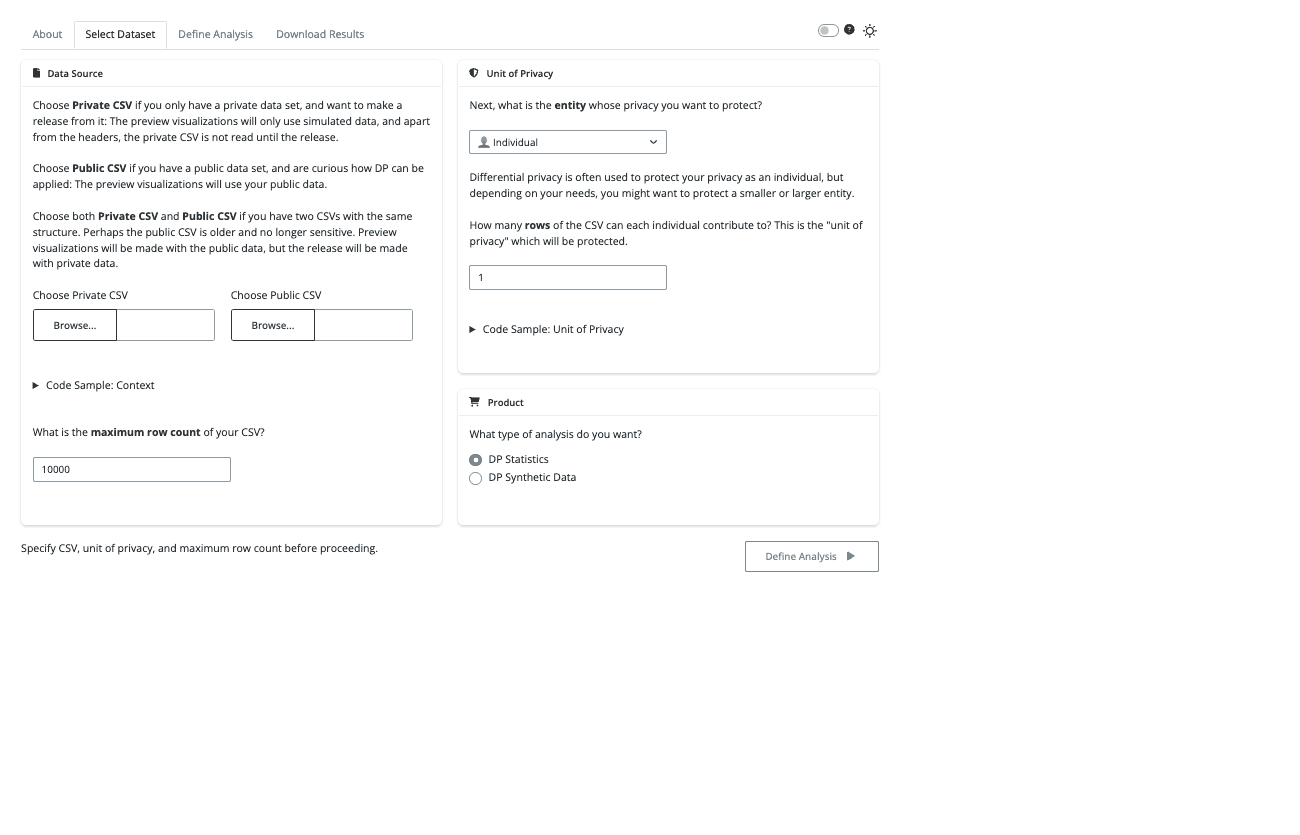
Select Dataset:
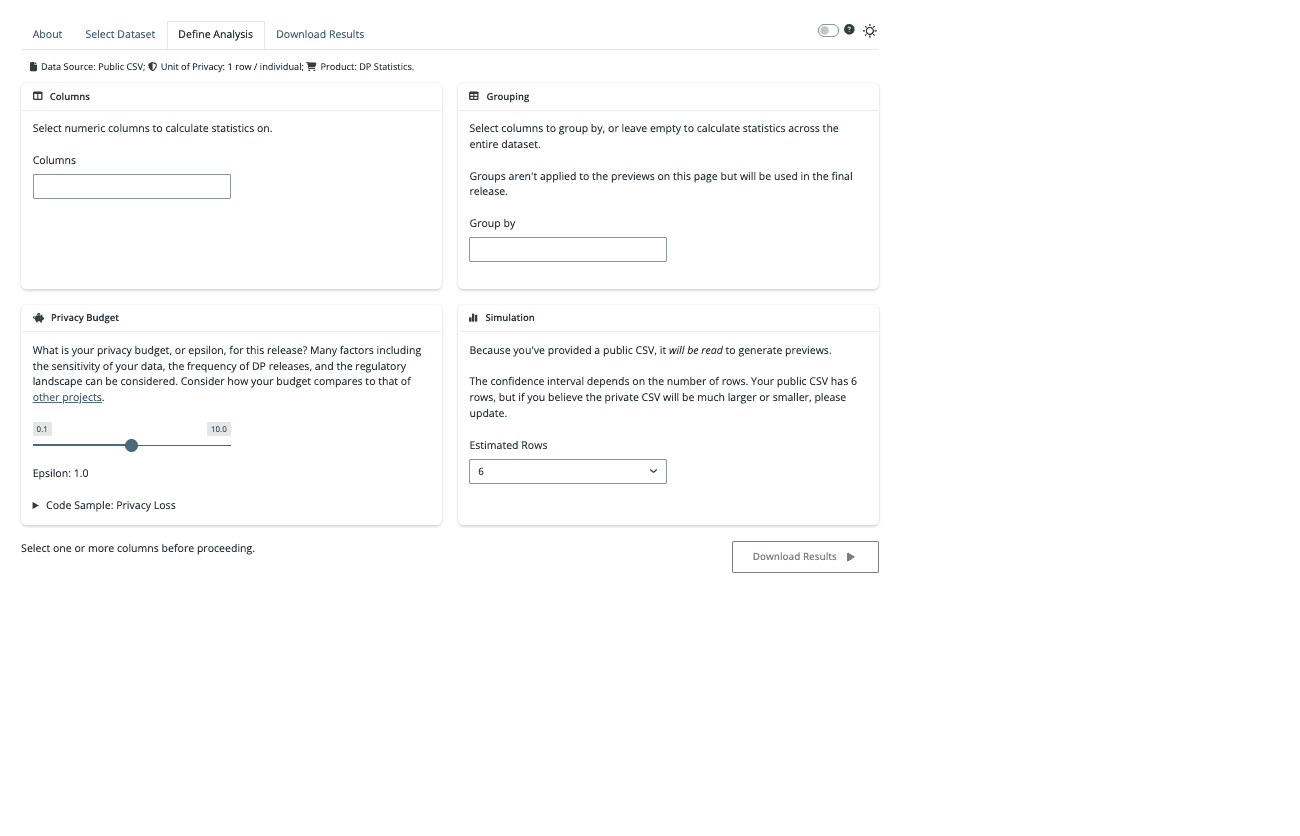
Define Analysis:
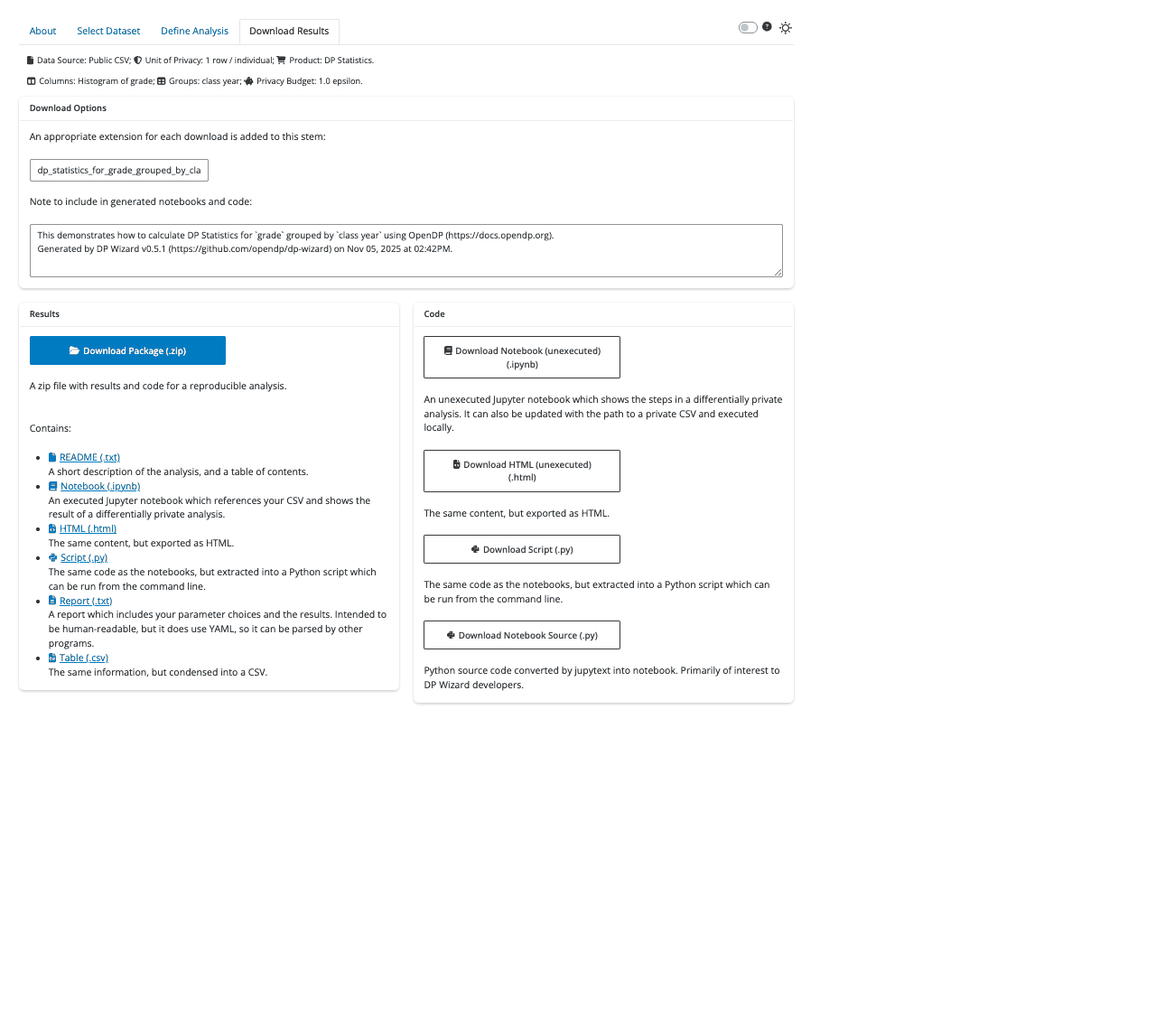
Download Results:
DP Wizard requires Python 3.10 or later.
You can check your current version with python --version.
The exact upgrade process will depend on your environment and operating system.
Install with pip install 'dp_wizard[pins]' and you can start DP Wizard from the command line.
usage: dp-wizard [-h] [--demo] [--host HOST] [--port PORT] [--no_browser] [--reload]

DP Wizard makes it easier to get started with Differential Privacy.

options:
  -h, --help    show this help message and exit
  --demo      Generate a demo CSV: See how DP Wizard works without providing your own data
  --host HOST   Bind socket to this host
  --port PORT   Bind socket to this port. If 0, a random port will be used.
  --no_browser  By default, a browser is started; Enable this for no browser.
  --reload      Enable to watch source directory and reload on changes.

Unless you have set "--demo", you will specify a CSV or TSV inside the application.

Provide a "Private Data" if you only have a private data set, and want to
make a release from it: The preview visualizations will only use
simulated data, and apart from the headers, the private data is not
read until the release.

Provide a "Public Data" if you have a public data set, and are curious how
DP can be applied: The preview visualizations will use your public data.

Provide both if you have two CSVs or TSVs with the same structure.
Perhaps the public data is older and no longer sensitive. Preview
visualizations will be made with the public data, but the release will
be made with private data.