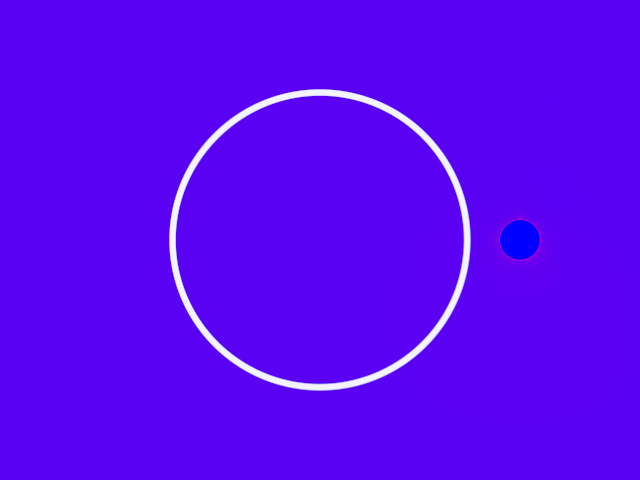
Post processing effect that fills transparent parts of the image interpolating the edge pixel colors. GPU-based.
Demonstrates how the PoisonFill() effect fills the transparent pixels of a
ColorBuffer using the surrounding opaque pixels.
The program creates a collection of ColoredMovingPoints, then updates and
renders them into a RenderTarget on every animation frame.
If the mouse pointer is on the right half of the window, the render target
is displayed as-is. Otherwise, the PoisonFill effect is applied, the
result stored into the wet ColorBuffer, then displayed.
A sharp white rectangle is drawn on top just for contrast against the blurry background. *
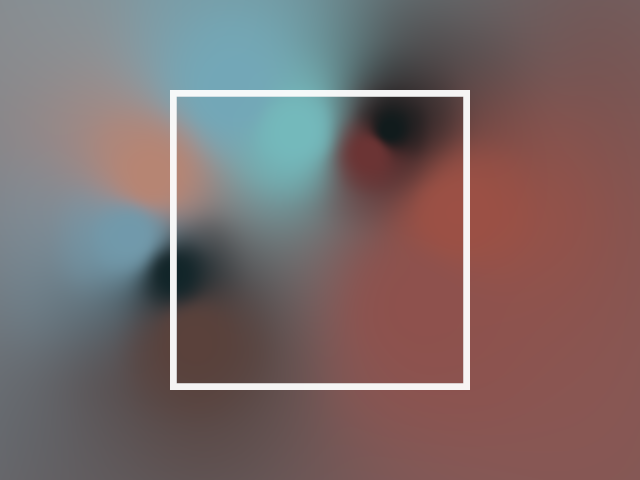
Demonstrates how to apply a PoissonFill effect to the whole window by using the Post extension.
This simplifies the program by not having to manually create and update a RenderTarget.
Clearing the window to transparent is expected when using PoisonFill.
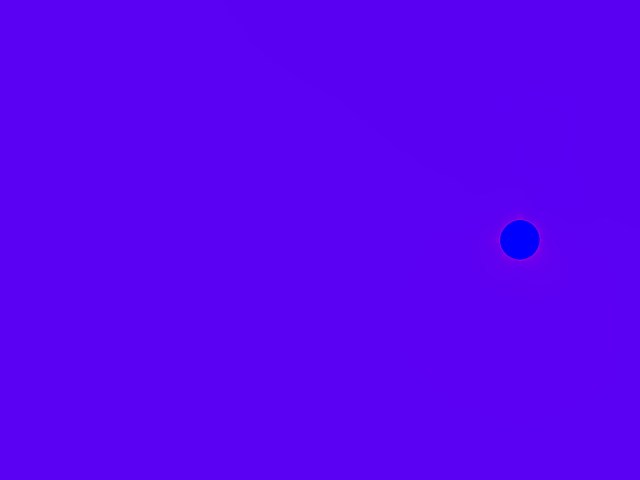
Demonstrates how to draw graphics not affected by a Post extension
by including them in an extend(stage = ExtensionStage.AFTER_DRAW) { ... } block
before** the Post effect.