A collection of time-sensitive functions aimed at controlling raw data over-time, such as Envelope and LFO.
For more detailed information, read: An introduction to orx-time-operators
Use the TimeOperators extension to tick the operators, making them advance in time.
extend(TimeOperators()) {
    track(envelope, lfo)
}An Attack/Decay based envelope which takes into account the elapsed time to change a given value over time. It runs through two phases, Attack and Decay which can be changed to shape the output values.
val size = Envelope(50.0, 400.0, 0.5, 0.5)

if (frameCount % 80 == 0) {
    size.trigger() // also accepts a new target value
}

drawer.circle(0.0, 0.0, size.value)Generates oscillating waves between [0.0, 1.0] tied to the frame rate.
val size = LFO(LFOWave.Sine) // default LFOWave.Saw

val freq = 0.5
val phase = 0.5

drawer.circle(0.0, 0.0, size.sample(freq, phase))

// or

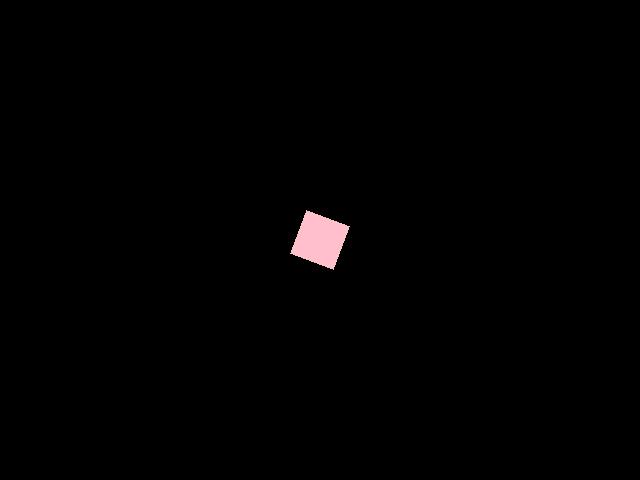
drawer.circle(0.0, 0.0, size.sine(freq, phase))Demonstrates the use of an Attack/Decay Envelope to control the size and rotation of a rectangle.
The size envelope is triggered every 1.3 seconds, and the rotation one every 0.8 seconds.
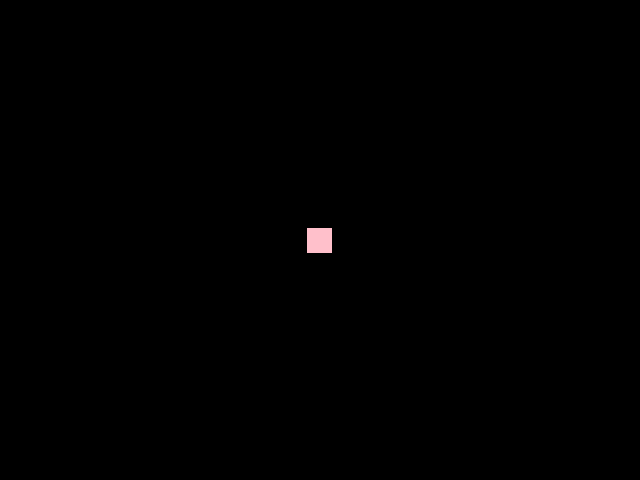
This demo uses LFO() to produce two cyclic animations.
The first one generates a sawtooth and controls the size of a rectangle.
The second one uses a sine wave to control the rotation.
When sampling the LFO one can specify the frequency and phase,
which makes it possible to use the same LFO to produce animations
with various loop durations.