Welcome to the Restate TypeScript + Vercel template! ✨
- 📦 Node runtime installed
- 🔧 npm or yarn package manager
- 🌐 Vercel account (for deployment)
Install dependencies:
npm installLaunch the local Restate server:
npx @restatedev/restate-serverStart Next.js locally:
npm run devConnect your local service to Restate:
npx @restatedev/restate dep add --use-http1.1 http://localhost:3000/restateIterate! 🔧
This template includes a GitHub Actions workflow setup for automated deployment. To set up:
- Create the project importing this repository: https://vercel.com/new
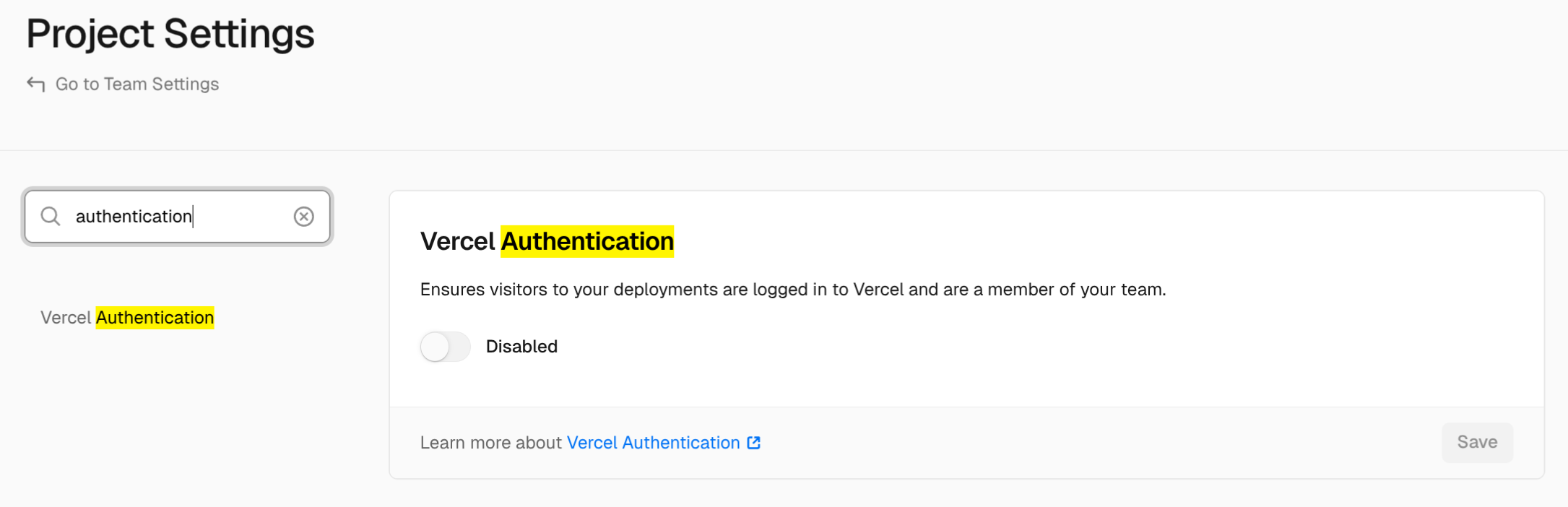
- Disable Vercel Authentication for the project.
- Add the following to Github Actions repository secrets:
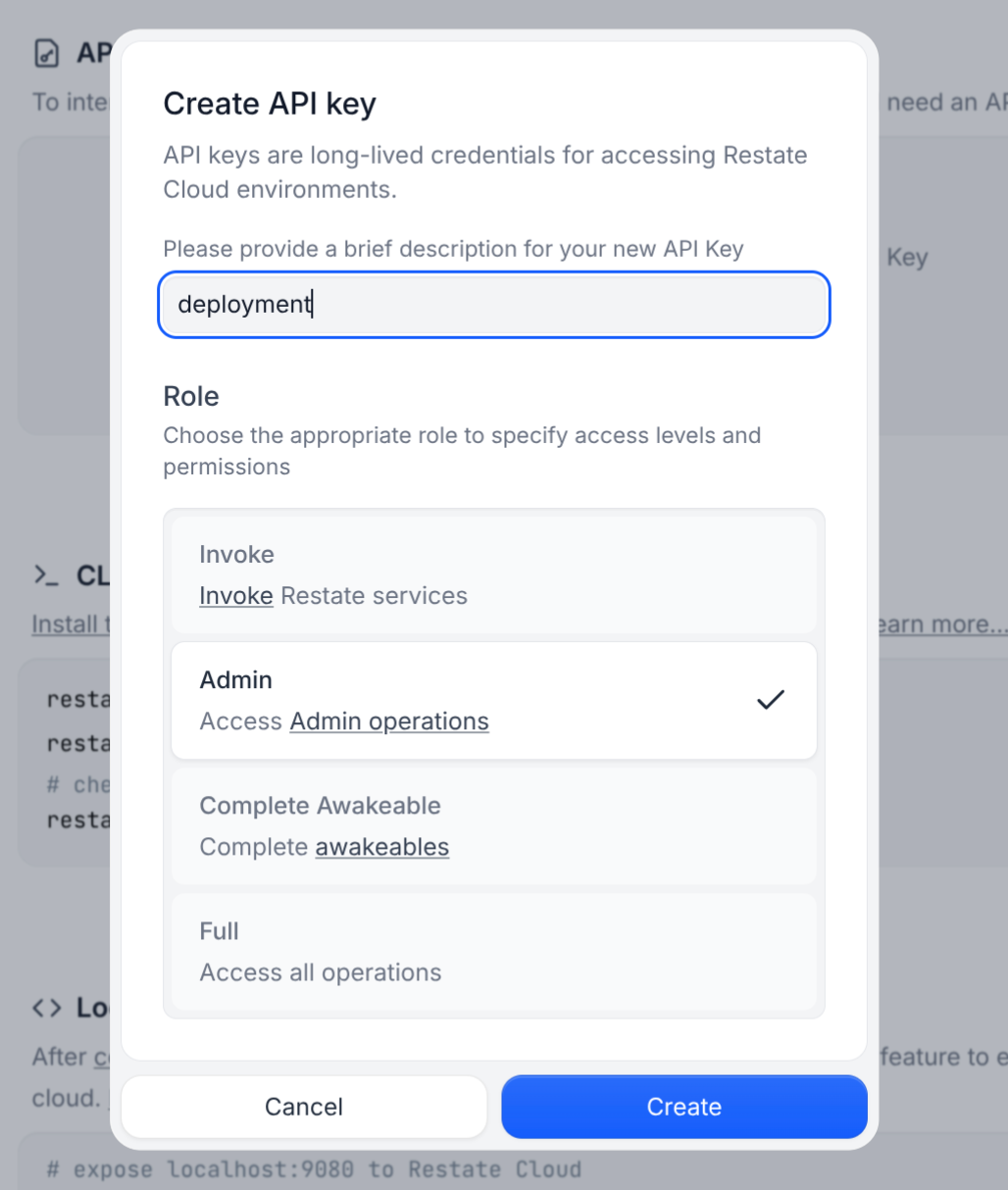
RESTATE_ADMIN_URL: The Admin URL. You can find it in Developers > Admin URLRESTATE_AUTH_TOKEN: Your Restate Cloud auth token. To get one, go to Developers > API Keys > Create API Key, and make sure to select Admin for role
Once the repo is set up, just push to the main branch, Vercel will deploy and promote the main branch, and the action configured in deploy.yml will automatically register the deployment to Restate.
You can also deploy manually by following the Restate + Vercel documentation.
Once deployed, you can test your service using the Restate Playground.
- 🔐 Secure your endpoint as shown in your Restate Cloud Dashboard > Developers > Security
- 📖 Explore the Restate documentation
- 🔍 Check out more examples and tutorials
- 💬 Join the Restate Discord community
Happy building! 🎉
If you use Claude Code or Codex, then the Restate plugin will automatically be installed. For Cursor, consult the skills repo README.
Plugin repo: https://github.com/restatedev/skills/tree/main