A UI theme that adapts to most syntax themes. Based on One Light UI.
There is also a matching syntax theme.
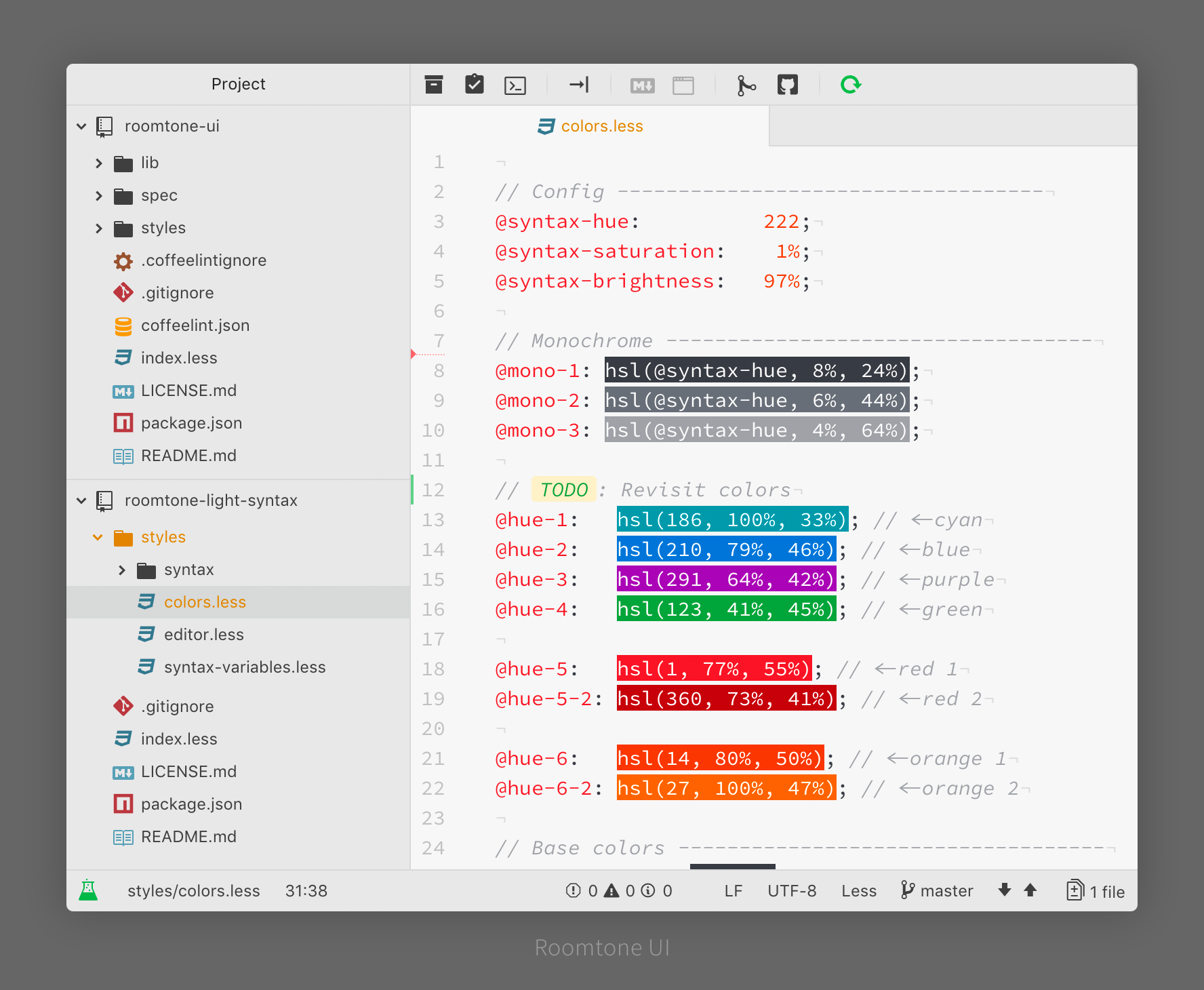
The font used in the screenshot is Hasklig.
git clone https://github.com/samuelam/roomtone-ui.git ~/.atom/packages/roomtone-uiIn the theme settings you can:
- Change the Font Size to scale the whole UI up or down.
- Choose between 3 Tab Sizing modes.
- Hide the dock buttons.
To make changes, go to Settings > Themes > Roomtone UI > Settings or the cog icon next to the theme picker.
It's also possible to resize only certain areas by adding the following to your styles.less (Use DevTools to find the right selectors):
.theme-roomtone-ui {
  .tab-bar { font-size: 18px; }
  .tree-view { font-size: 14px; }
  .status-bar { font-size: 12px; }
}Why do the colors change when I switch Syntax themes. This UI theme uses the same background color as the chosen syntax theme. If that syntax theme has a dark background color, it only uses its hue, but otherwise stays light. This lets you use light-dark combos.