
Schedule your favorite VS Code themes to switch automatically at specific times of the day.
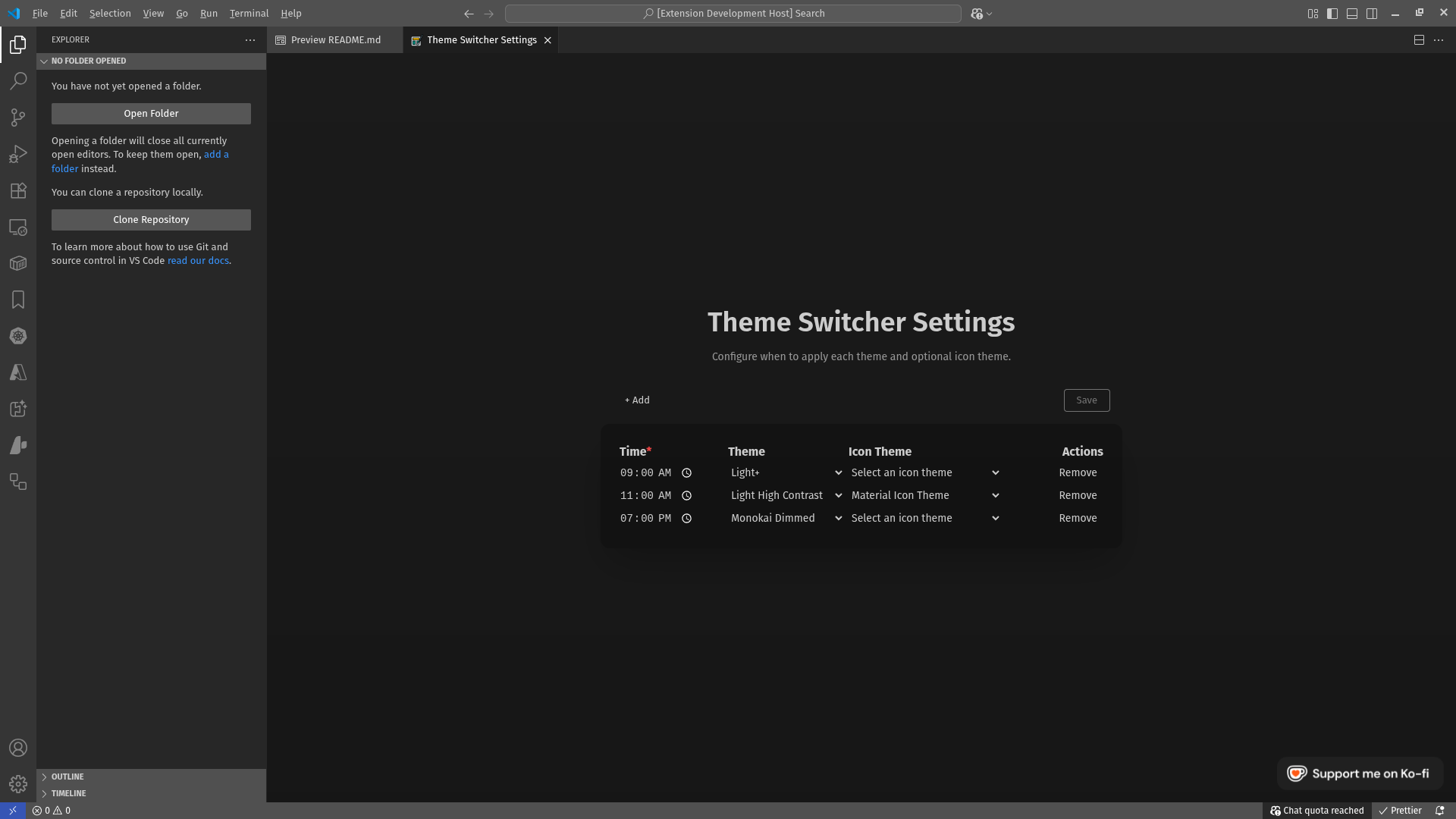
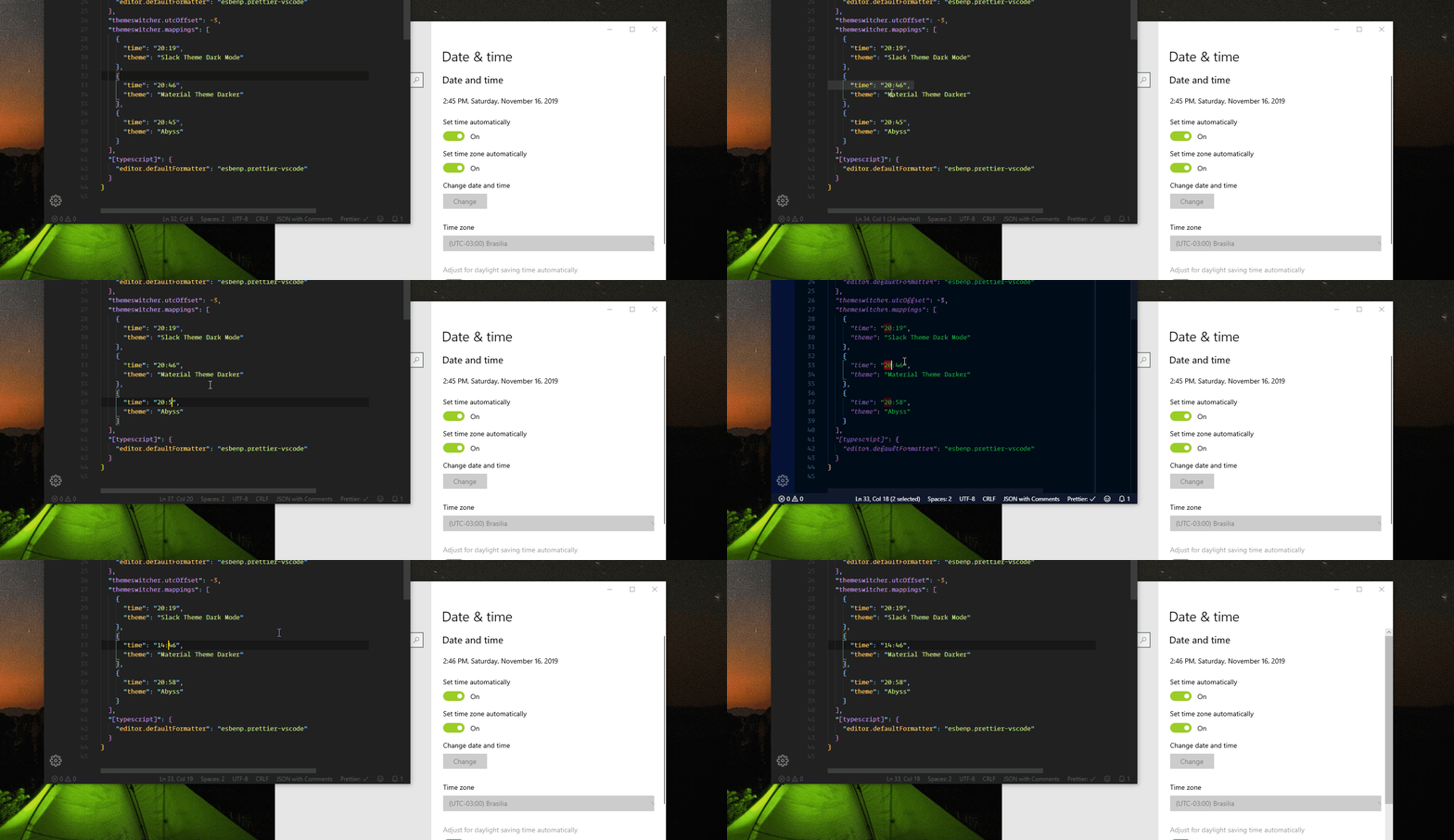
- Switches your Color Theme (and optionally your Icon Theme) at the times you choose.
- Uses a simple 24-hour "HH:mm" time format.
- Provides a command to open a settings view where you can manage your theme schedule.
- VS Code 1.22.0 or newer.
- The themes you reference must already be installed in VS Code.
- From VS Code: Open the Extensions view (Ctrl/Cmd+Shift+X), search for "Theme Switcher" by savioserra, and install.
- From Marketplace: https://marketplace.visualstudio.com/items?itemName=savioserra.theme-switcher
- Manual: If you have a .vsix file, use the Extensions view menu and choose "Install from VSIX...".
- Install the extension.
- Open the Command Palette (Ctrl/Cmd+Shift+P) and run: "Theme Switcher: Open Settings".
- Use the UI to add time -> theme mappings and save.
- Alternatively, configure via Settings (JSON):
Notes:
- Time format must be HH:mm (24-hour). Invalid times are ignored and an error is shown.
- Theme and Icon Theme names must match the names shown in Preferences: Color Theme and File Icon Theme.
- The extension checks periodically and applies the theme when the current time reaches your mapping.
- Theme Switcher: Open Settings (command id:
themeswitcher.openSettings).
themeswitcher.mappings(array): Your schedule. Each item is an object:time(string, HH:mm): When to activate the theme.theme(string): The Color Theme name to activate.iconTheme(string, optional): The File Icon Theme name to activate.
themeswitcher.utcOffset(integer, default 0): Optional time offset (in hours). If your system clock and timezone are correct, you can usually leave this at 0.
- Ensure the theme names are spelled exactly as they appear in VS Code.
- If nothing happens at a scheduled time, verify your mapping times use HH:mm and that the extension is enabled.
- Check the VS Code notifications area; the extension shows an info message when a theme is applied and an error if a time is invalid.
- Changelog: CHANGELOG.md
- Report issues: https://github.com/savioserra/vs-theme-switcher/issues
- Source code: https://github.com/savioserra/vs-theme-switcher
- Automated sunrise/sunset scheduling
- Icon made by Pixel Perfect from www.flaticon.com
With love, Shyylol!

{
  // Optional: UTC offset setting (in hours)
  "themeswitcher.utcOffset": 0,

  // Switch to these themes at the specified times (24-hour HH:mm)
  "themeswitcher.mappings": [
    { "time": "08:00", "theme": "Default Light+", "iconTheme": "vs-seti" },
    { "time": "18:30", "theme": "Default Dark+", "iconTheme": "vs-seti" },
  ],
}