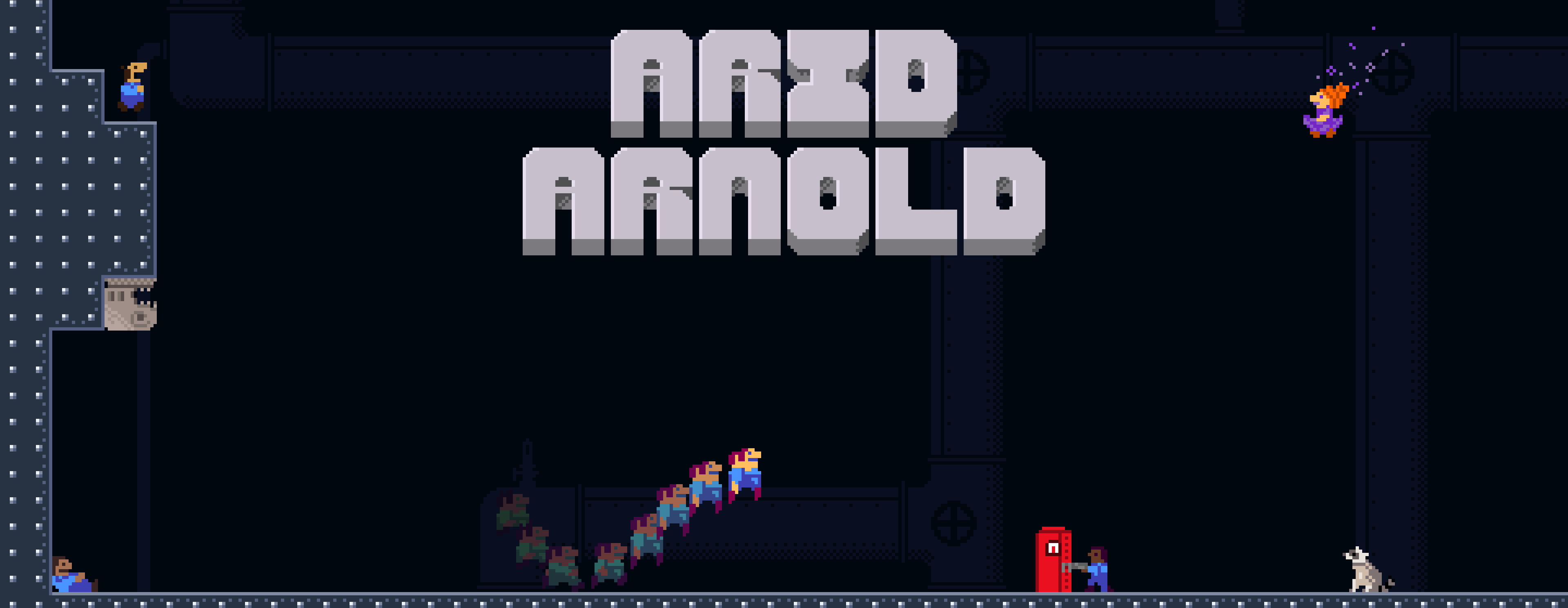
Arid Arnold is a classic adventure, explore 9 unique worlds, travel in time, talk to racoons, go to hell and back in search of the fountain of water. In one world you might be rotating the entire level, but in the next you will need to travel in time, there’s even a few levels where you need to coordinate with a clone of yourself.
Download: https://icefish-software.itch.io/arid-arnold
✔️ Windows ✔️ Linux ❓ Mac
I have made a document which explains how this code works, and how it is structured.
Open solution in visual studio. Add MonoGame dependencies, hit build.
In visual studio code, setup your environment then you can open the folder and hit F5 to run it.
Important: You must install the fonts in the Docs/Fonts folder. Pixica, PixicaMicro, and Doomed.
Once you have it running, you can go into BuildFlags.cs to turn the debug loader on/off. Go into CampaignManager.cs to configure the debug loader once it is enabled.