
CentralCorp Launcher is a customizable Minecraft launcher designed to work with the self-hosted CentralCorp web panel and the Azuriom ecosystem. It retrieves launcher configuration and game files from the panel, authenticates players through Azuriom, and starts the configured Minecraft version with loaders such as Forge or Fabric.


Documentation · Panel · Installer · Preview

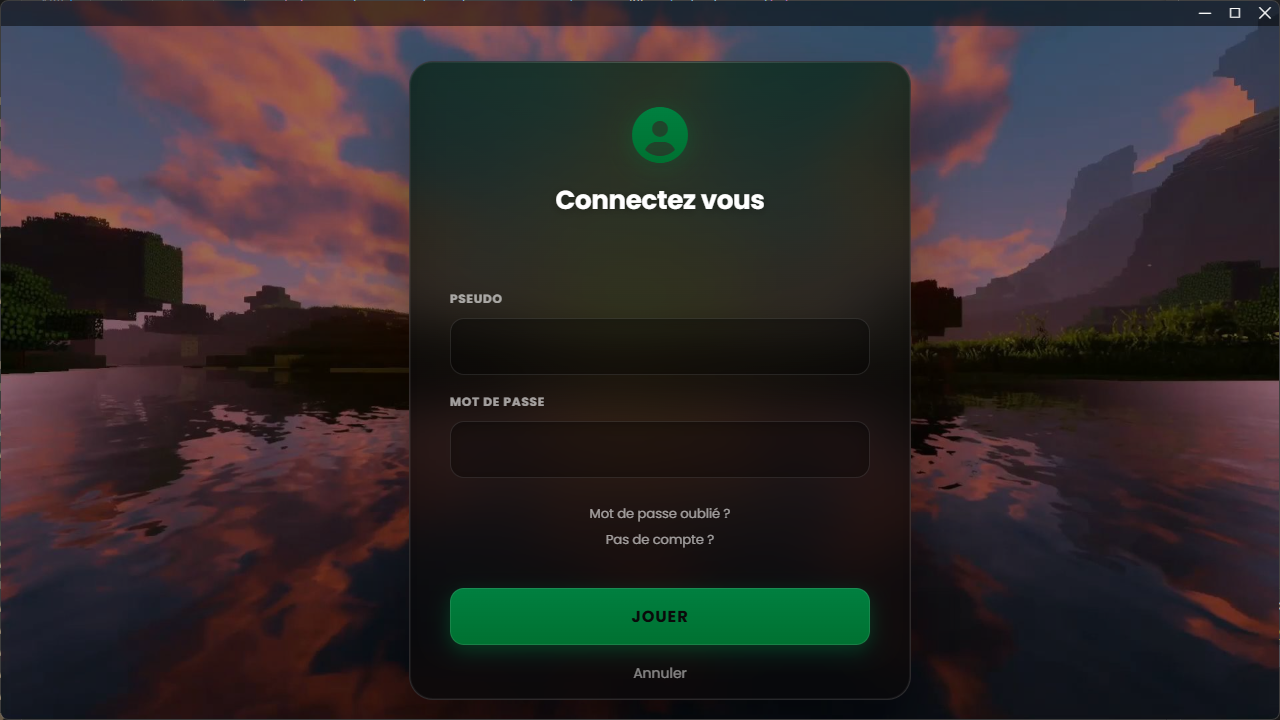
- Azuriom authentication, including two-factor authentication handling;
- Minecraft server status and player count;
- configurable Minecraft version, game directory and minimum/maximum memory;
- Forge, Fabric, LegacyFabric, NeoForge and Quilt loader values supplied by the panel;
- file verification and synchronization from a self-hosted panel or Azuriom plugin endpoint;
- optional mods that players can enable or disable;
- maintenance mode and access lists based on Azuriom users or roles;
- news feed, alert message, video content and configurable interface color;
- player role, currency and skin display when the required Azuriom data and skin services are configured;
- Discord Rich Presence, Electron release updates and five interface languages.
| Account management | Launcher settings |
|---|---|
 |
 |
| Optional mods | Launcher interface |
|---|---|
 |
 |
More product views and explanations are available in the launcher showcase and on the preview page.
The player application combines the configured Minecraft version, loader, game files and memory settings into a launch profile. Routine server-side changes are retrieved from the panel, while the repository controls the desktop application identity and build configuration.
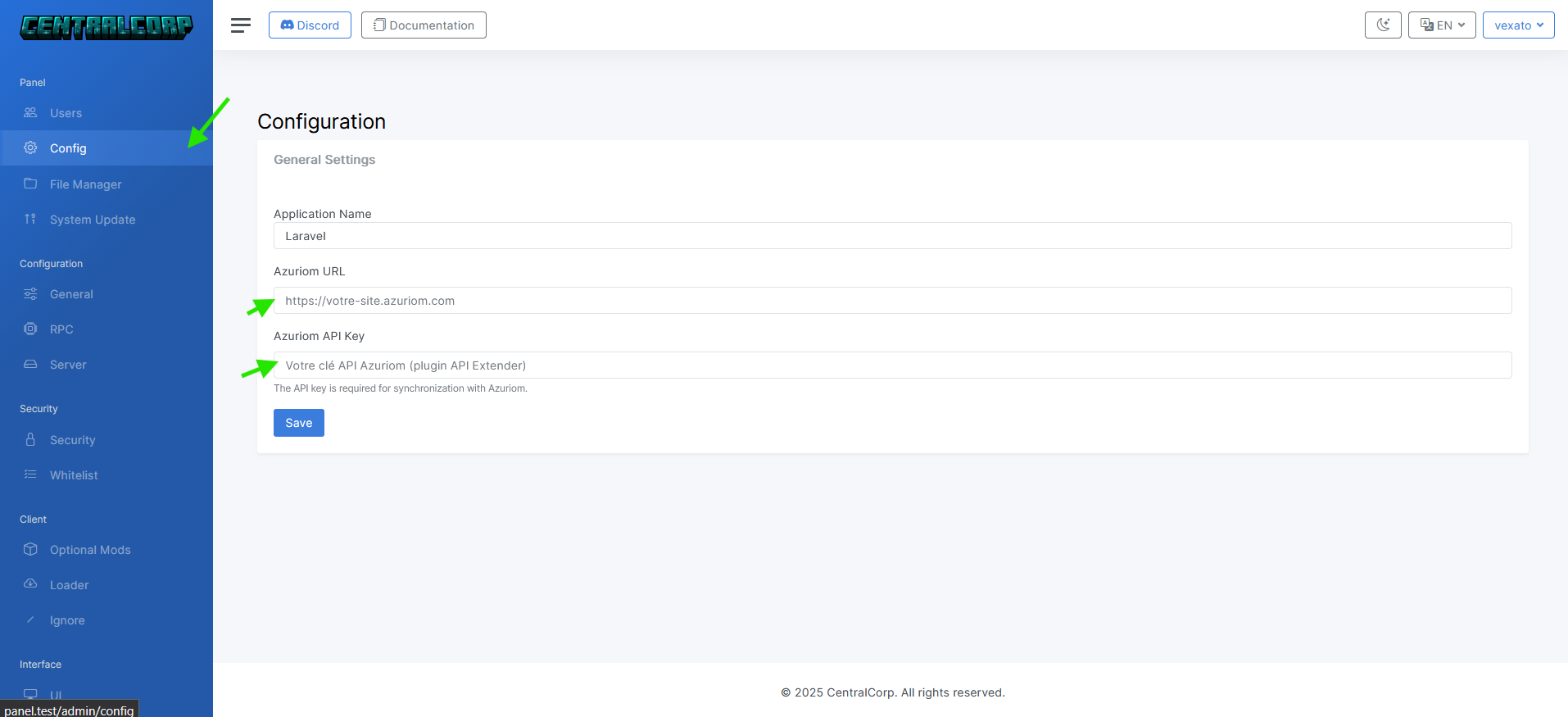
The launcher consumes configuration from either CentralCorp Panel or the CentralCorp Azuriom plugin, according to the env value in package.json. The web panel manages the Minecraft version, loader, server, files, mods, maintenance, access controls and interface settings without requiring a launcher rebuild for those routine changes.
Read the Minecraft Launcher Panel documentation for the complete data flow and hosting requirements.
Player authentication uses the Azuriom authentication API. In standalone panel mode, the panel stores the Azuriom URL and API key and exposes the launcher configuration. In direct Azuriom mode, the launcher reads the CentralCorp plugin endpoints from the configured site.
This launcher targets offline-mode Minecraft server setups connected to Azuriom. Microsoft online-mode servers are not supported.
The selected Minecraft version and loader are returned by the panel and passed to the launch engine. Forge and Fabric are supported by the current panel configuration, alongside LegacyFabric, NeoForge and Quilt. Test every modpack against its exact Minecraft, loader and mod versions before distribution.
The panel can describe mods that players may enable or disable before launch. Recommendation labels and mod images are also exposed by the current optional-mod configuration.
The launcher checks its configured release repository through the Electron update mechanism. Game files are handled separately: the panel manifest lets the launcher verify and synchronize the files required by the selected configuration.
Follow the CentralCorp installation guide to prepare the project, install the panel and configure the launcher. For a local launcher checkout:
npm install
npm run devThe repository-level values in package.json define the launcher identity, version, environment, panel or Azuriom URL, and publishing repository. The build script currently reads the existing preductname key for the product name; keep that spelling unless the build script and configuration are migrated together.
Panel-managed settings are documented in the panel configuration guide.
Available scripts include:
npm start
npm run dev
npm run build
The GitHub workflow creates a release and builds packages for Windows (.exe), Linux (.AppImage) and macOS (.dmg and .zip). Update the launcher version before publishing a release.
- Website and documentation — product pages and installation guides
- CentralCorp Launcher — customizable player application
- CentralCorp Panel — self-hosted Minecraft Launcher Panel
- CentralCorp Installer — hosting checks and panel deployment
CentralCorp Launcher is distributed under Creative Commons Attribution-NonCommercial 4.0 International. Its source code is available, but the non-commercial restriction means the project should not be described as open source in the standard OSI sense. Preserve attribution, identify changes and review the license before commercial use.