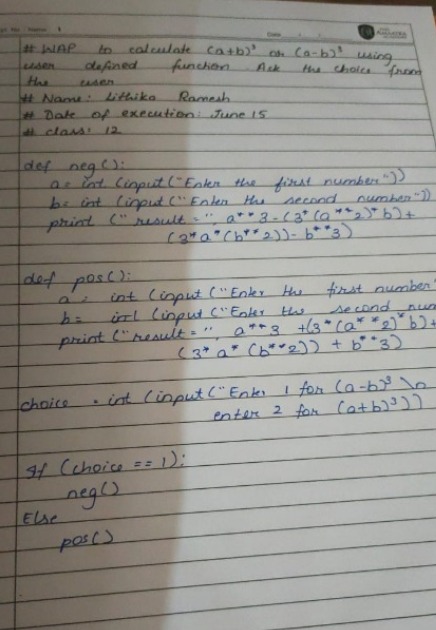
This is a repo which contains all the updated and working Amaatra grade 12 lab programs. You can use this repo for the latest CS updates from Amaatra and the working and updated source code of all the important programs. Share it with all the Amaatrites, so that we can build a repo of cool programs. The link to this repo : https://github.com/Chandan-CV/Amaatra-Grade-12-Lab-Programs
You can use this link to look at the code or to copy paste the code.
If you are interested in contributing to this repository, you need to make a github account and scroll down to checkout the contribution guidelines.
GitHub provides and amazing way to do all of this super easily and in a super organised manner.
Step 1: Make a gitHub account
Step 2: Open this repository : https://github.com/Chandan-CV/Amaatra-Grade-12-Lab-Programs
Step 3: Open the issues tab
Step 4: Send your doubts, suggestions or issues and it will be solved.
Step 1: Install git
Windows setup: https://git-scm.com/download/win you can install git from here
Mac setup: https://git-scm.com/download/mac
Linux setup:
Debian-based system like Ubuntu:
run $ sudo apt install git-all in the terminal
RPM-based distribution, such as RHEL or CentOS), you can use dnf:
$ sudo dnf install git-all
Run git --version to check if git is installed
For additional information on how to install git, please visit https://git-scm.com/book/en/v2/Getting-Started-Installing-Git
Step 2: Clone the repo
Open command prompt (Windows), or terminal (Mac or Linux) and run git clone https://github.com/Chandan-CV/Amaatra-Grade-12-Lab-Programs in the directory you want this to be in.
Ta daaaa!!! Now you can run all of this code locally on your machine.
Your contribution is super valuable, it keeps the programming community healthy and updated. Contibution need not always be code. It can even be a very simple thing like correcting the grammar in this repository or making it more accessible.
There are 2 ways to do this
This is the easiest way to do it:
Step 1: Make a github account. visit github.com and make an account.
Step 2: Fork this repository.
Step 3: Make changes in your forked repository (it will be in your account the link will look like this https://github.com/[YOUR_GITHUB_USERNAME]/Amaatra-Grade-12-Lab-Programs)
Step 4: Commit the changes
Step 5: Send a pull request
Step 6: PARTY!!!! you have successfully contributed to the github repo
This is the professional and super cool way to contribute:
Step 1: Make a github account. visit github.com and make an account.
Step 2: Fork this repository.
Step 3: Run the forked repo locally (use the Running this repo locally on your system guideline to run it locally, but while cloning the repo, add the link of your forked repo instead of the origial one eg: git clone https://github.com/[YOUR_GITHUB_USERNAME]/Amaatra-Grade-12-Lab-Programs add your github username in
that link)
Step 4: Make whatever changes you want
Step 5: Run git add .
Step 6: Run git status and make sure all of the output is in green XD
Step 7: Commit the changes, git commit -m "[ENTER THE NAME OF YOUR COMMIT]"
Step 8: Add a remote server by running git remote add origin https://github.com/[YOUR_GITHUB_USERNAME]/Amaatra-Grade-12-Lab-Programs
Step 9: Push the code by running git push -u origin
Step 11: Send a pull request
Step 10: PARTY!!!! you have successfully contributed to the github repo