Query_execution
An AQL-Query can be executed using the AQL-System via
- a command line interface
OR - a graphical user interface
Anyway it has to be configured first (see the configuration tutorial).
To execute a query via command line, launch the AQL-System java -jar AQL-System-2.0.0.jar with the -query parameter and provide a query.
The following example issues a query that asks for Flows inside one app (A.apk):
java -jar /path/to/AQL-System-2.0.0.jar -query ”Flows IN App('A.apk') ?”- To execute a query via the GUI, launch it first:
java -jar /path/to/AQL-System-2.0.0.jar -gui- Then switch to the editor tab:
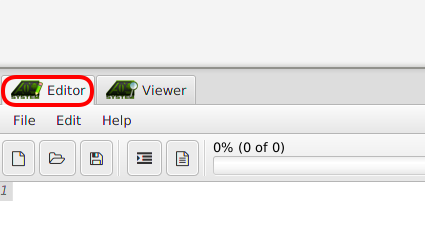
- Type in an AQL-Query inside the editor window:
Flows IN App('A.apk') ?- Click "Run" (Green play button at the right in the toolbar).
- Wait for the AQL-System to compute the answer
- To view AQL answer, switch to viewer tab
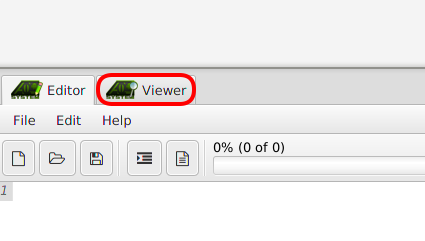
- AQL-Answers are provided in two views:
- textual view: Allows to view and edit the .xml file representing the AQL-Answer.
- web view: Shows the flows, permissions, intent-sources and -sinks in a single graph.