


NVSentinel detects and remediates GPU faults on Kubernetes nodes
A single bad GPU can silently corrupt a training run or leave a node sitting idle for hours before anyone notices. NVSentinel catches these faults as they happen, cordons and drains the affected node, then fixes it with a GPU reset or a reboot, and puts it back into service, no paging required.
Note
Beta / Stable NVSentinel is ready for production testing and use. APIs, configurations, and features may change between releases. If you encounter issues, please open an issue or start a discussion.
- Kubernetes 1.34+
- Helm 3.0+
- NVIDIA GPU Operator
- cert-manager v1.19+
- Persistent storage support for a database
# GPU Operator: enable DCGM standalone mode (required)
# By default the GPU Operator embeds DCGM inside dcgm-exporter and doesn't
# expose it as its own service. NVSentinel connects to DCGM directly, so add
# `dcgm.enabled=true` to however you already install/upgrade the GPU Operator:
helm repo add nvidia https://helm.ngc.nvidia.com/nvidia --force-update
helm upgrade --install gpu-operator nvidia/gpu-operator \
  --namespace gpu-operator --create-namespace \
  --set dcgm.enabled=true \
  --wait

# cert-manager (required)
helm repo add jetstack https://charts.jetstack.io --force-update
helm upgrade --install cert-manager jetstack/cert-manager \
  --namespace cert-manager --create-namespace \
  --version v1.19.1 --set installCRDs=true \
--waitMost teams roll NVSentinel out in stages:
This turns on health monitoring only. NVSentinel watches your GPUs and system logs and reports faults as Kubernetes node conditions. It won't cordon a node, evict a pod or reboot a machine. Nothing here can disrupt a workload, so it's safe to run anywhere while you get a feel for what it reports. The defaults below are all you need.
Note
Host installed drivers
If your GPU nodes get their NVIDIA driver from the host image instead of the GPU Operator's driver DaemonSet, add --set labeler.assumeDriverInstalled=true to every NVSentinel install/upgrade command below.
NVSENTINEL_VERSION=v1.19.0

# Drop the --set podMonitor.enabled=false flag if prometheus is installed
helm install nvsentinel oci://ghcr.io/nvidia/nvsentinel \
  --version "$NVSENTINEL_VERSION" \
  --namespace nvsentinel --create-namespace \
  --set podMonitor.enabled=false \
  --wait
Verify it's running:
kubectl get pods -n nvsentinelOnce you trust what it's reporting, turn on remediation too. NVSentinel will now cordon a faulty node, drain its workloads, and fix it automatically:
- Faults that don't need a full restart get an GPU reset, so the rest of the node's GPUs stay in service.
- Everything else gets a node reboot.
By default, both actions run as a privileged job right on the node itself, so this works on day one with no cloud credentials to set up, on any infrastructure: on-prem, or any cloud.
# Drop the --set podMonitor.enabled=false flag if prometheus is installed
helm upgrade --install nvsentinel oci://ghcr.io/nvidia/nvsentinel \
  --version "$NVSENTINEL_VERSION" \
  --namespace nvsentinel --create-namespace \
  -f distros/kubernetes/nvsentinel/values-remediation.yaml \
  --set podMonitor.enabled=false \
  --wait
To reboot nodes through your cloud provider's API instead, see the cloud provider configuration guide.
Verify it's running:
kubectl get pods -n nvsentinelPreflight is an active check that runs as an init container in the workload pod to confirm the node is ready to take that workload. A job never lands on bad hardware in the first place.
Multi-node checks also need to know which pods belong to the same distributed job, so setup depends on the scheduler you use:
-
Check your scheduler. By default, NVSentinel uses Kubernetes' native gang scheduling, covered by values-preflight-kube.yaml (Note: the
GenericWorkloadandGangSchedulingfeature gates should enabled by a cluster admin). For different schedulers (KAI, Volcano, etc.), see the gang discovery guide for configuration options. -
Enable preflight:
# Drop the --set podMonitor.enabled=false flag if prometheus is installed
helm upgrade --install nvsentinel oci://ghcr.io/nvidia/nvsentinel \
  --version "$NVSENTINEL_VERSION" \
  --namespace nvsentinel --create-namespace \
  -f distros/kubernetes/nvsentinel/values-remediation.yaml \
  -f distros/kubernetes/nvsentinel/values-preflight-kube.yaml \
  --set podMonitor.enabled=false \
  --wait
Swap in your scheduler's values file from step 1 if you're not on native Kubernetes gang scheduling.
-
Label the namespaces that should run it. It's opt-in per namespace, so nothing changes until you do this:
kubectl label namespace <your-namespace> nvsentinel.nvidia.com/preflight=enabled
Verify it's running: submit a GPU pod in the labeled namespace, then check that preflight added its init containers.
kubectl get pod <pod-name> -n <your-namespace> -o jsonpath='{.spec.initContainers[*].name}'NVSentinel is a set of independent modules coordinated through a shared MongoDB event store and the Kubernetes API; no module talks to another directly.
graph LR
    subgraph "Health Monitors"
        GPU["GPU Health Monitor<br/>(DCGM)"]
        SYS["Syslog Health Monitor<br/>(Journalctl)"]
        CSP["CSP Health Monitor<br/>(Maintenance Events)"]
        NIC["NIC Health Monitor<br/>(NIC)"]
        HEA["Health Events Analyzer<br/>(Pattern Detection)"]
        KOM["Kubernetes Object Monitor<br/>(Kube objects)"]
    end

    subgraph "Ingestion"
        PC["Platform Connectors<br/>(gRPC Server)"]
        STORE[("MongoDB Store<br/>(Event Database)")]
    end

    subgraph "Fault Management"
        FQ["Fault Quarantine<br/>(Node Cordon / Taint)"]
        ND["Node Drainer<br/>(Workload Eviction)"]
        FR["Fault Remediation<br/>(Trigger Node Maintenance)"]
        JAN["Janitor<br/>(Reset / Reboot)"]
    end

    subgraph "Kubernetes Cluster"
        K8S["Kubernetes API<br/>(Nodes, Pods, Events)"]
    end

    GPU -->|gRPC| PC
    SYS -->|gRPC| PC
    CSP -->|gRPC| PC
    NIC -->|gRPC| PC
    KOM -->|gRPC| PC
    HEA -->|gRPC| PC

    PC -->|persist| STORE
    PC -->|update node conditions, events| K8S
    STORE ~~~ FQ
    STORE ~~~ ND
    STORE ~~~ FR
    STORE ~~~ JAN

    FQ -->|reconcile changes| STORE
    FQ -->|cordon| K8S

    ND -->|reconcile changes| STORE
    ND -->|drain| K8S

    FR -->|reconcile changes| STORE
    FR -->|create maintenance CRs| K8S

    JAN -.->|reconcile maintenance CRs| K8S
    JAN -->|reboot / reset| K8S
See NVSentinel in action: click any thumbnail to watch.
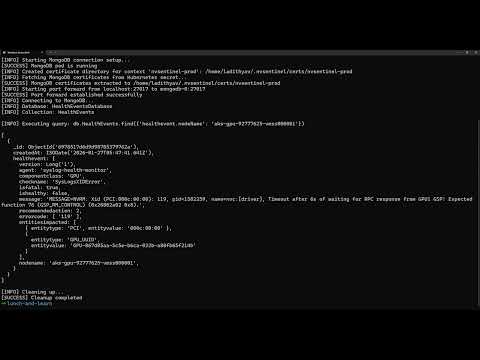
End-to-End |
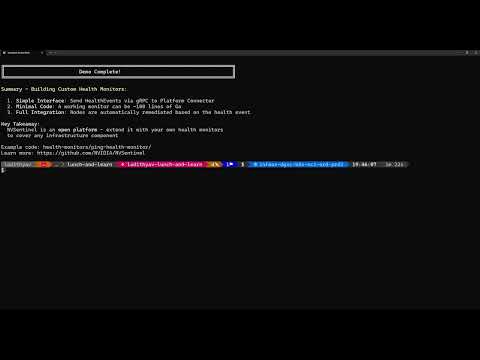
Custom Health Monitors |
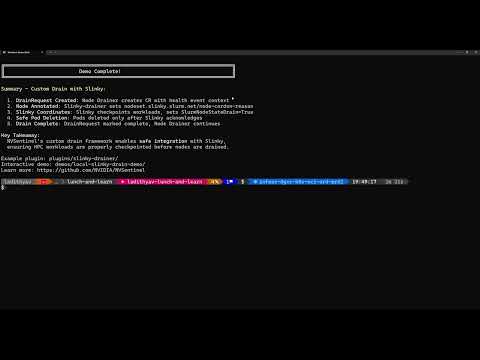
Custom Drain Plugins |
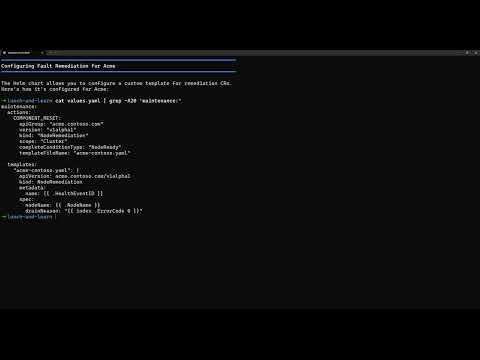
Extensible Remediation |
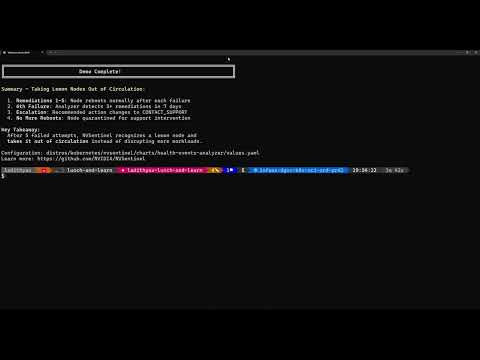
Health Events Analyzer |
See the demos directory for full descriptions.
Want to try NVSentinel without GPU hardware? Run our Local Fault Injection Demo:
- 🚀 5-minute setup - runs entirely in a local KIND cluster
- 🔍 Real pipeline - see fault detection → quarantine → node cordon
- 🎯 No GPU required - uses simulated DCGM for testing
cd demos/local-fault-injection-demo
make demo # Automated: creates cluster, installs NVSentinel, injects fault, verifies cordonValidated on NVIDIA Volta, Ampere, Hopper, Ada Lovelace and Blackwell architectures. See the GPU support for more information.
For more, including configuration options, external database setup, writing custom health checks, and operational runbooks, visit docs.nvidia.com/nvsentinel.
We welcome contributions! Here's how to get started:
Ways to Contribute:
- 🐛 Report bugs and request features via issues
- 🧭 See what we're working on in the roadmap
- 📝 Improve documentation
- 🧪 Add tests and increase coverage
- 🔧 Submit pull requests to fix issues
- 💬 Help others in discussions
Getting Started:
- Read the Contributing Guide for guidelines
- Check the Development Guide for setup instructions
- Browse open issues for opportunities
- 🐛 Bug Reports: Create an issue
- ❓ Questions: Start a discussion
- 🔒 Security: See Security Policy
- ⭐ Star this repository to show your support
- 👀 Watch for updates on releases and announcements
- 🔗 Share NVSentinel with others who might benefit
Apache License 2.0. See LICENSE.
Built with ❤️ by NVIDIA for GPU infrastructure reliability