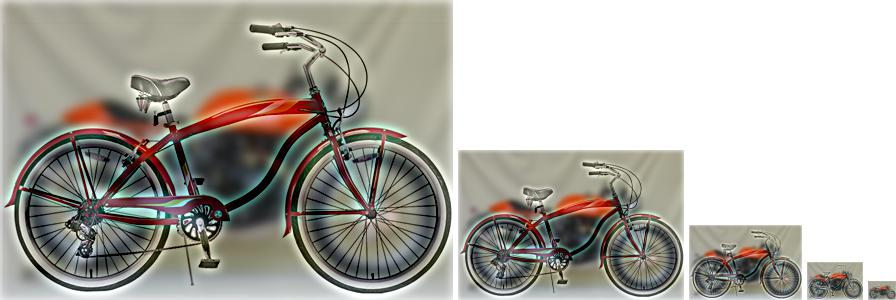
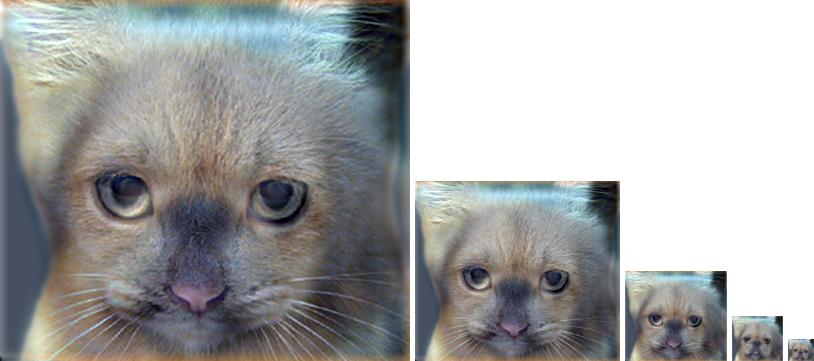
Introduction Image filtering and processing is the basic step in computer vision, thus in this project we are going to combine two images in a hybrid image.
1. We have the dimensions of the filter and the image
2. We make zero padding in both directions for the image with the size of rows/2
and columns/2
3. For r=1:no. Row in the image
1- for c=1:no. Column in the image
1. Make a small image which has indexes equal from the number of the
current row to the number of the current row + last index rows, the same
with columns, and this is done in all channels.
4. The output of the nested loop is the convoluted image.
1. Use the blur filter on one image to get the low frequencies
2. Blur the second image then subtract it from the original one to get the high
frequency content from it
3. Then add the two images to get the hybrid one.
4. All the hybrid images are generated using square gaussian filter
Hybrid images are done by combining two images and using a low pass filter on
one image and a high pass filter on the other.