This is a Pokemon battle simulator that allows players to choose their own Pokemon and battle against an opponent.
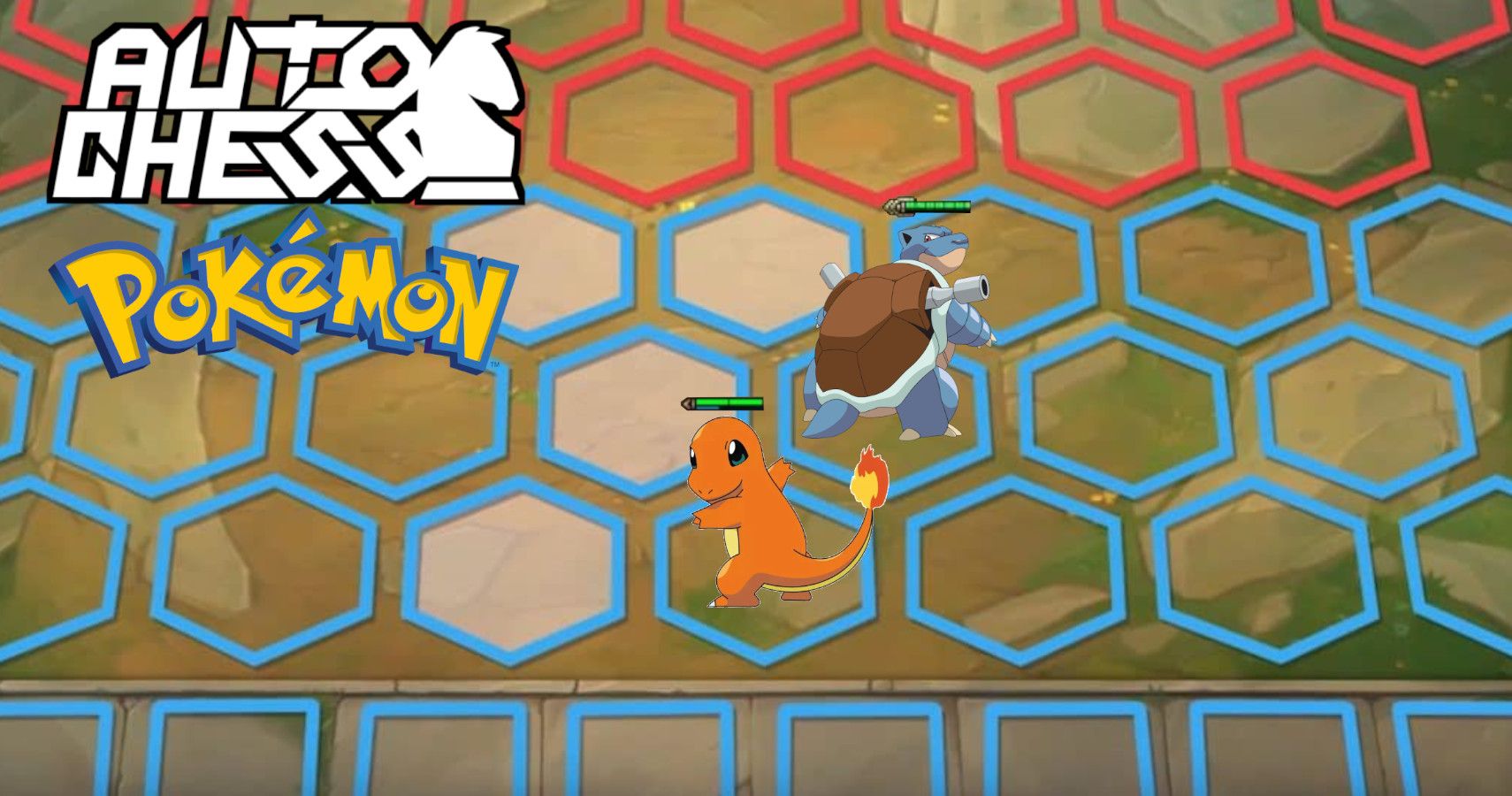

Intro: This is a Pokemon battle simulator that allows players to choose their own Pokemon and battle against an opponent. In this game, players will assemble a team of Pokémon and strategically position them on a battlefield to engage in automated battles against both AI-controlled opponents and other players. The goal is to provide an engaging, tactical experience that captures the essence of the Pokémon universe while offering a unique gameplay twist.
npm run build
or
yarn build
To run the project:**
npm run dev
https://naim08.github.io/Pokemon-TFT/
- HTML
- CSS
- JavaScript
- PIXI.js
Players can choose their own Pokemon from a list of available options.
One of the challenges faced while implementing this feature was ensuring that the selected Pokemon was added to the player's team and removed from the list of available options.
To overcome this challenge, I created a function that would add the selected Pokemon to the player's team and remove it from the list of available options.
function selectPokemon(pokemon) {
  // Add the selected Pokemon to the player's team
  playerTeam.push(pokemon);

  // Remove the selected Pokemon from the list of available options
  availablePokemon = availablePokemon.filter(p => p !== pokemon);
}Players can start a battle against an opponent by clicking the "Start Fight" button.
One of the challenges faced while implementing this feature was disabling the interactivity of the Pokemon objects on the board when the battle started.
To overcome this challenge, I created a function that would disable the interactivity of all Pokemon objects on the board when the "Start Fight" button was clicked.
function startFight() {
  // Disable interactivity of Pokemon objects on the board
  for (let row = 0; row < board.length; row++) {
    for (let col = 0; col < board[row].length; col++) {
      board[row][col].interactive = false;
    }
  }

  // Start the battle
  battle();
}
Feature 3: Find Shortest Path Players can find the shortest path between two points on the board.
Challenges Faced One of the challenges tilefaced while implementing this feature was finding the shortest path between two points on the board.
Solutions To overcome this challenge, I used the FindShortestPath class to calculate the shortest path between two points on the board.
const path = new FindShortestPath(matrix);
const shortestPath = path.findShortestPath(startRow, startCol, endRow, endCol);The mask.js file is used to create masks for the tileset. Basically mask.js is a JavaScript file that is used to create masks for a tileset. It exports a Masker class that has a mask8bits method which takes a matrix, row, and column as arguments and returns a mask value based on the surrounding values in the matrix. The IdTable object contains the mapping of mask values to their corresponding mask types. The masks are used to determine how tiles in the tileset should be rendered based on their surrounding tiles.
One of the challenges faced while implementing this feature was understanding how the masks were created and used in the tileset.
MaskCoordinate is a class in mask.js that represents a coordinate on the tileset. It has x and y properties that represent the x and y coordinates of the tile.
Masker is a class in mask.js that is used to create masks for the tileset. It has a mask8bits method which takes a matrix, row, and column as arguments and returns a mask value based on the surrounding values in the matrix. The IdTable object contains the mapping of mask values to their corresponding mask types. The masks are used to determine how tiles in the tileset should be rendered based on their surrounding tiles.
Here's an example:
import { Masker } from './mask.js';

const masker = new Masker();

function getTileMask(matrix, row, col) {
  const mask = masker.mask8bits(matrix, row, col);
  return mask;
}

export { getTileMask };
In this example, getTileMask is a function that takes a matrix, row, and column as arguments and returns the mask value for the tile at that position in the matrix. The masker instance of Masker is used to calculate the mask value using the mask8bits method.
The IdTable object in mask.js is used to map the 8-bit mask values to their corresponding mask types. The mask values are calculated by the mask8bits method of the Masker class based on the surrounding values in the matrix. The IdTable object contains the mapping of mask values to their corresponding mask types, which are used to determine how tiles in the tileset should be rendered based on their surrounding tiles.
For example, if the mask value is 0b0011, which means that the tile has a neighbor to the north and east, the corresponding mask type is Mask.AB1. The IdTable object contains the mapping of 0b0011 to Mask.AB1, so the mask8bits method returns Mask.AB1 for this mask value.
Here's an example of how the IdTable object is used in mask.js:
export const IdTable = {
  0: Mask.NONE,
  1: Mask.A1,
  2: Mask.B1,
  4: Mask.C1,
  8: Mask.D1,
  3: Mask.AB1,
  5: Mask.AC1,
  9: Mask.AD1,
  6: Mask.BC1,
  10: Mask.BD1,
  12: Mask.CD1,
  7: Mask.ABC1,
  11: Mask.ABD1,
  13: Mask.ACD1,
  14: Mask.BCD1,
  15: Mask.ABCD1,
  // ...
};

export class Masker {
  mask8bits(matrix, row, col) {
    let m = 0;
    const v = matrix[row][col];
    m |= this.eq(matrix, row - 1, col, v) << 0;
    m |= this.eq(matrix, row, col + 1, v) << 1;
    m |= this.eq(matrix, row + 1, col, v) << 2;
    m |= this.eq(matrix, row, col - 1, v) << 3;
    m |= (m & 0b0011) == 0b0011 ? this.eq(matrix, row - 1, col + 1, v) << 4 : 0;
    m |= (m & 0b0110) == 0b0110 ? this.eq(matrix, row + 1, col + 1, v) << 5 : 0;
    m |= (m & 0b1100) == 0b1100 ? this.eq(matrix, row + 1, col - 1, v) << 6 : 0;
    m |= (m & 0b1001) == 0b1001 ? this.eq(matrix, row - 1, col - 1, v) << 7 : 0;
    return IdTable[m];
  }
}
In this example, the mask8bits method of the Masker class calculates the mask value based on the surrounding values in the matrix and returns the corresponding mask type using the IdTable object.

Plays sound depennding stage in the game
- Allow online play
Make sure to allot enough time to write your README and use proper Markdown formatting. You can refer to the links provided in the prompt for helpful resources on Markdown syntax and examples of great READMEs.