A fast, lightweight SQLite database viewer TUI built with Python and Textual.
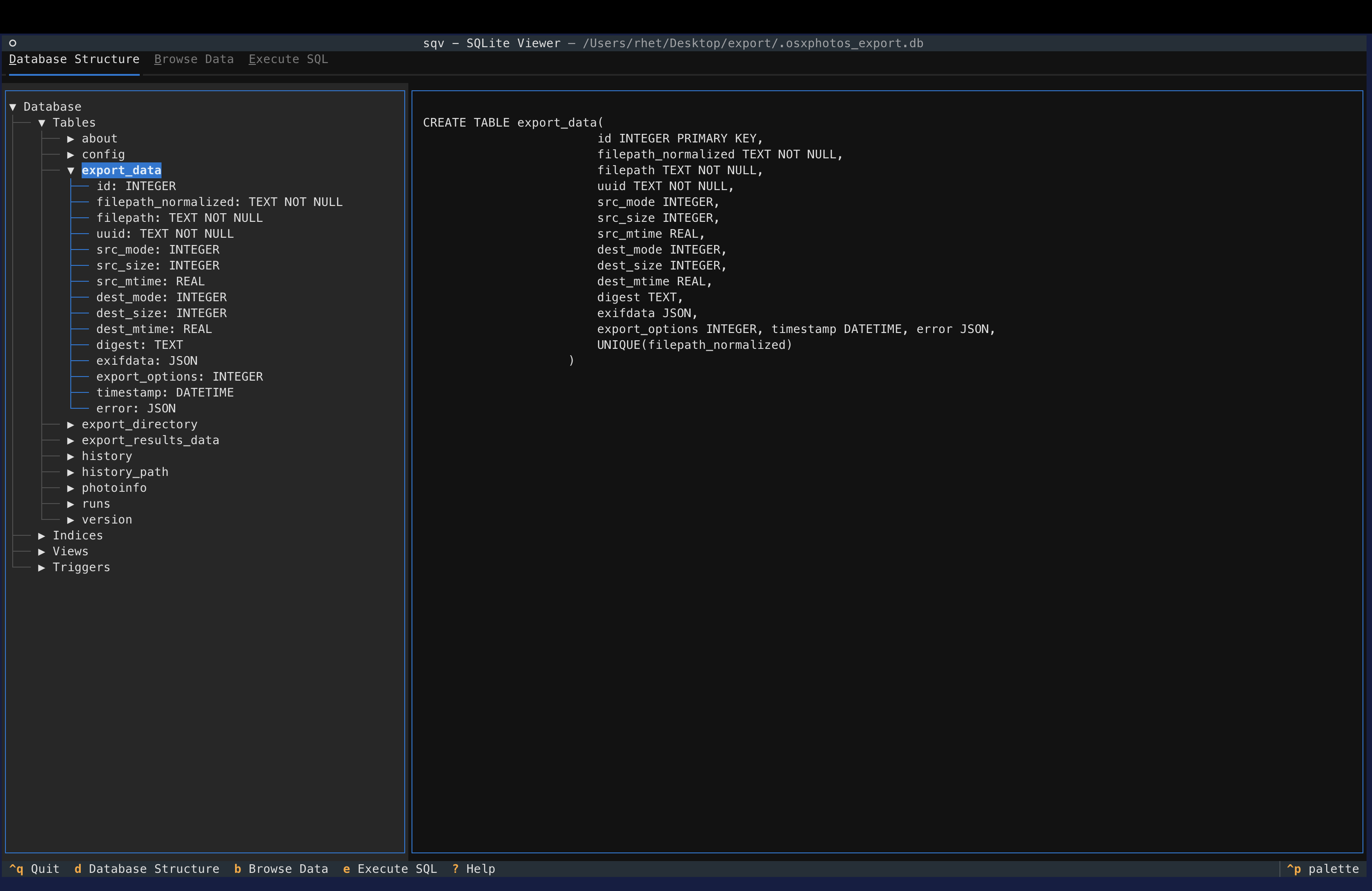
- Database Structure Tab: Browse tables, indices, views, and triggers with their SQL definitions
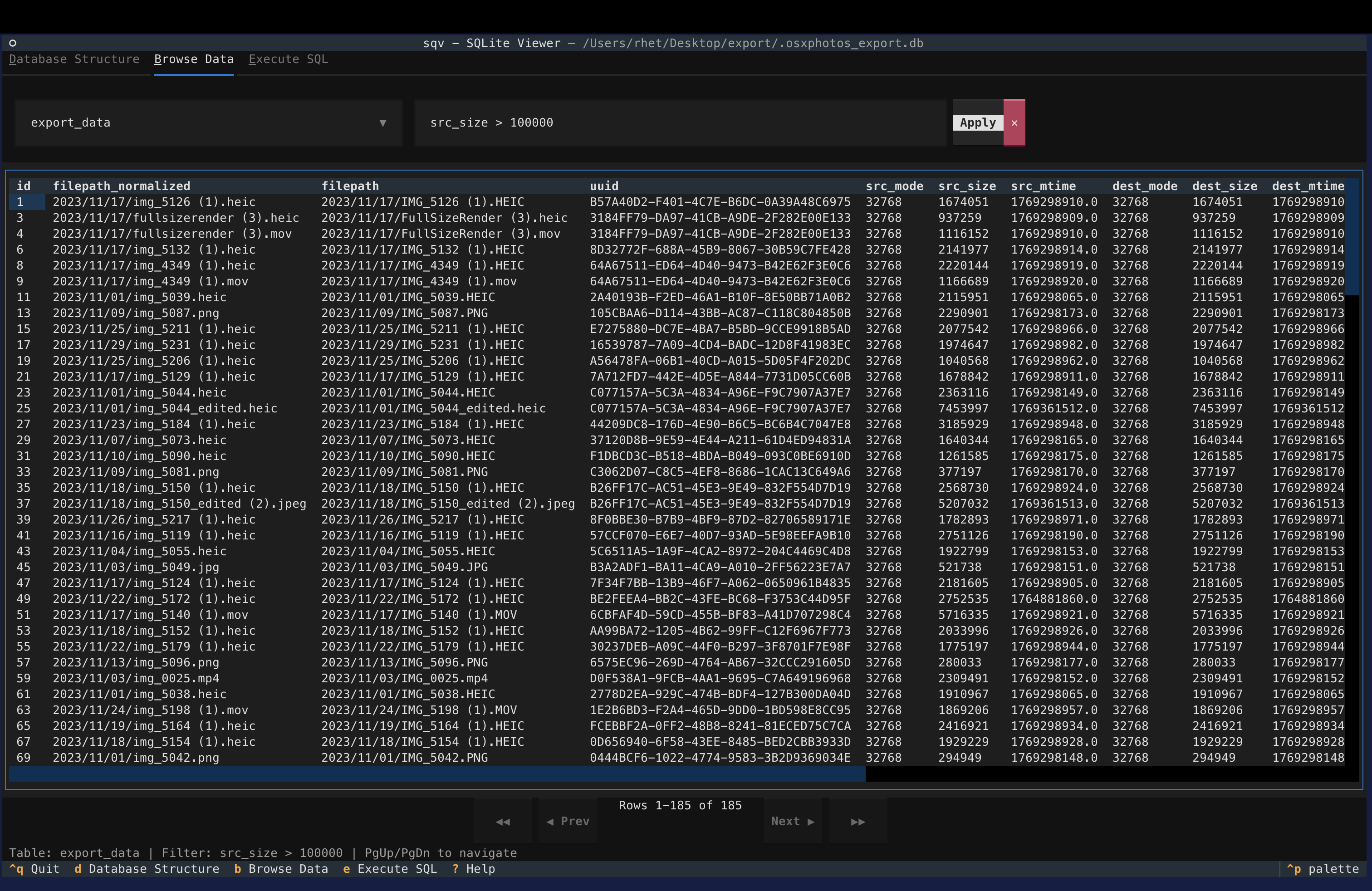
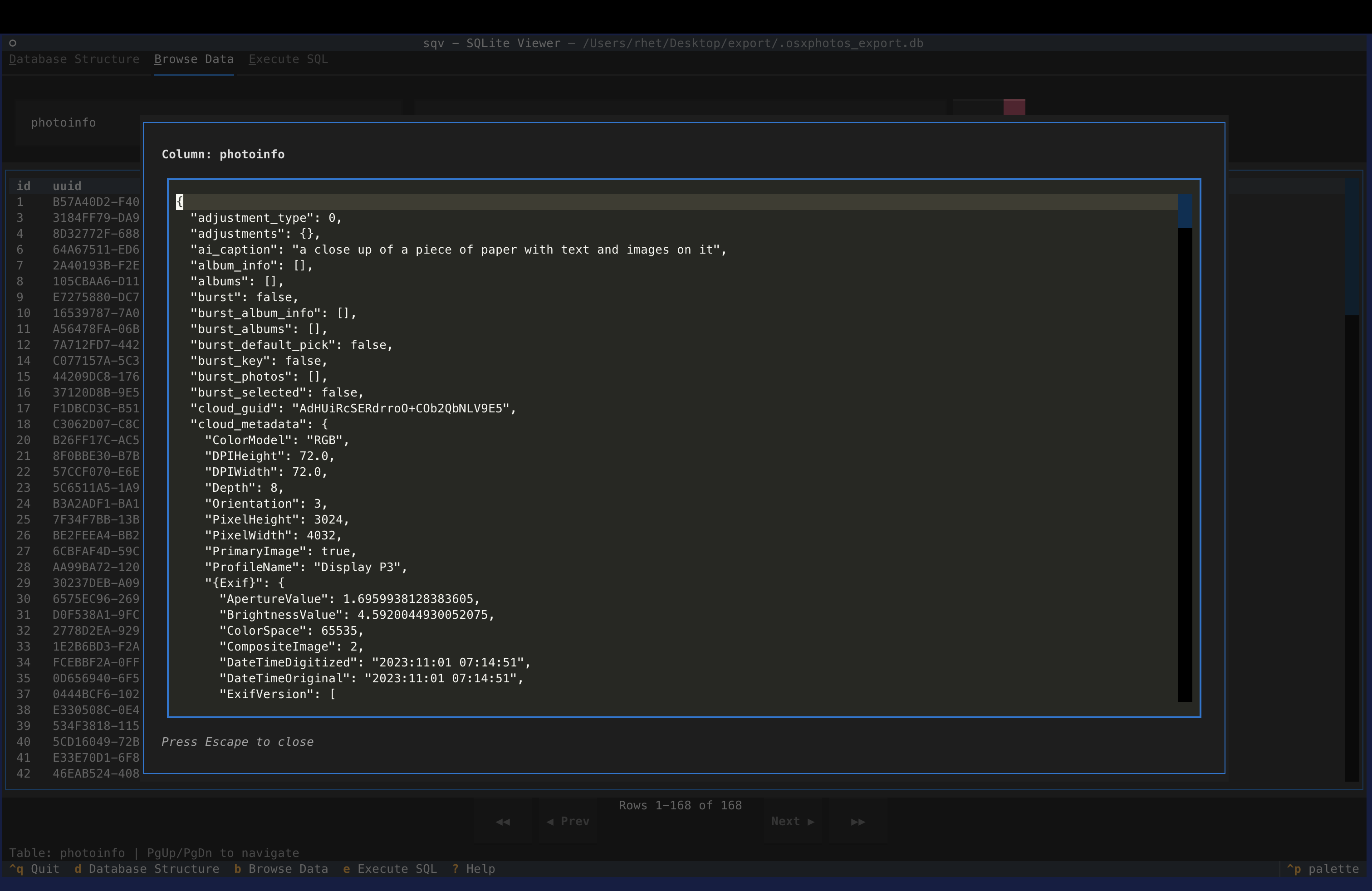
- Data Tab: View table data with sorting and filtering
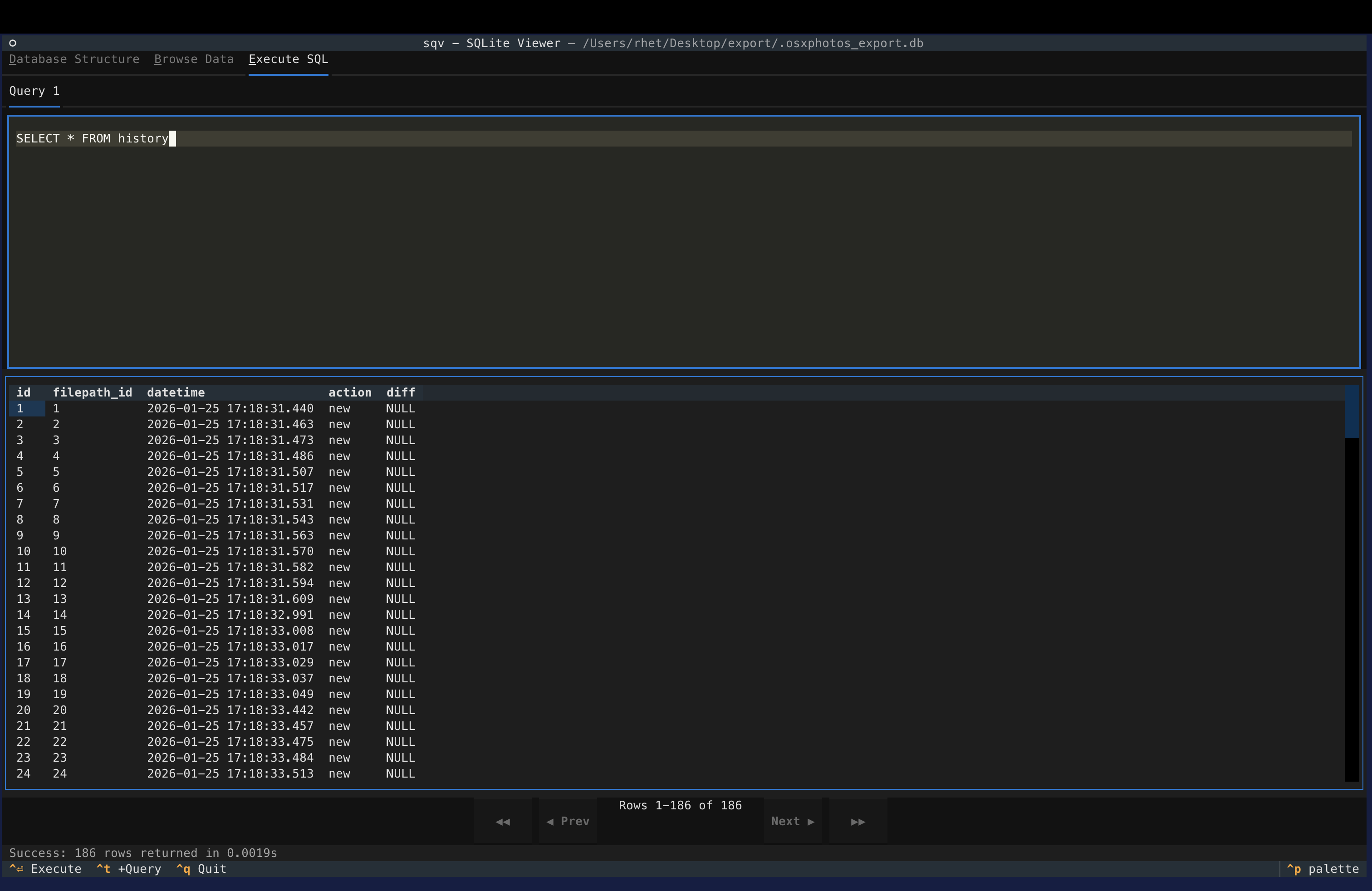
- Execute SQL Query Tab: Execute arbitrary SQL queries
I recommend installation with uv.
uv tool install sqvOr to run without installing:
uv tool run sqv <database.db>To install from source:
git clone git@github.com:RhetTbull/sqv.git
uv syncsqv <database.db>| Key | Action |
|---|---|
| d | Go to Database Structure tab |
| b | Go to Browse Data tab |
| e | Go to Execute SQL tab |
| Ctrl+q | Quit |
| Ctrl+Enter | Execute SQL (in SQL tab) |
| ? | Show help |
sqv is not intended to be a full SQL IDE. I built it to do exactly the things I wanted and nothing else. If you find sqv doesn't suit your needs, you might find one of these more full featured alternatives does: