




ShieldClimb's Replace WooCommerce variation dropdowns with variation radio buttons for better UX, faster selection, and higher conversions. No coding needed!
- Upload and Install: Upload the plugin and install it in WordPress.
- Activate: Click activate.
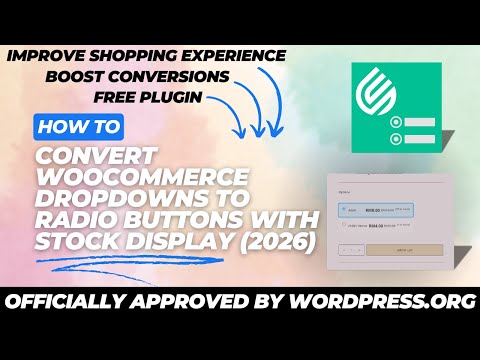
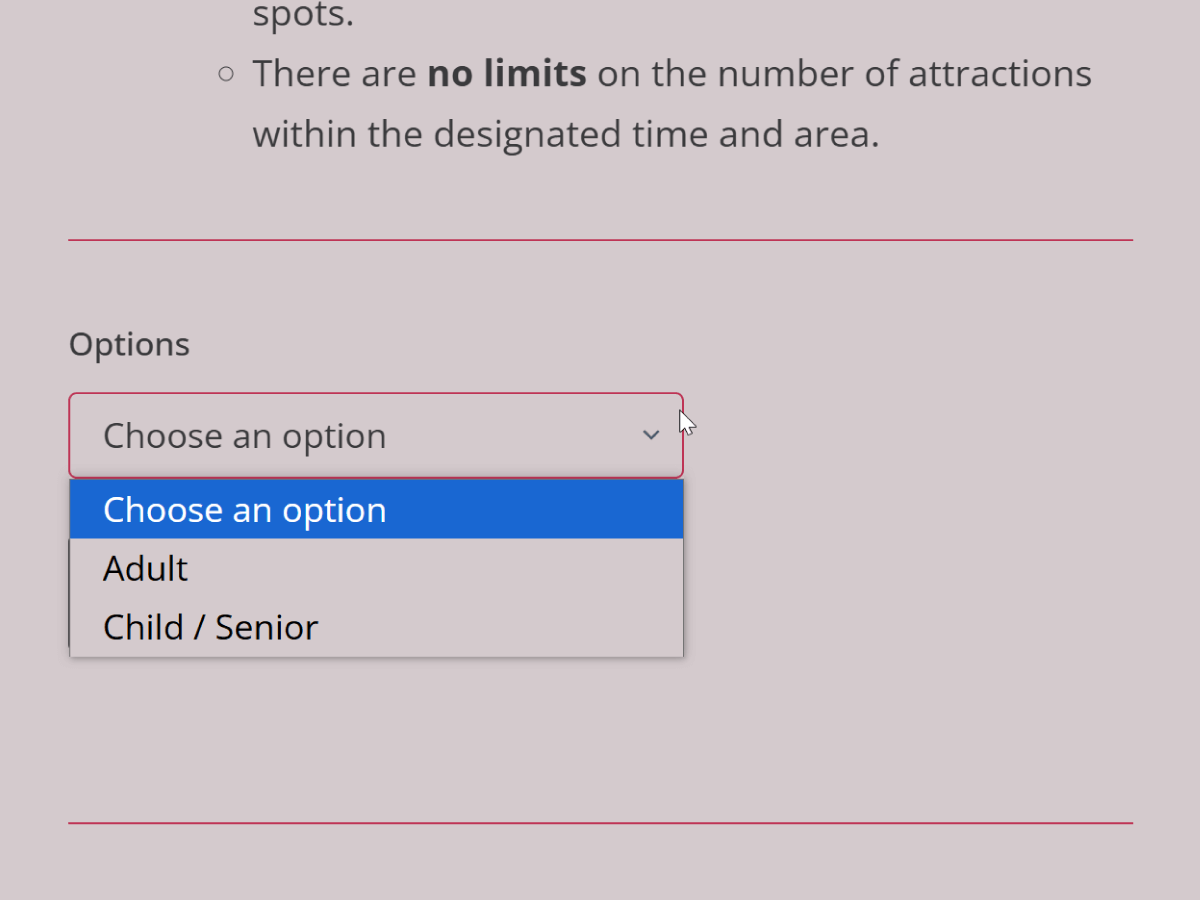
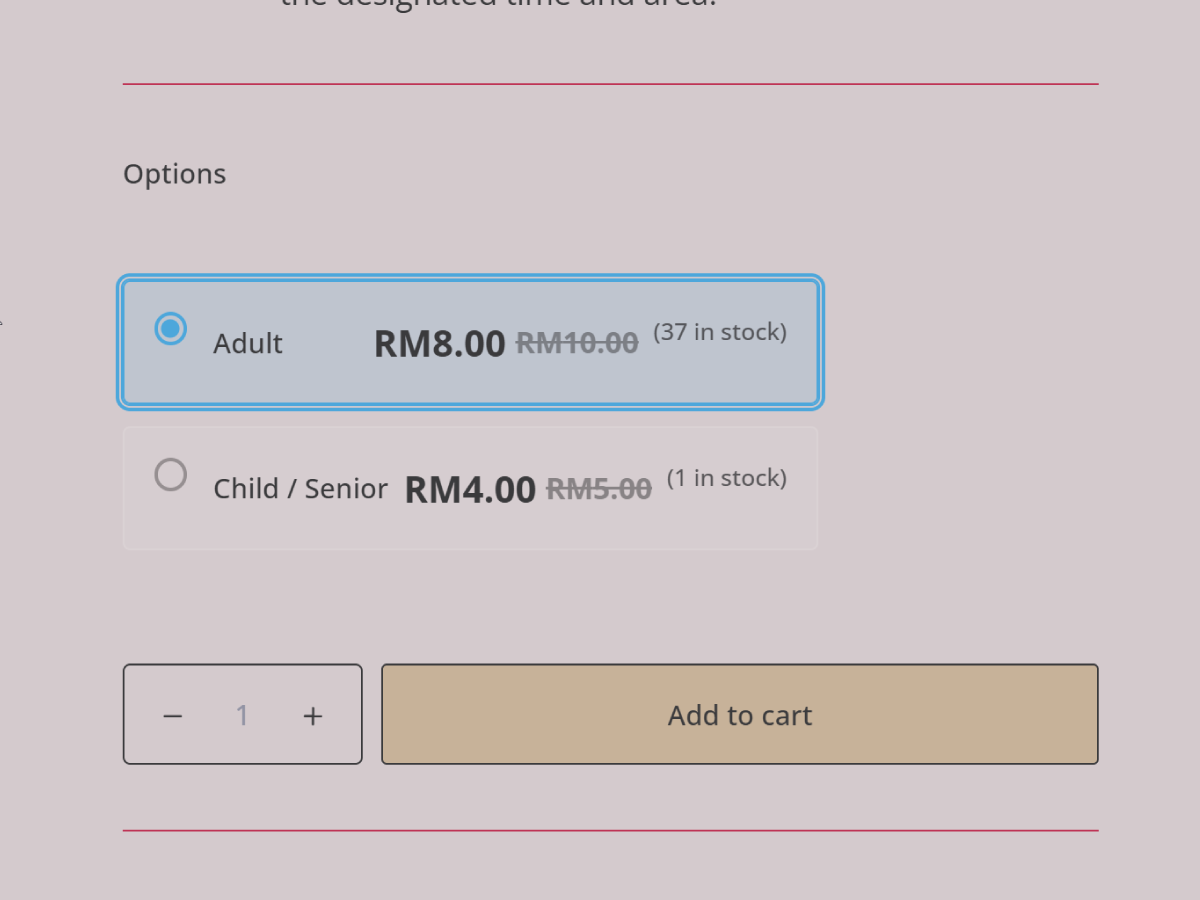
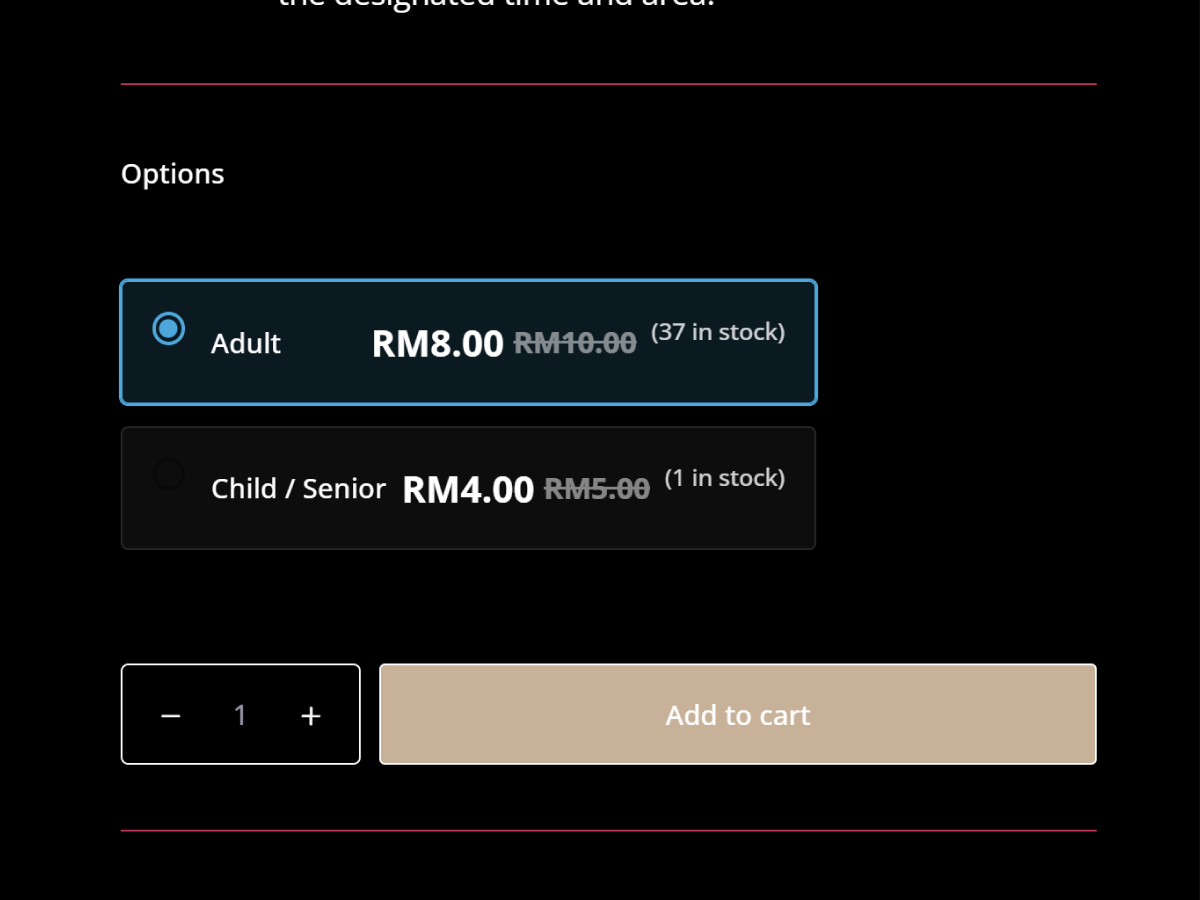
- Convert Variation Dropdowns to Radio Buttons: Improve UX and increase conversions.
- Show Price per Variation: Make pricing transparent for buyers.
- Display Stock Levels: Let customers see stock availability instantly.
- Works with All Product Types: Supports simple and variable products.
- Easy to Install: No coding required.
- Mobile-Friendly & Responsive: Works perfectly on all devices.
- Fast & Lightweight: Won’t slow down your website.
- 100% Full Code – No Upsells or Pro Features: Unlike other plugins, this is a completely free solution with no locked features, no upsells, and no pro versions. You get the full functionality right out of the box!
- Regular Updates & WooCommerce Compatibility: WooCommerce is constantly evolving, and outdated plugins can cause conflicts, bugs, or security issues. That’s why this plugin is regularly updated to ensure seamless compatibility with the latest versions of WooCommerce, WordPress, and PHP.
- Fixed: Added full compatibility with WooCommerce High-Performance Order Storage (HPOS) and Cart & Checkout Blocks. This ensures smooth operation and removes any warnings on stores using the latest WooCommerce features
- Updated: Tested up to WooCommerce 10.5.2
- Updated: Tested up to WordPress 6.9 and WooCommerce 10.4.3
- Fixed: Issue where variations show as out of stock when the parent product has stock management disabled.
- Updated: Readme file to include tutorial video link.
- Fixed: Strike price/sale price order in Blocksy theme & font size inconsistency in Kadence theme.
- Improved: Vertical centering for radio buttons.
- Updated: Updated with wp_enqueue commands, improve js and css. Improved UX: full radio option clickability and light/dark theme adaptation.
- Updated: Tested up to WordPress 6.8 and WooCommerce 9.8.1
- Initial release
We welcome contributions! If you'd like to improve this plugin, feel free to submit a pull request.
- GitHub Repository – Submit issues or PRs.
- Support Forum – Get help with setup or troubleshooting.
- Documentation – Read detailed guides.
Released under GPLv2 or later. See LICENSE for details.
- ShieldClimb Free Woocommerce Plugins – Explore more free plugins.
- Variation Radio Buttons – Blog Post – Learn more about this feature.
- High-Risk Card Payment Gateway – Secure payment processing for high-risk businesses.
- Crypto Payment Gateway – Secure and seamless crypto payment gateway for fast, global transactions with low fees.
- ShieldClimb Homepage – Explore all our services and solutions.