- The Blockchain a special, secure but open public record of digital items, assets, tools and info that are safely stored in groups that are linked together. Therefore, everyone knows exactly what the ownership and history is without centralized control or much risk of manipulation.
- A smart contract is a program with set of rules to infallibly carry out some interaction with a blockchain.
- A script essentially reads a part of the blockchain. A transaction actually involves a payment but makes some sort of change and addition to the blockchain
- The 5 Pillars of the Cadence smart contract programming language are: safety & security, clarity, approachability, developer experience, and resource oriented programming.
- Essentially every pillar is in someway related to creating a safe, easy and scalable blockchain smart contract language.
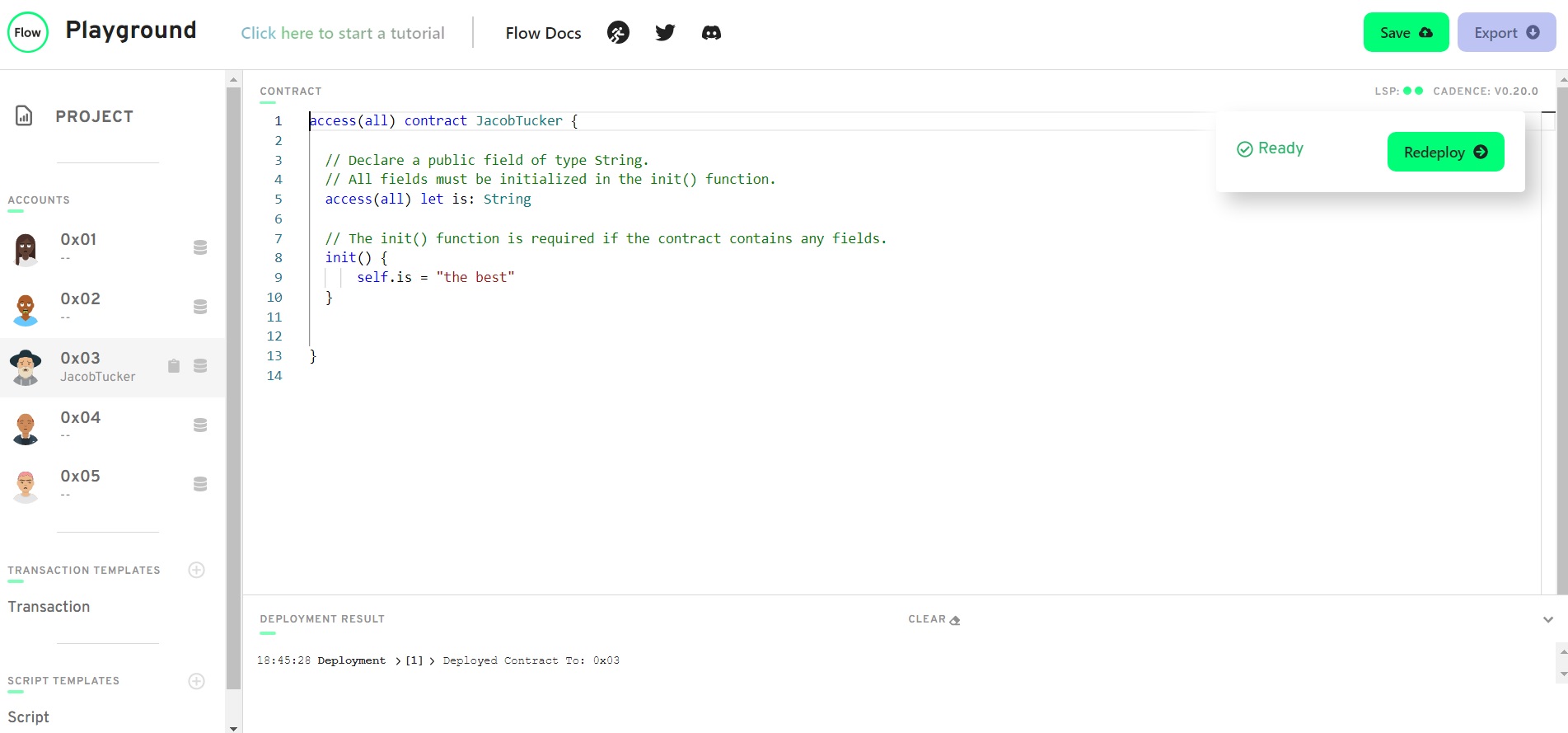
access(all) contract JacobTucker {

  // Declare a public field of type String.
  // All fields must be initialized in the init() function.
  access(all) let is: String

  // The init() function is required if the contract contains any fields.
  init() {
      self.is = "the best"
  }

}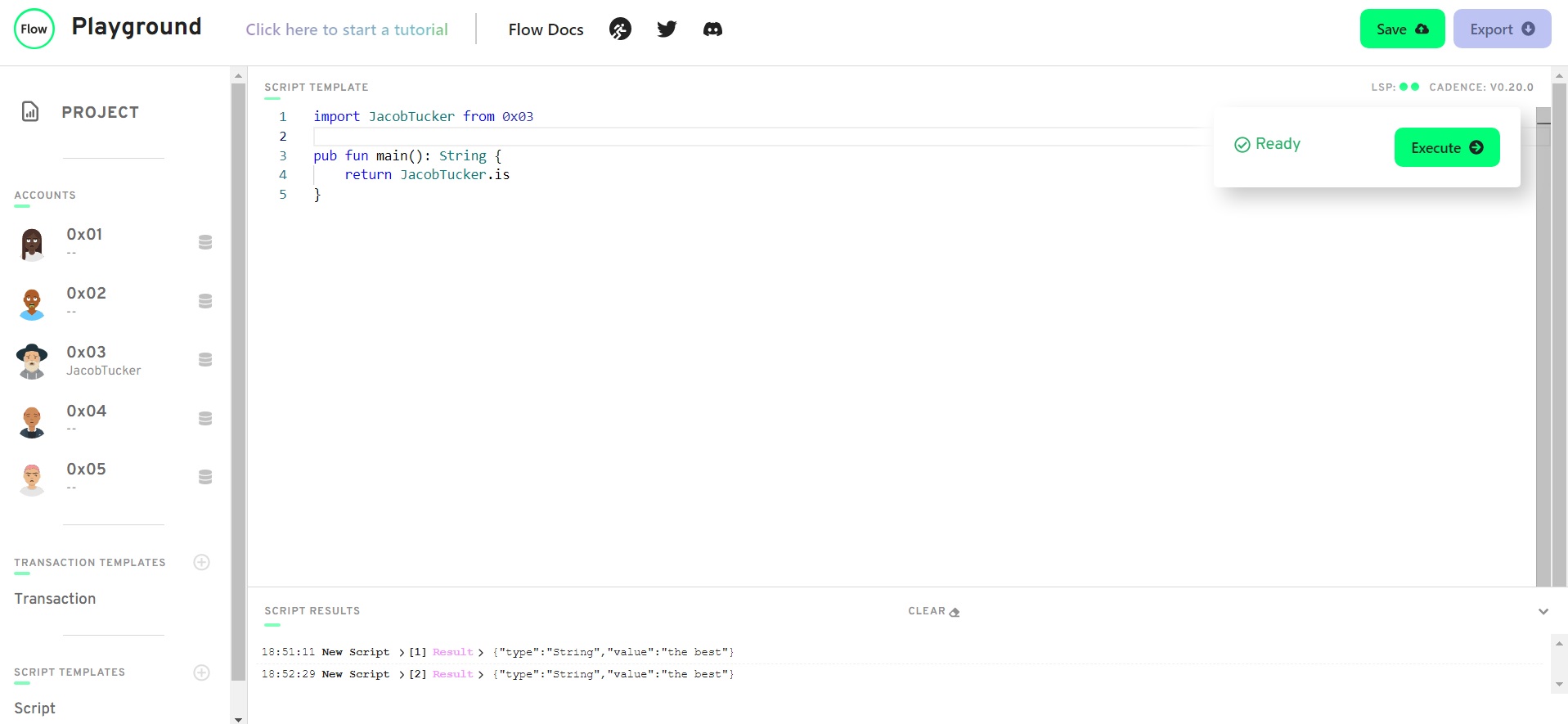
import JacobTucker from 0x03

pub fun main(): String {
    return JacobTucker.is
}- We would not call changeGreeting in a script because changeGreeting is a function in the execute phase of a transaction. A script only reads and returns information on the blockchain.
- In the prepare phase of a transaction AuthAcct gives the ability to read the data in the account; and that is taken in once the user pays for and signs/approves a transaction.
- The prepare phase is used to get the information and data of the user/signer's account, via AuthAcct (which can only be used in the prepare phase). Changes can also be made in the prepare phase, but that is not a good practice as can make things less clear. The execute phase of the transaction is where changes to the blockchain should be made/executed if rules of the smart contract are met.
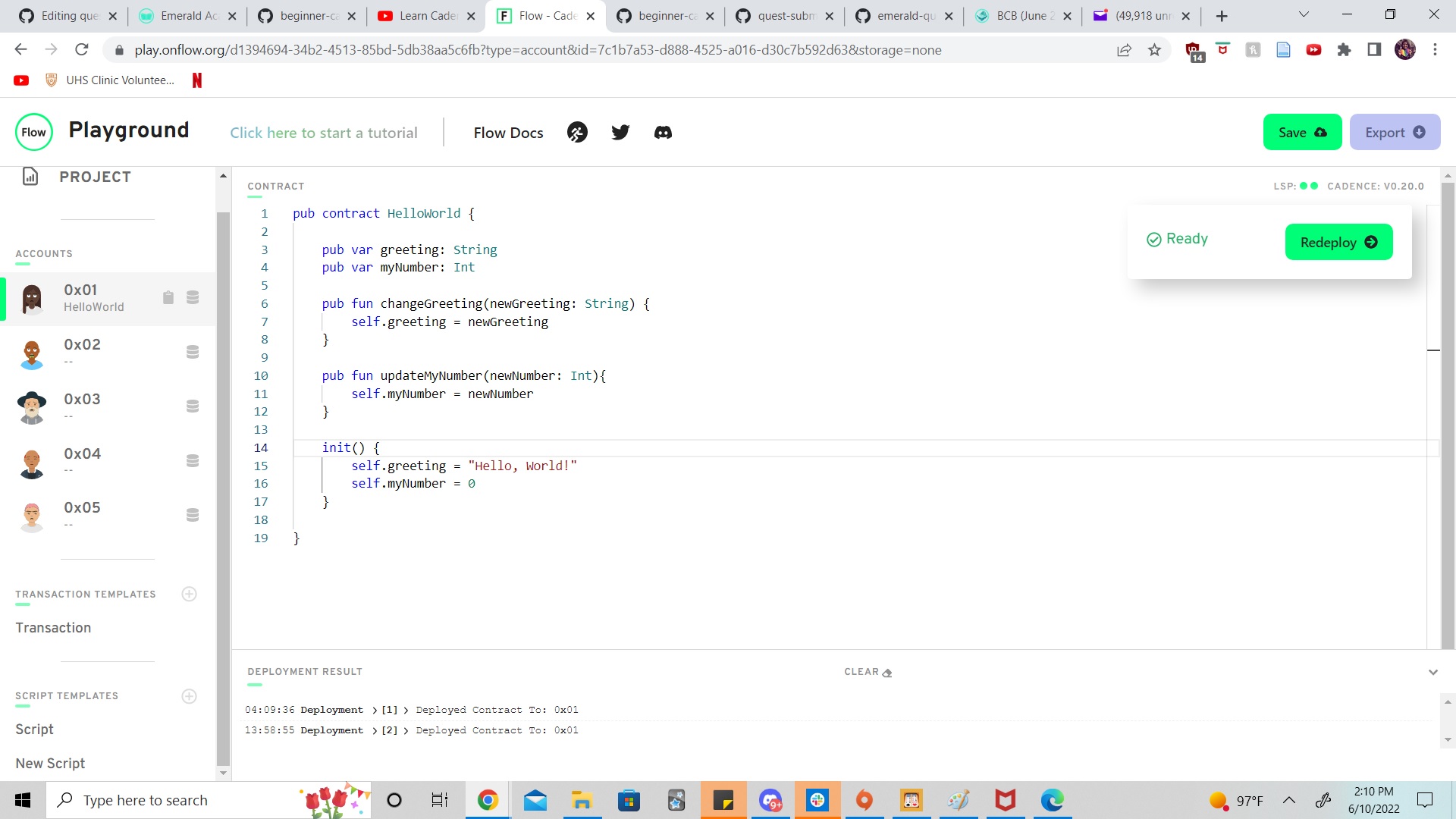
pub contract HelloWorld {

    pub var greeting: String
    pub var myNumber: Int

    pub fun changeGreeting(newGreeting: String) {
        self.greeting = newGreeting
    }

    pub fun updateMyNumber(newNumber: Int){
        self.myNumber = newNumber
    }

    init() {
        self.greeting = "Hello, World!"
        self.myNumber = 0
    }

}
wanted to do a script that passed in the int and string but know I need a different structure for that.
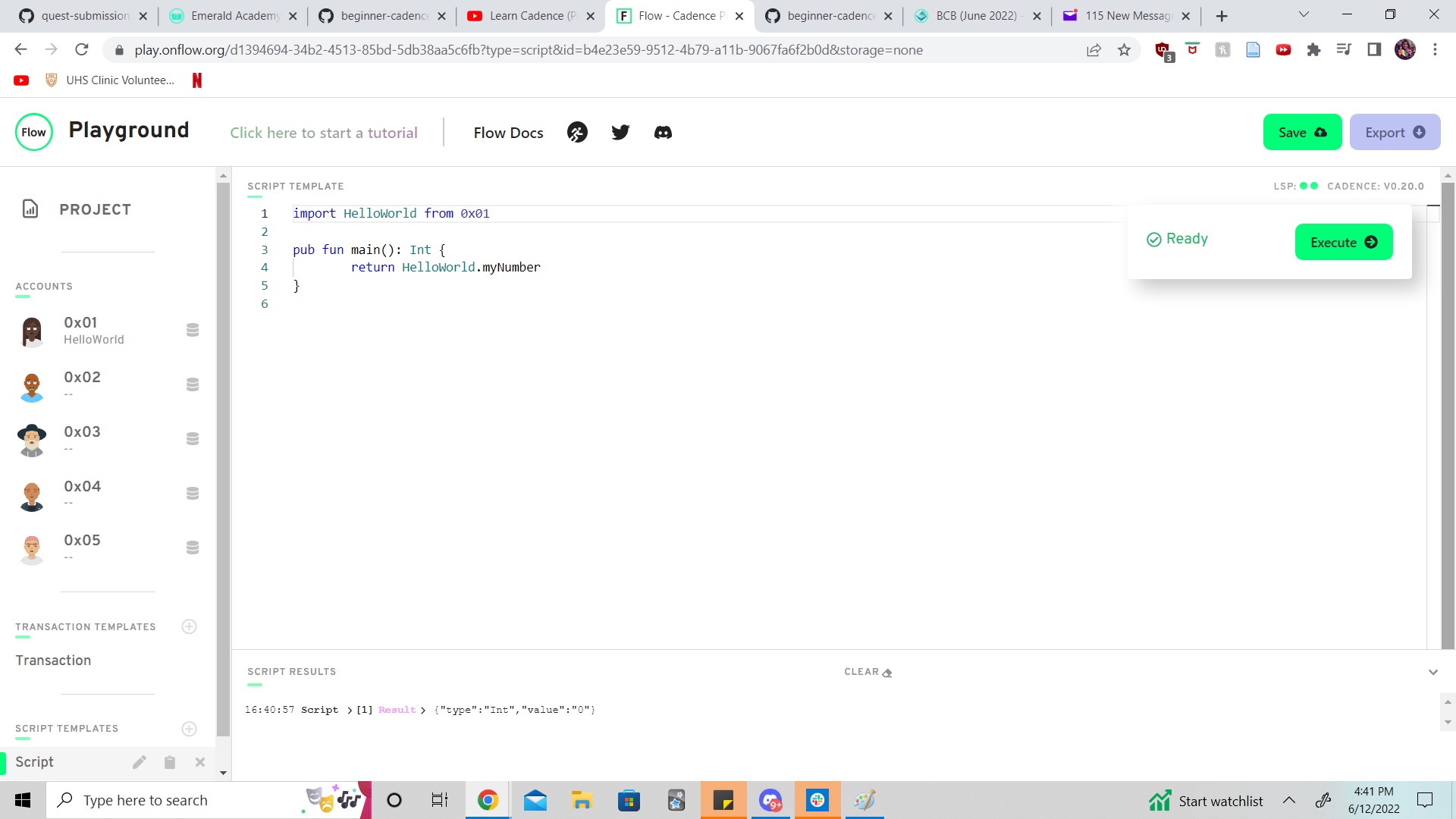
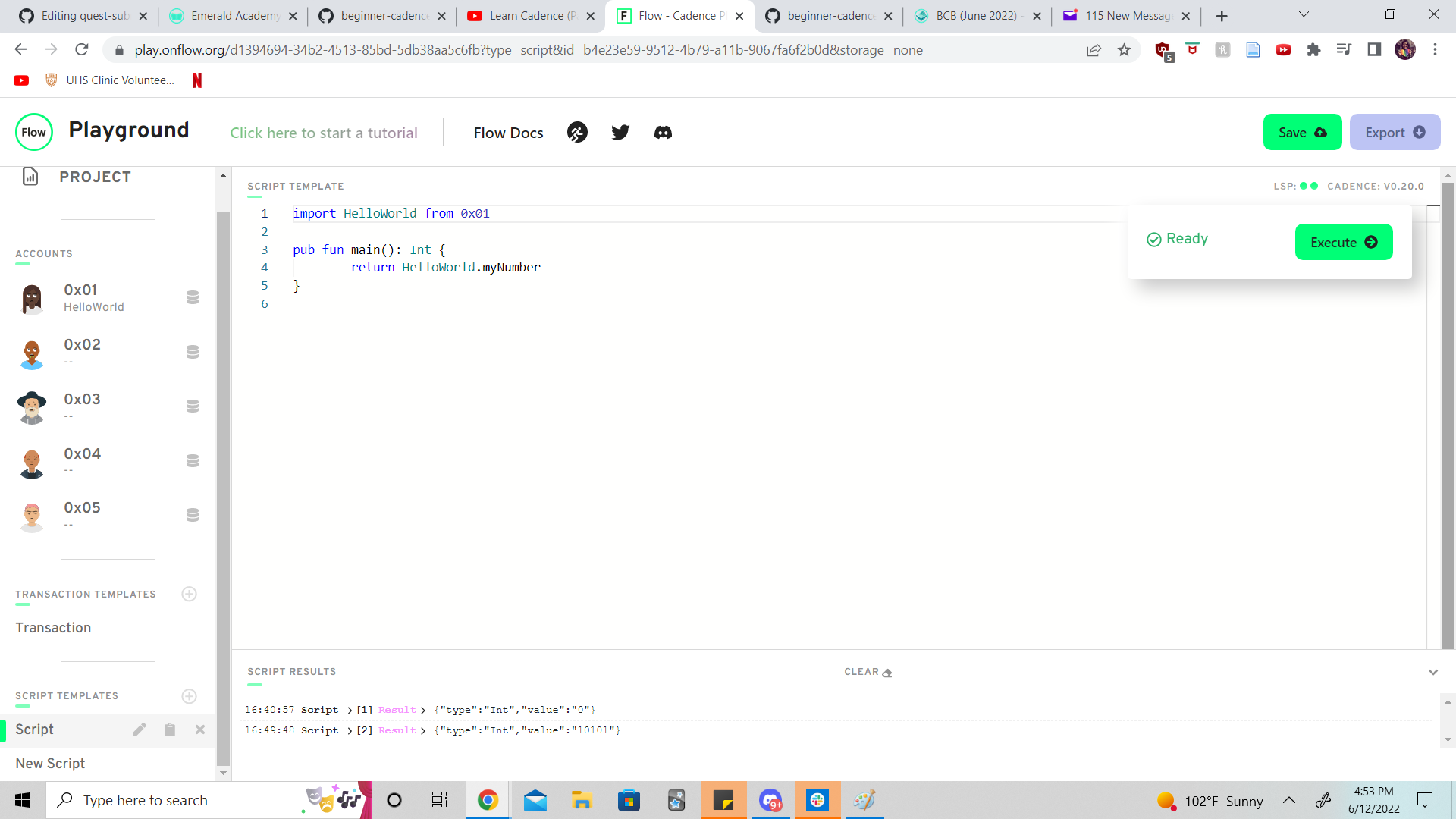
import HelloWorld from 0x01

pub fun main(): Int {
        return HelloWorld.myNumber
}
Executed transaction to change number (did not display anything in results in playground)
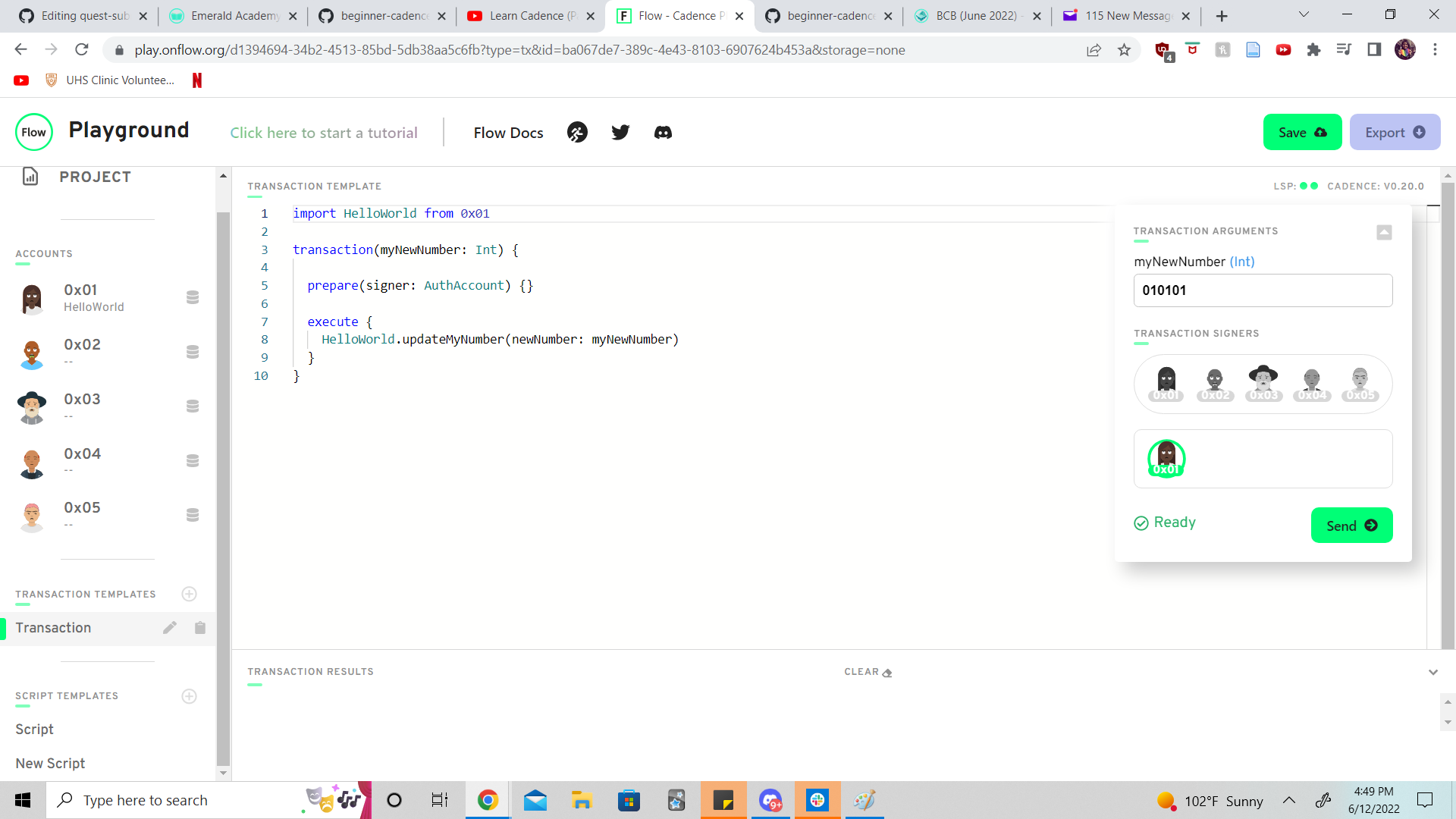
import HelloWorld from 0x01

transaction(myNewNumber: Int) {

  prepare(signer: AuthAccount) {}

  execute {
    HelloWorld.updateMyNumber(newNumber: myNewNumber)
  }
}
Ran script again to confirm successfully changed number
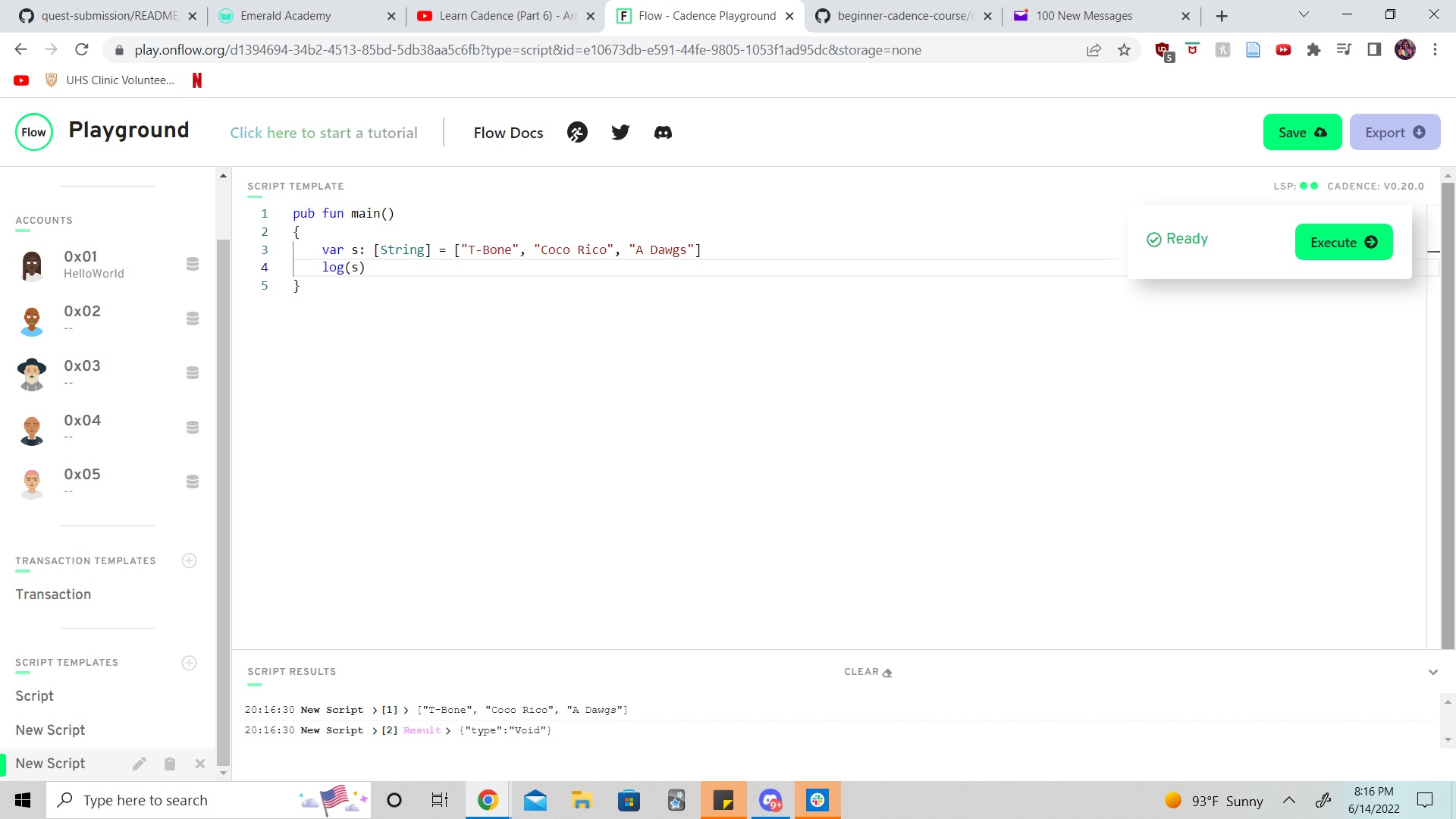
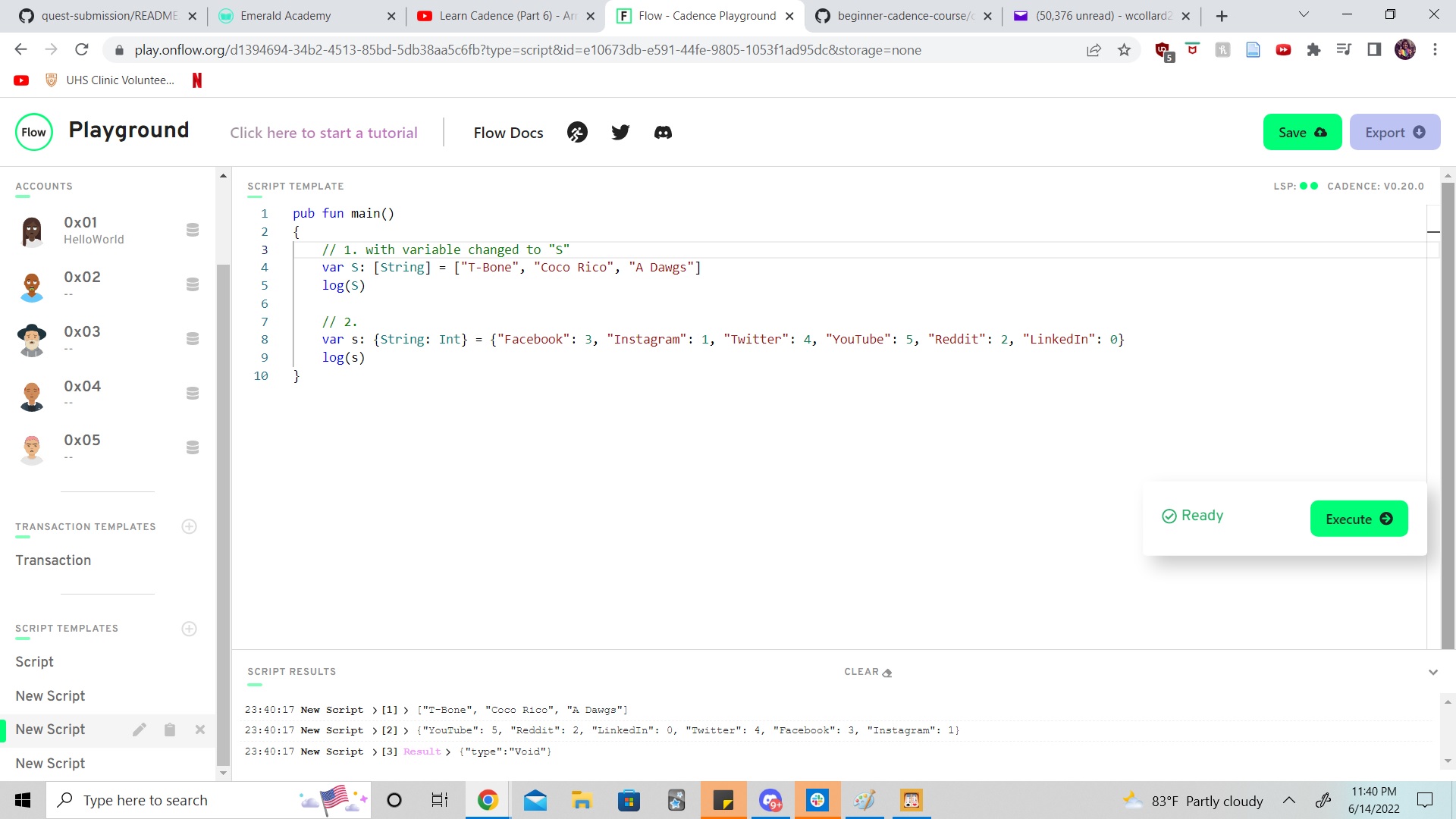
pub fun main()
{
   var s: [String] = ["T-Bone", "Coco Rico", "A Dawgs"]
   log(s)
}
pub fun main()
{
    // 1. with variable changed to "S"
    var S: [String] = ["T-Bone", "Coco Rico", "A Dawgs"]
    log(S)

    // 2.
    var s: {String: Int} = {"Facebook": 3, "Instagram": 1, "Twitter": 4, "YouTube": 5, "Reddit": 2, "LinkedIn": 0}
    log(s)
}- Dictionaries when accessed by a function return an optional value
?as either the return type (String, Int, or Address) or returns null/nil/void if there is no key, value or index or unexpected variable. We can use the force unwrap opperator!to remove/force unwrap the optional. The panic feature?? panic("Not today boo")can also by used as an alternative to more specifically locate where an error occured. Anothere option is to make the return type of the function optional
I added this code to the script and ran - retured void...
  //3.
    pub fun main2(): Address?
{
    let peeps: {Int: Address} = {1: 0x01, 2: 0x02, 3: 0x03}
    return peeps [1]
}
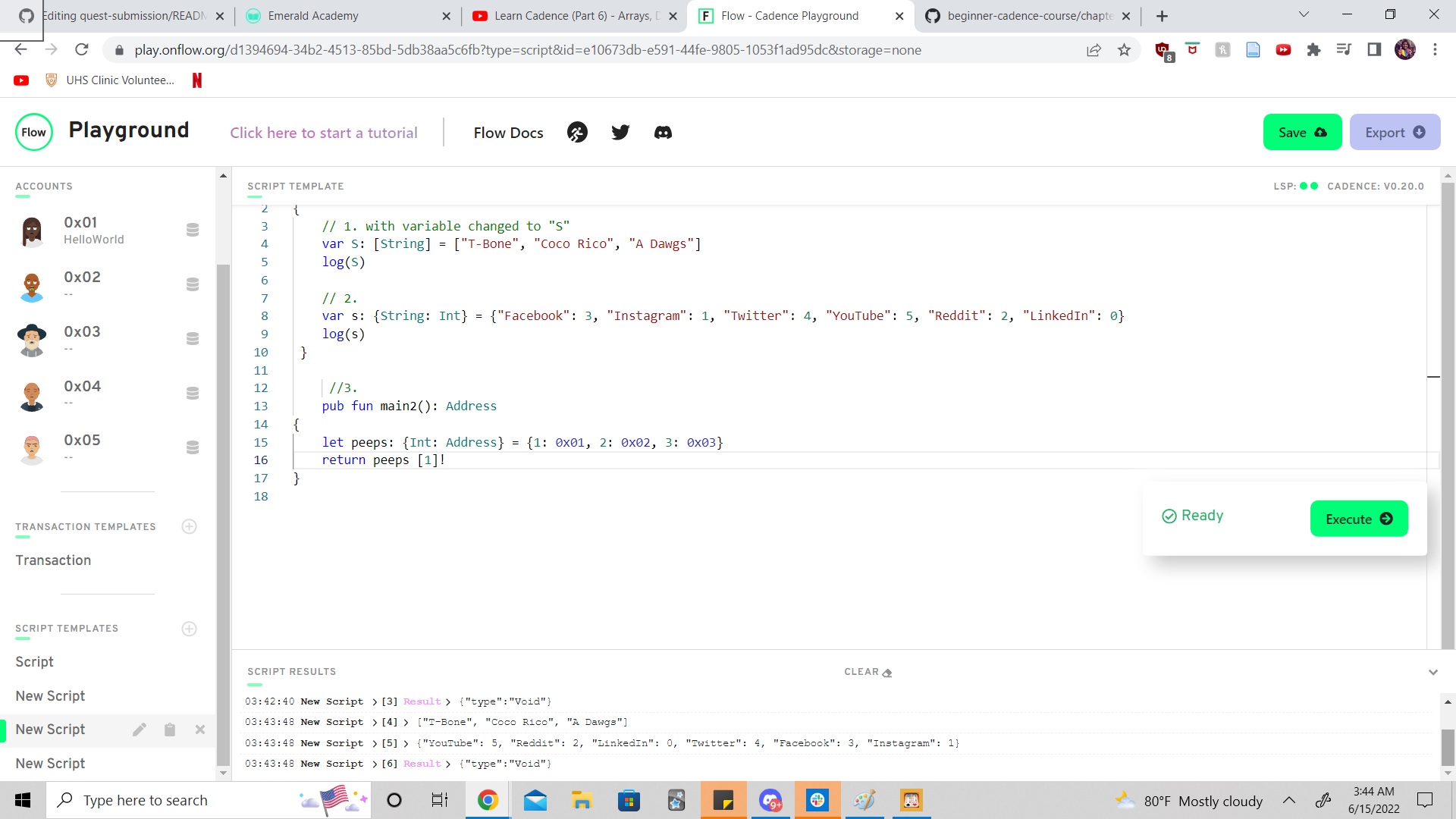
to use the unwrap opperator I changed to this, ran script and took screen shot:)
  //3.
    pub fun main2(): Address
{
    let peeps: {Int: Address} = {1: 0x01, 2: 0x02, 3: 0x03}
    return peeps [1]!
}
- It means we messed up doing something with a dictionary most likely. The function calling the dictionary returns a optional value
String?therefore doesn't match unwrappped value type stored in dictionaryStringso returns this mismatched type error. To fix we can make String optionalpub fun main (): String? {Or leaveStringin that first line and add unwrap opperation to end of line 3:return thing[0x03]!A 3rd option is to add panic option to that line:return thing[0x03]?? panic("Error Returning thing value")
Contract:
pub contract GoldenIdolsQuest {

    pub var teams: {Int: Teams}

    pub struct Teams {
        pub let flovs: String
        pub let points: Int
        pub let place: Int

        init(_flovs: String, _points: Int, _place: Int) {
            self.flovs = _flovs
            self.points = _points
            self.place = _place

        }
    }

    pub fun addTeam(flovs: String, points: Int, place: Int) {
        let newTeam = Teams(_flovs: flovs, _points: points, _place: place)
        self.teams[place] = newTeam
    }

    init() {
        self.teams = {}
    }

}
Transaction:
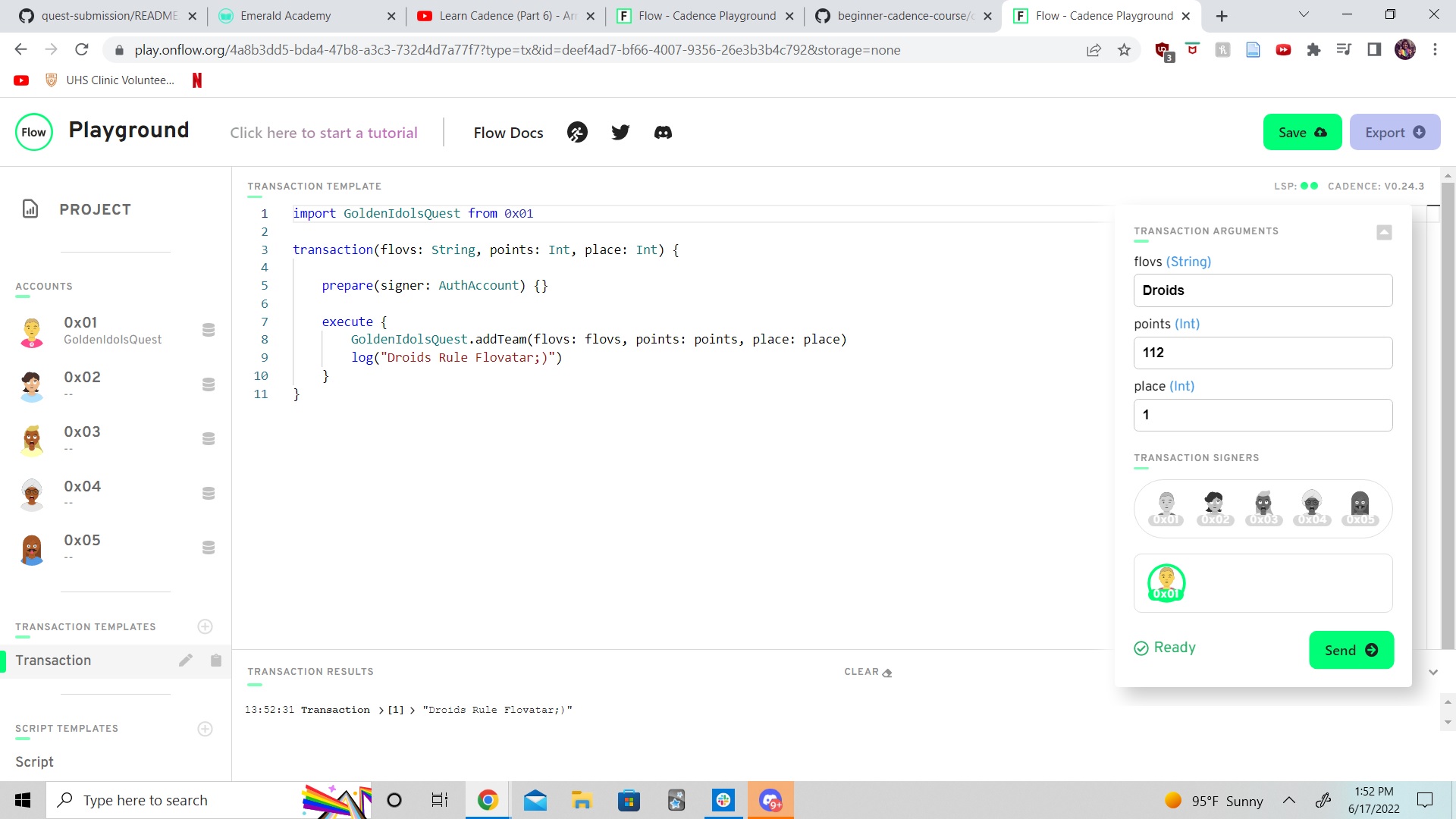
import GoldenIdolsQuest from 0x01

transaction(flovs: String, points: Int, place: Int) {

    prepare(signer: AuthAccount) {}

    execute {
        GoldenIdolsQuest.addTeam(flovs: flovs, points: points, place: place)
        log("Droids Rule Flovatar;)")
    }
}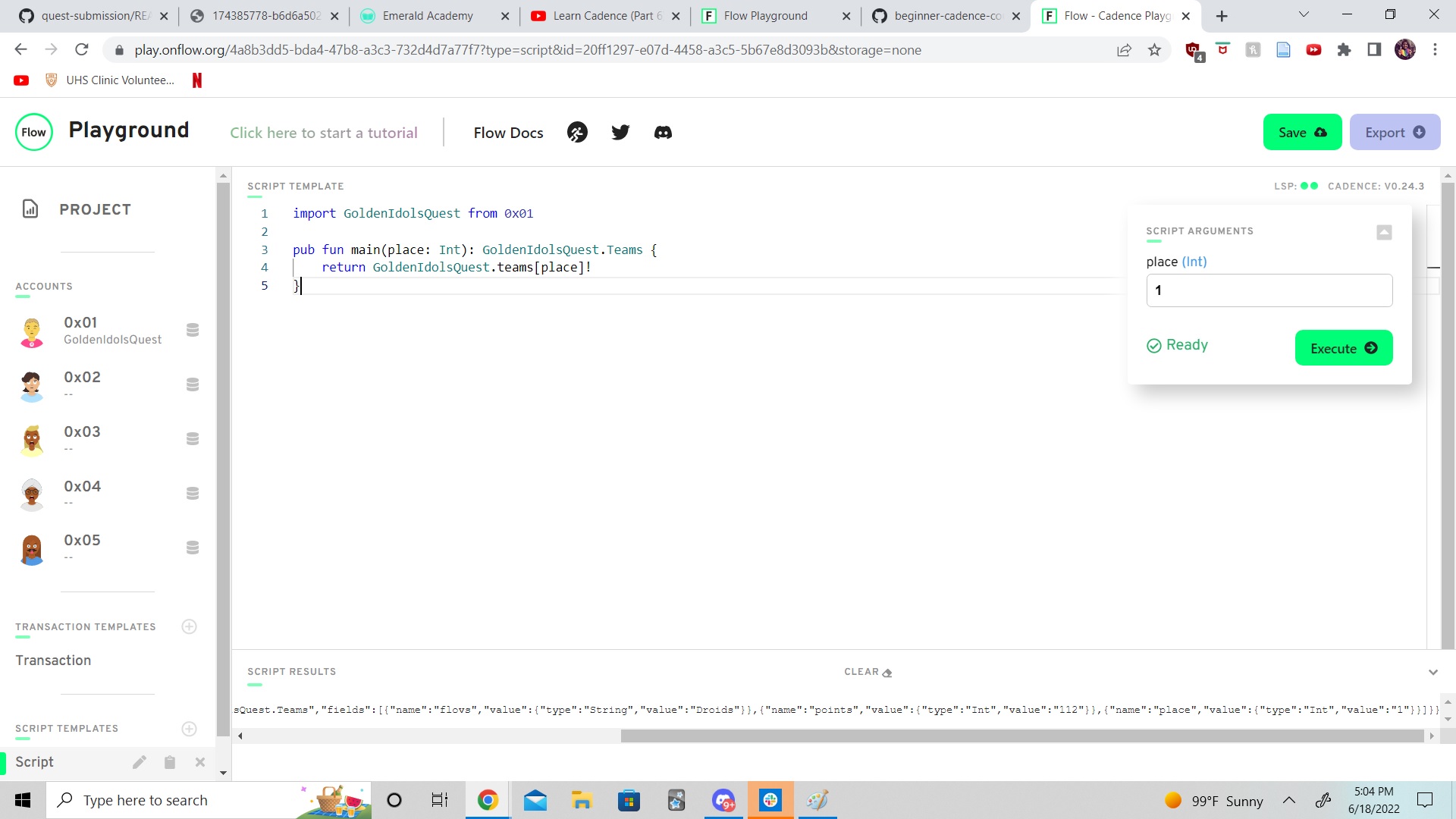
Script:
import GoldenIdolsQuest from 0x01

pub fun main(place: Int): GoldenIdolsQuest.Teams {
    return GoldenIdolsQuest.teams[place]!
}- Structs look similar but are very different from resources. Structs can be created from outside of a contract, resources can not. Structs can be copied, resources can only be
<-moved. Structs are less complicated than resources because the rules for handling and interacting with the later. Resources can be burned but they can't be lost or comprimised by overwrite. - A resource would be needed over a struct whenever storing something of value such as an NFT or token.
createis they keyword required, in the contract, that is used to make a resource.- A resource can only be created within a contract, not a transaction or script.
- Jacob is a public type resouce here:
 pub resource Jacob{

 }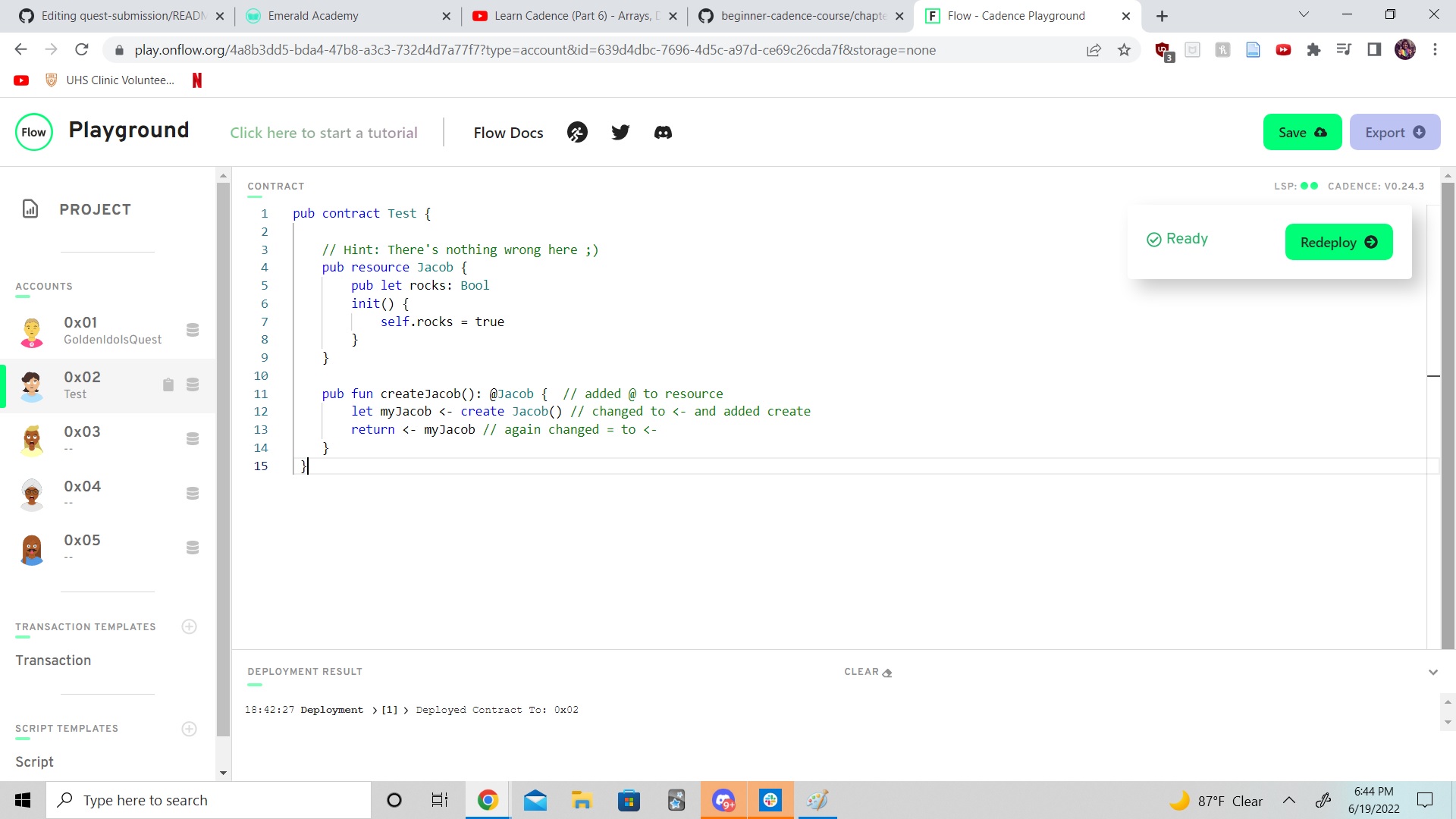
pub contract Test {

    // Hint: There's nothing wrong here ;)
    pub resource Jacob {
        pub let rocks: Bool
        init() {
            self.rocks = true
        }
    }

    pub fun createJacob(): @Jacob {  // added @ to resource
        let myJacob <- create Jacob() // changed to <- and added create
        return <- myJacob // again changed = to <-
    }
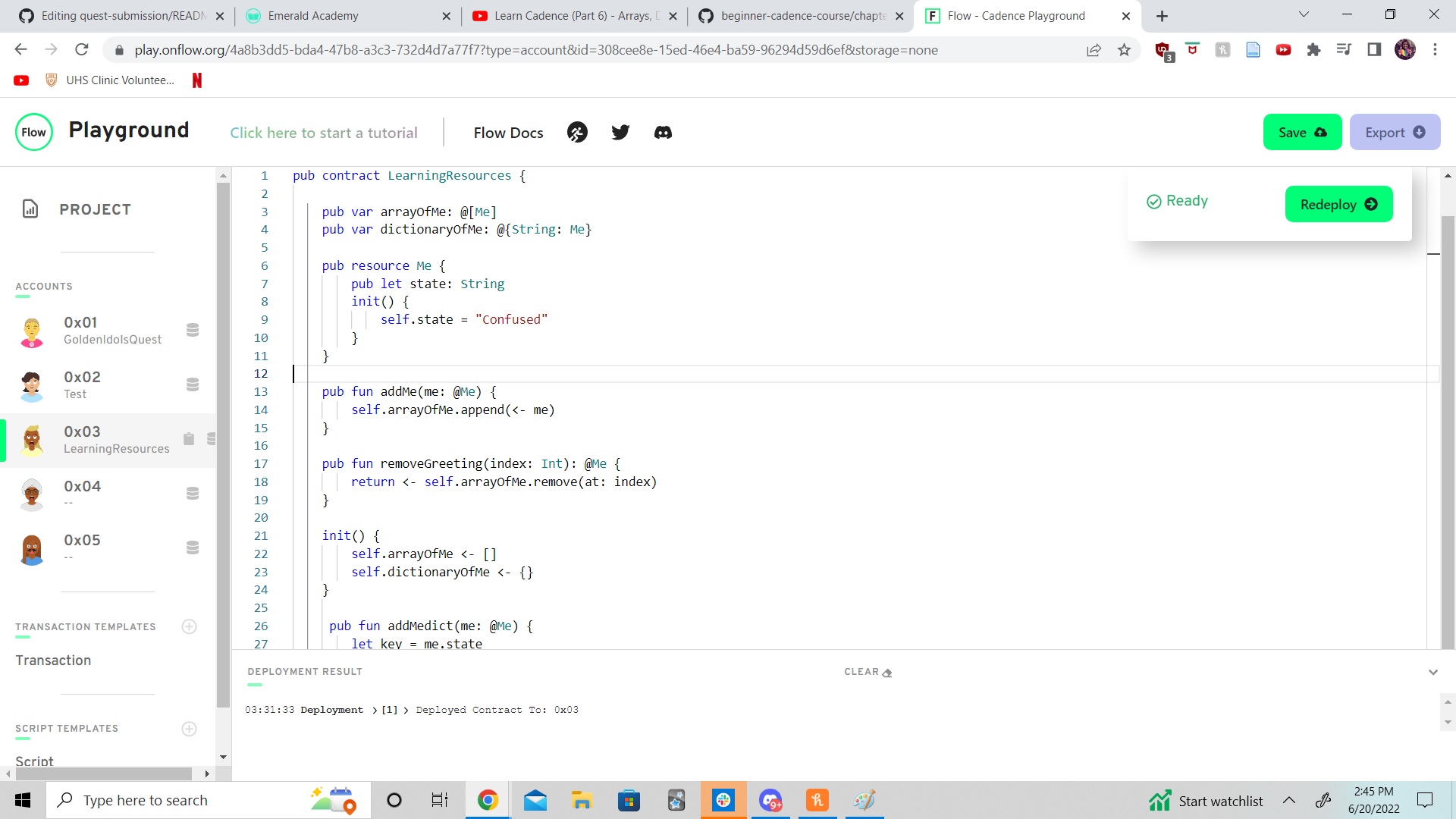
}pub contract LearningResources {
pub var arrayOfMe: @[Me]
pub var dictionaryOfMe: @{String: Me}
pub resource Me {
pub let state: String
init() {
self.state = "Confused"
}
}
pub fun addMe(me: @Me) {
self.arrayOfMe.append(<- me)
}
pub fun removeGreeting(index: Int): @Me {
return <- self.arrayOfMe.remove(at: index)
}
init() {
self.arrayOfMe <- []
self.dictionaryOfMe <- {}
}
pub fun addMedict(me: @Me) {
let key = me.state
let oldMe <- self.dictionaryOfMe[key] <- me
destroy oldMe
}
pub fun removeGreetingdict(key: String): @Me {
let me <- self.dictionaryOfMe.remove(key: key) ?? panic("Is you dumb!?")
return <- me
}
}
pub contract LearningResourcesReferences {

        pub var dictionaryOfMe: @{String: Me}

    pub resource Me {
        pub let state: String
        init(_state: String) {
            self.state = _state
        }
    }

    pub fun getReference(key: String): &Me {
      return (&self.dictionaryOfMe[key] as &Me?)!
    }

       init() {
         self.dictionaryOfMe <- {
         "Confused": <- create Me(_state: "Mostly"),
         "Less Confused": <- create Me(_state: "Sometimes")
        }
    }

}
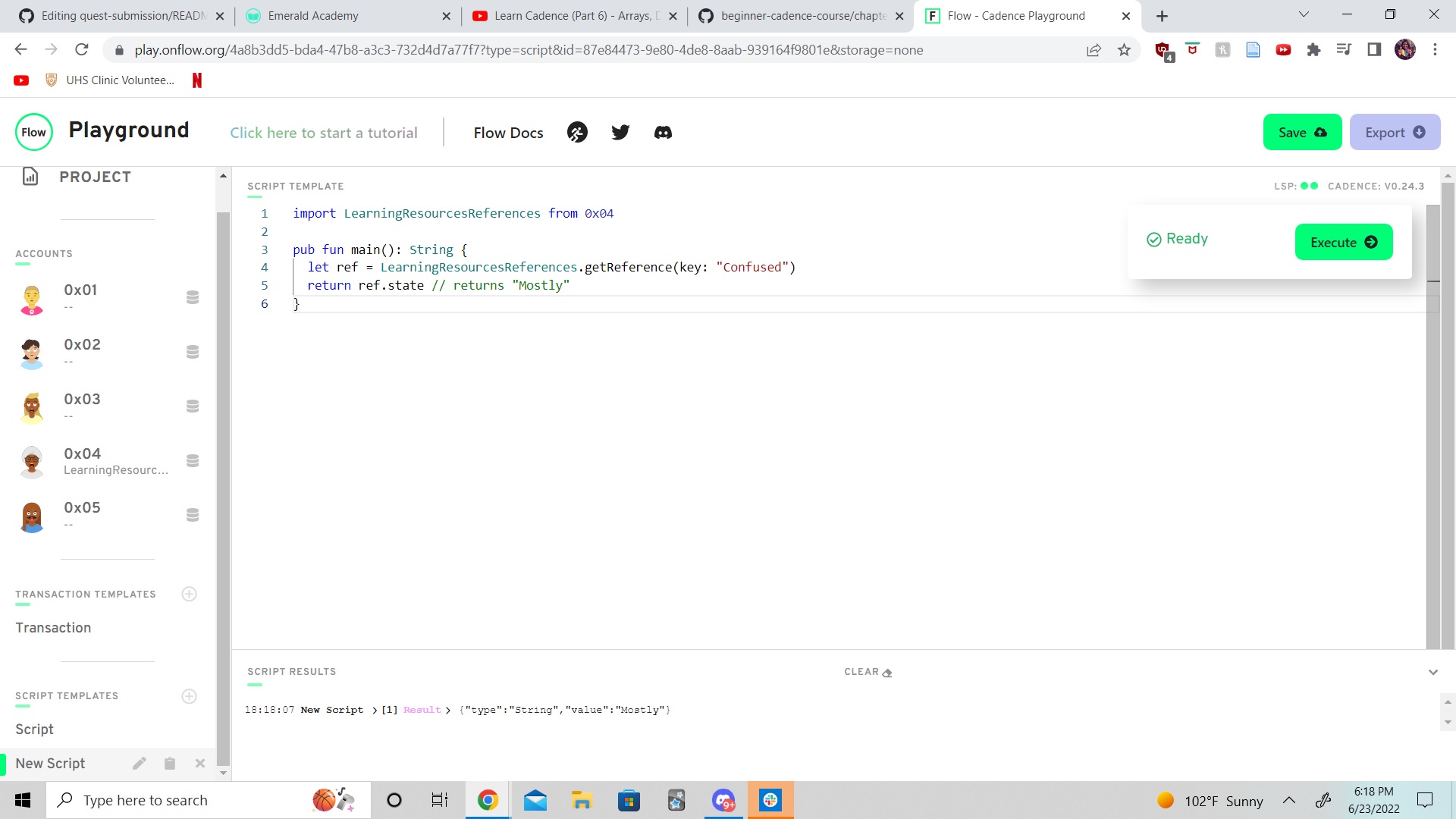
import LearningResourcesReferences from 0x04
pub fun main(): String {
let ref = LearningResourcesReferences.getReference(key: "Confused")
return ref.state // returns "Mostly"
}
- References are very useful in Cadence because they help us read resources in dictionaries. Without the use of references we would have to move resources many times to read and interact with.
- Resource Interfaces are used to get resources to implement putting certain steps into action. We can also use interfaces to make sure only the information within resources we want to share or allow access to can be exposed.
- In this example all the variable and a function are passed through the interface giving full control to change the price of a card
pub contract SportsCards {

    pub resource interface ICard {
      pub var name: String
      pub var price: Int
      pub fun updatePrice(newPrice: Int): Int
    }

    pub resource Card: ICard {
      pub var name: String
      pub var price: Int

      pub fun updatePrice(newPrice: Int): Int {
        self.price = newPrice
        return self.price
      }

      init() {
        self.name = "1986 Fleer Michael Jordan"
        self.price = 2000
      }
    }

    pub fun noInterface() {
      let card: @Card <- create Card()
      card.updatePrice(newPrice: 2500)
      log(card.price) // 2500

      destroy card
    }

      pub fun yesInterface() {
      let card: @Card{ICard} <- create Card()
      let newPrice = card.updatePrice(newPrice: 2500)
      log(newPrice)

      destroy card
    }
}
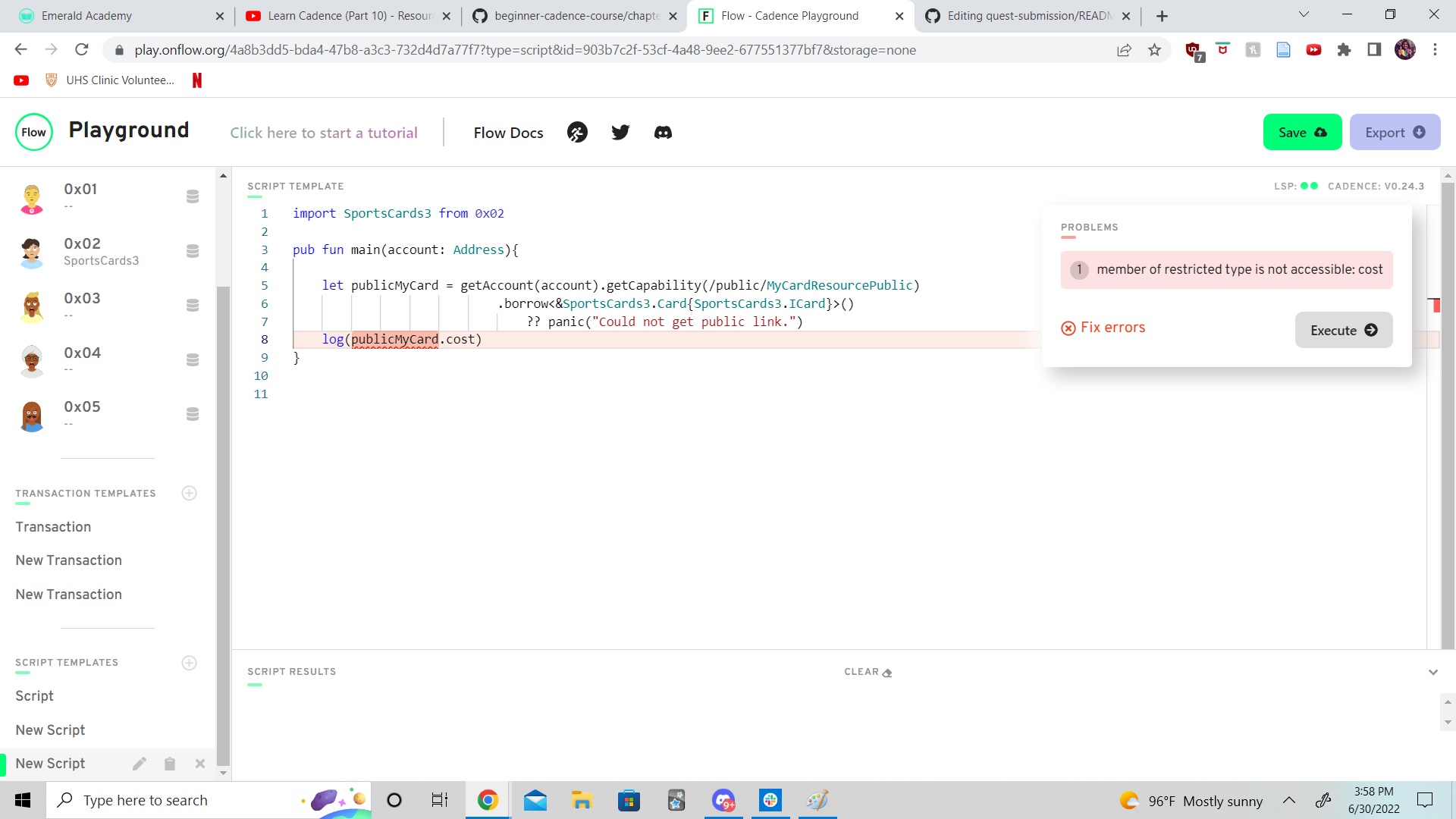
Here we do not pass price and updatePrice through the Interface, so get a member of restricted type error:
pub contract SportsCards {

    pub resource interface ICard {
      pub var name: String

    }

    pub resource Card: ICard {
      pub var name: String
      pub var price: Int

      pub fun updatePrice(newPrice: Int): Int {
        self.price = newPrice
        return self.price
      }

      init() {
        self.name = "1986 Fleer Michael Jordan"
        self.price = 2000
      }
    }

    pub fun noInterface() {
      let card: @Card <- create Card()
      card.updatePrice(newPrice: 2500)
      log(card.price) // 2500

      destroy card
    }

      pub fun yesInterface() {
      let card: @Card{ICard} <- create Card()
      let newPrice = card.updatePrice(newPrice: 2500)
      log(newPrice)

      destroy card
    }
}- To fix declare other variable and function in Interface, add variable to
init()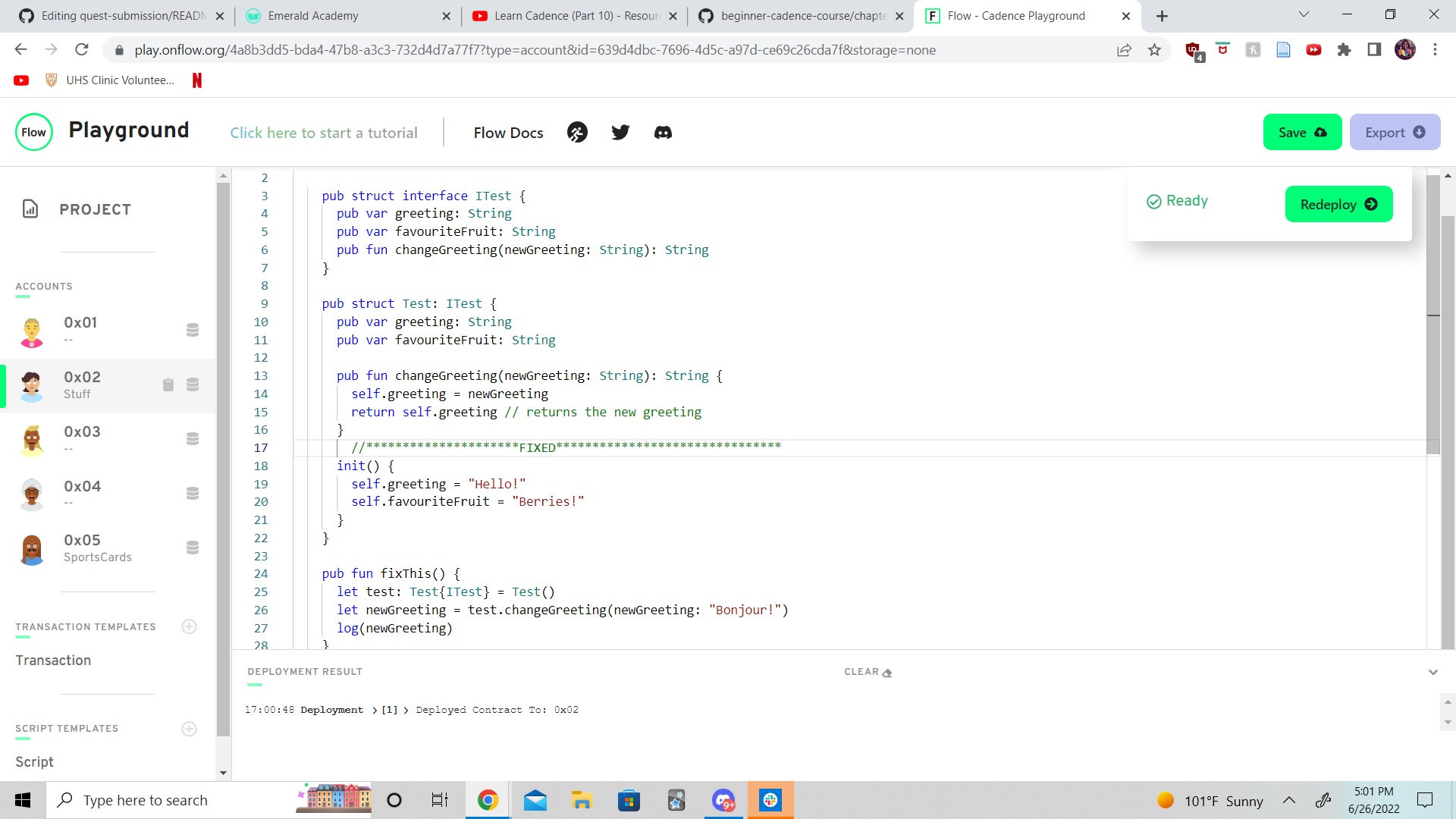
access(all) contract SomeContract {
    pub var testStruct: SomeStruct

    pub struct SomeStruct {

        //
        // 4 Variables
        //

        pub(set) var a: String

        pub var b: String

        access(contract) var c: String

        access(self) var d: String

        //
        // 3 Functions
        //

        pub fun publicFunc() {}

        access(contract) fun contractFunc() {}

        access(self) fun privateFunc() {}


        pub fun structFunc() {
            /**************/
            /*** AREA 1 ***/
            /**************/

            // a: read, write
            // b: read, write
            // c: read, write
            // d: read, write

            // publicFunc():   called
            // contractFunc(): called
            // privateFunc():  called
        }

        init() {
            self.a = "a"
            self.b = "b"
            self.c = "c"
            self.d = "d"
        }
    }

    pub resource SomeResource {
        pub var e: Int

        pub fun resourceFunc() {
            /**************/
            /*** AREA 2 ***/
            /**************/
            // a: read, write
            // b: read
            // c: read
            // d:
            // e: read, write

            // publicFunc():   called
            // contractFunc(): called
            // privateFunc():
        }

        init() {
            self.e = 17
        }
    }

    pub fun createSomeResource(): @SomeResource {
        return <- create SomeResource()
    }

    pub fun questsAreFun() {
        /**************/
        /*** AREA 3 ****/
        /**************/
            // a: read, write
            // b: read
            // c: read
            // d:
            // e: read

            // publicFunc():   called
            // contractFunc(): called
            // privateFunc():
    }

    init() {
        self.testStruct = SomeStruct()
    }
}
This is a script that imports the contract above:
import SomeContract from 0x01

pub fun main() {
  /**************/
  /*** AREA 4 ***/
  /**************/
   //       // a: read
            // b: read
            // c:
            // d:

            // publicFunc():   called
            // contractFunc():
            // privateFunc():
}- In cadence accounts hold contracts, and they also have storage. The 3 different " storage containters" if you will are
/storage//public/and/private/. Public and Private are essentially pathways with different capabilities where the account owner can store what they want to make available respectivly. /storage/this is where all of the account data and resources live. Any info on the blockchain can still be viewed regardless of coding./public/is what is available to everybody to read and interact with your storage./private/is private (cannot be called by unapproved outside scripts or transactions), only by the account owner and who they give acccess to..save().borrow()and.load()are all used to interact with storage, they can only be used if have theAuthAccountand must be in prepare phase of a transaction..save()takes in data/a resource and moves it to the storage path passed in..borrow()is used to just look at something in an account and returns a reference instead of the actual data/resouce..load()is used to take data out of an account, it just takes in 1 path - where the info/resource exists in storage. This is returned as an optional because the program doesn't know if something exists at that location.- Regardless of access control or storage types, scripts cannot write/save to the blockchain. A transaction must be used.
- You cannot save anything to my account because you do not have my
AuthAccount
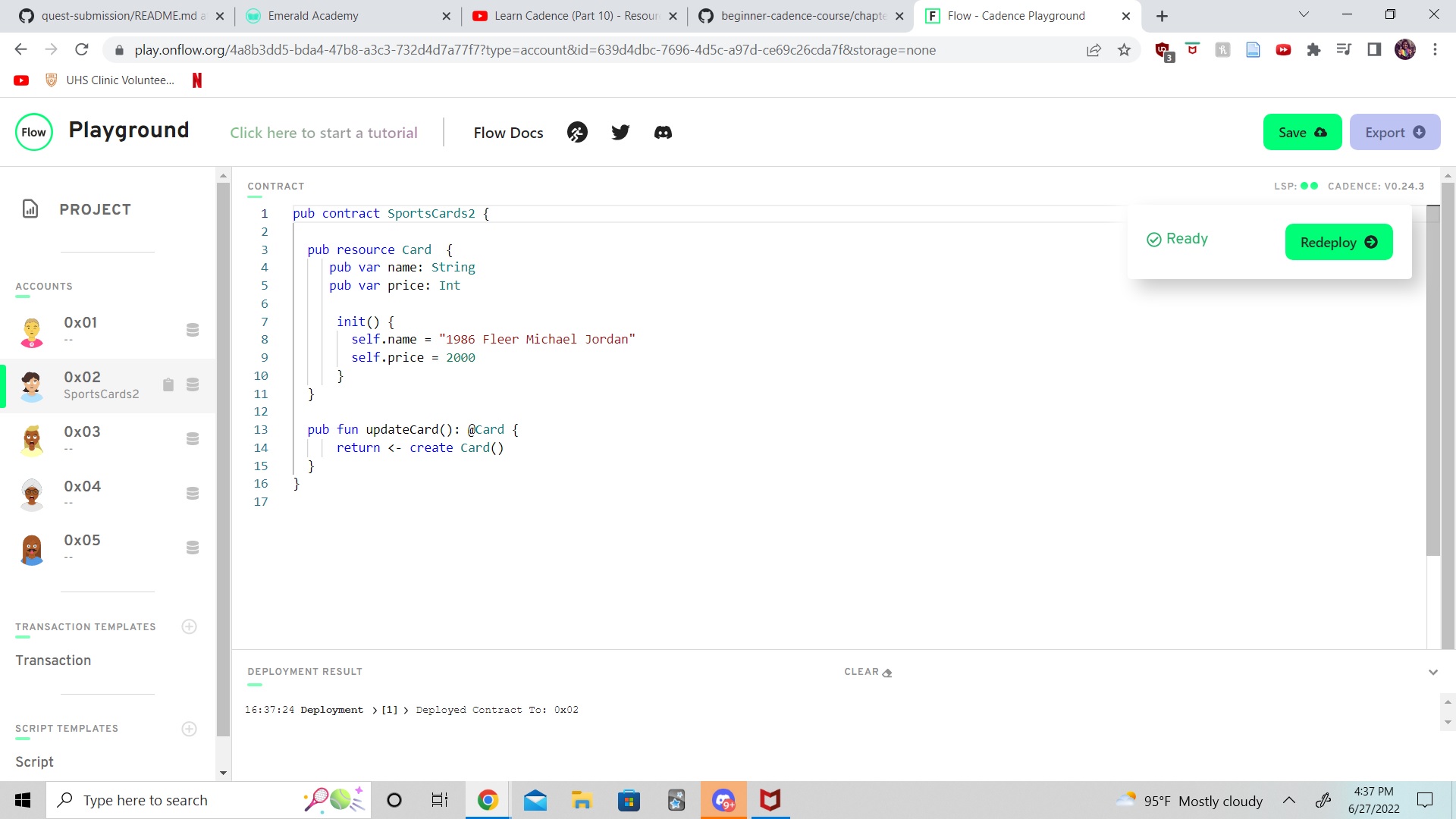
pub contract SportsCards2 {

  pub resource Card  {
     pub var name: String
     pub var price: Int

      init() {
        self.name = "1986 Fleer Michael Jordan"
        self.price = 2000
      }
  }

  pub fun updateCard(): @Card {
      return <- create Card()
  }
}
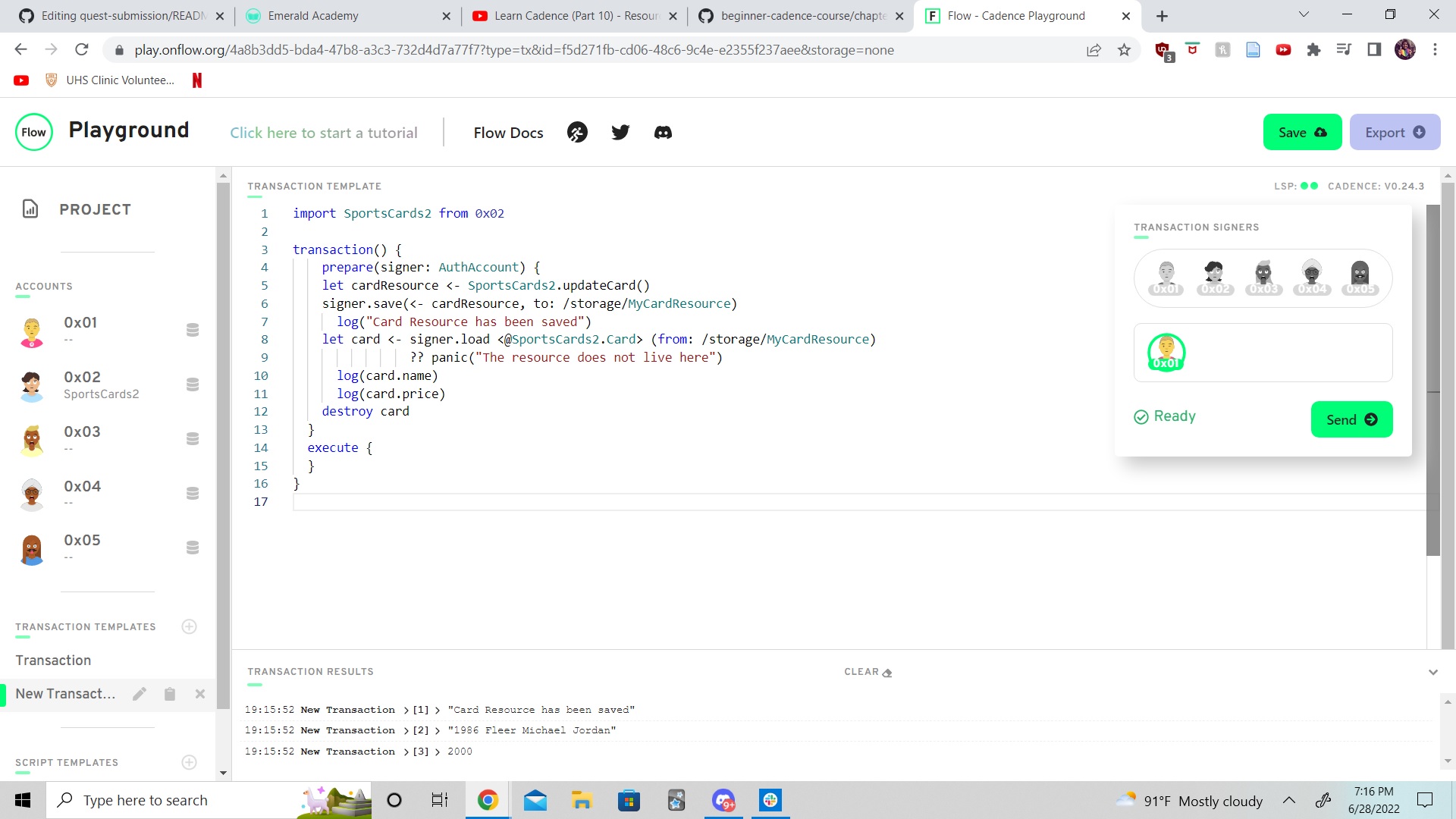
Transaction 1:
import SportsCards2 from 0x02

transaction() {
    prepare(signer: AuthAccount) {
    let cardResource <- SportsCards2.updateCard()
    signer.save(<- cardResource, to: /storage/MyCardResource)
      log("Card Resource has been saved")
    let card <- signer.load <@SportsCards2.Card> (from: /storage/MyCardResource)
                ?? panic("The resource does not live here")
      log(card.name)
      log(card.price)
    destroy card
  }
  execute {
  }
}
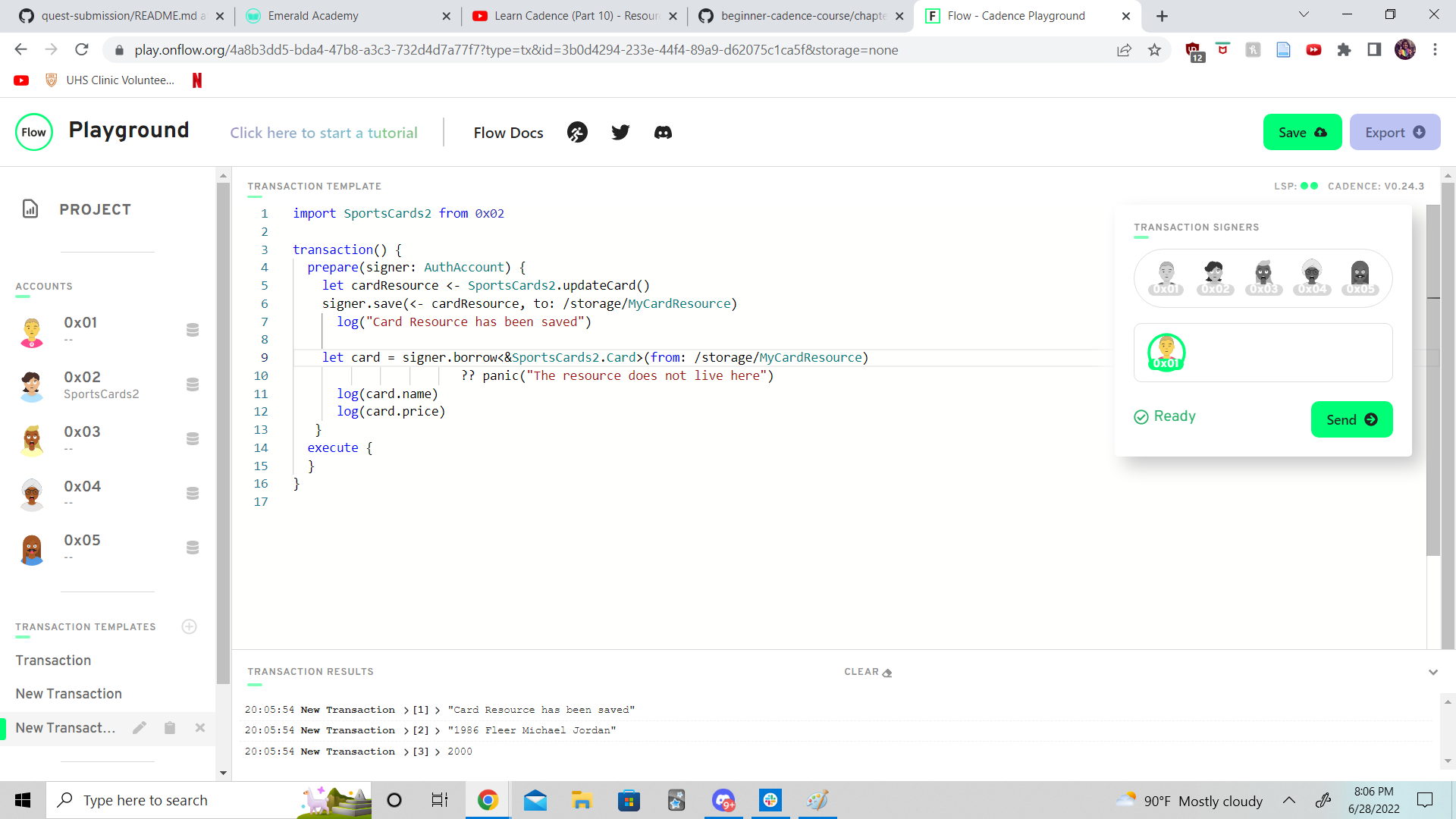
Transaction 2:
import SportsCards2 from 0x02

transaction() {
  prepare(signer: AuthAccount) {
    let cardResource <- SportsCards2.updateCard()
    signer.save(<- cardResource, to: /storage/MyCardResource)
      log("Card Resource has been saved")

    let card = signer.borrow<&SportsCards2.Card>(from: /storage/MyCardResource)
                       ?? panic("The resource does not live here")
      log(card.name)
      log(card.price)
   }
  execute {
  }
}
link()is a function we use to map an NFT to a path in storage, it uses a public or private path, along with the location of the data/resource in account storage.- We can use a resource interface (that only passes in certain data), and can be used to limit access to a resource so stated things can be viewed, but not changed.
pub contract SportsCards3 {

  pub resource interface ICard {
     pub var name: String
     pub var price: Int
  }

  pub resource Card: ICard  {
     pub var name: String
     pub var price: Int
     pub let cost: Int

    pub fun updatePrice(newPrice: Int): Int {
      self.price = newPrice
      return self.price
      }

      init() {
        self.name = "1986 Fleer Michael Jordan"
        self.price = 2000
        self.cost = 1200
      }
  }

  pub fun updateCard(): @Card {
      return <- create Card()
  }
}
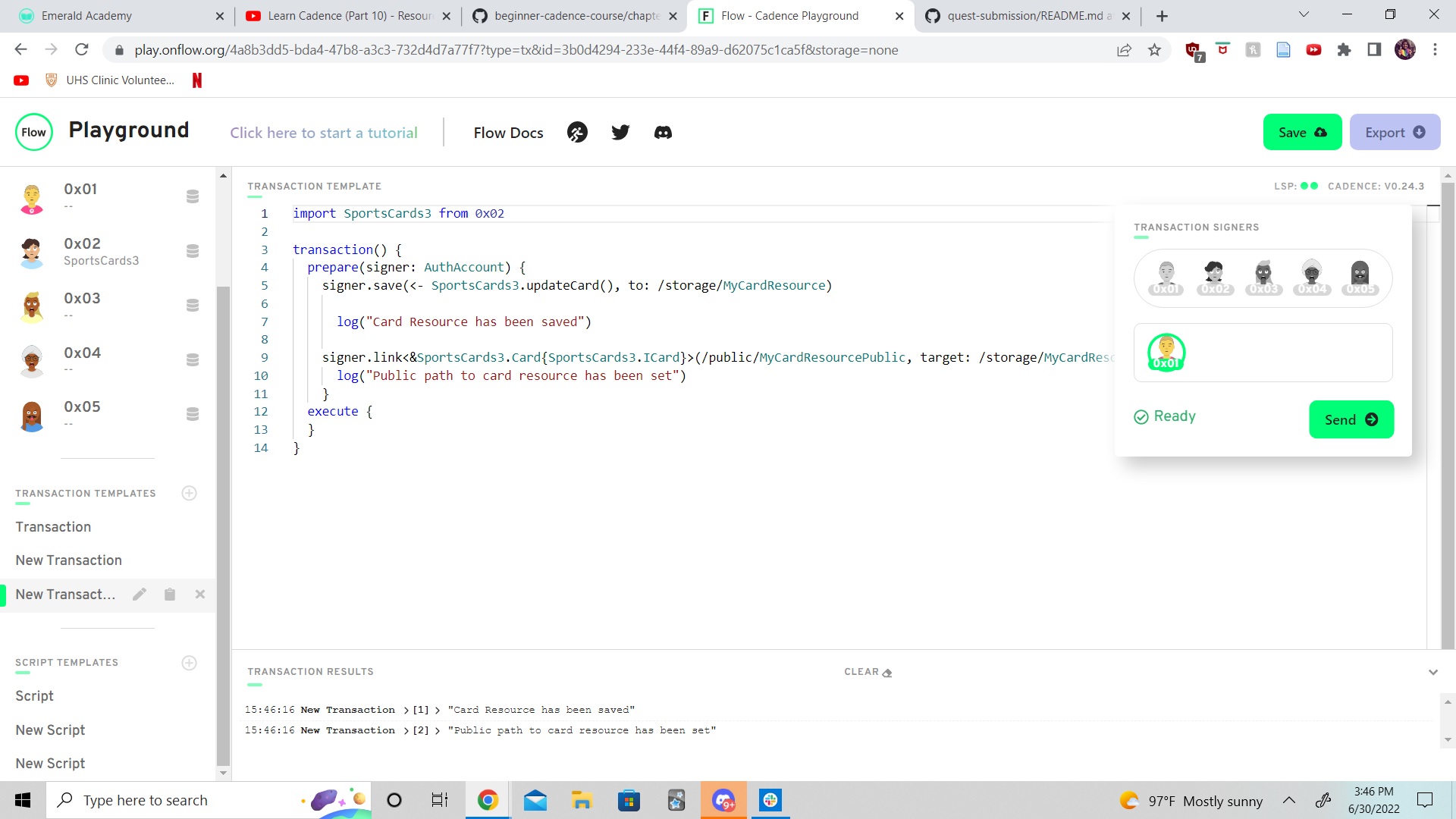
Transaction to save and creat public storage interface
import SportsCards3 from 0x02

transaction() {
  prepare(signer: AuthAccount) {
    signer.save(<- SportsCards3.updateCard(), to: /storage/MyCardResource)

      log("Card Resource has been saved")

    signer.link<&SportsCards3.Card{SportsCards3.ICard}>(/public/MyCardResourcePublic, target: /storage/MyCardResource)
      log("Public path to card resource has been set")
    }
  execute {
  }
}
Script trying to access data that is not exposed in the resource interface:
import SportsCards3 from 0x02

pub fun main(account: Address){

    let publicMyCard = getAccount(account).getCapability(/public/MyCardResourcePublic)
                            .borrow<&SportsCards3.Card{SportsCards3.ICard}>()
                                ?? panic("Could not get public link.")
    log(publicMyCard.cost)
}
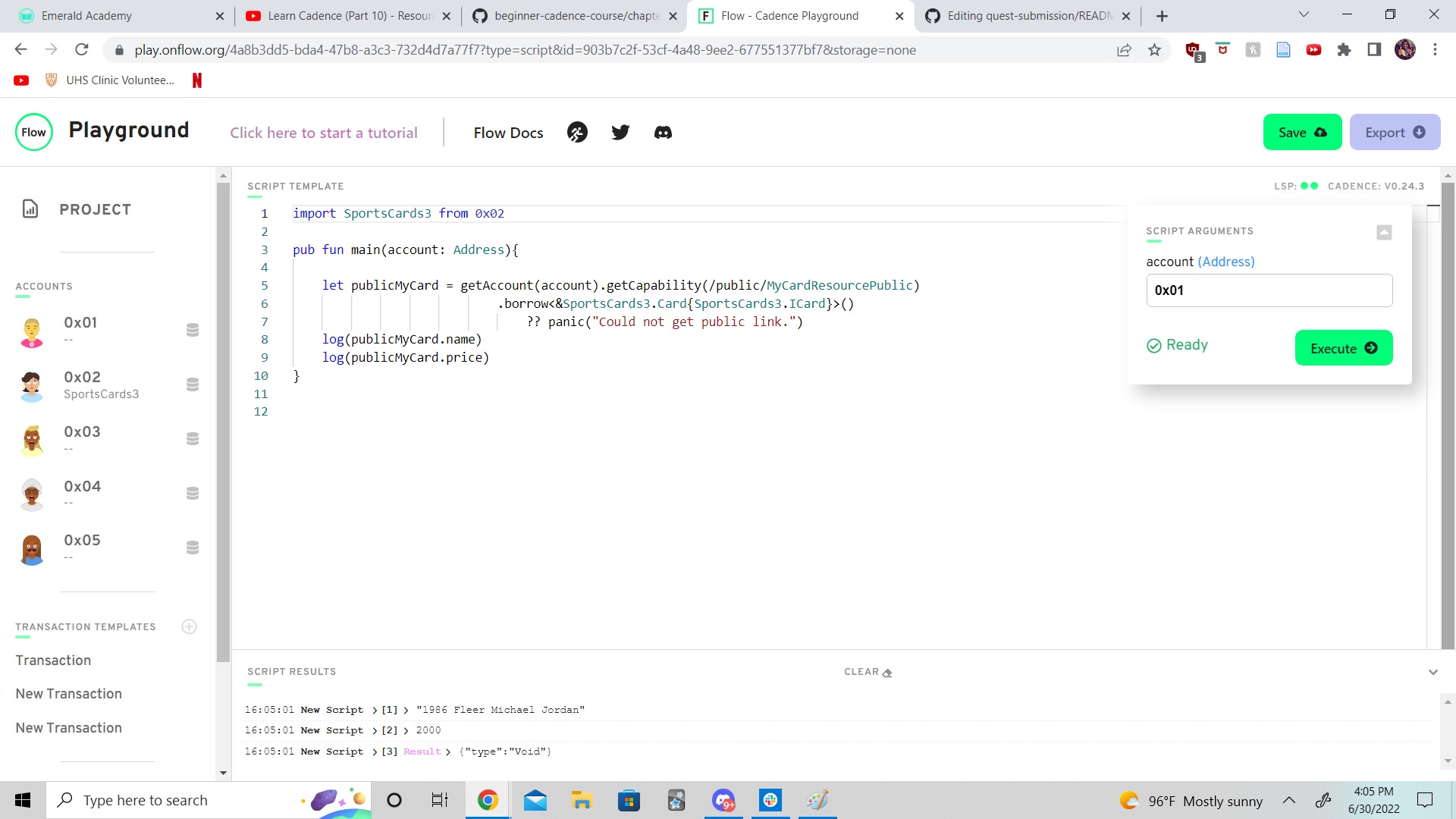
Running script that can access info through interface in public path:
import SportsCards3 from 0x02

pub fun main(account: Address){

    let publicMyCard = getAccount(account).getCapability(/public/MyCardResourcePublic)
                            .borrow<&SportsCards3.Card{SportsCards3.ICard}>()
                                ?? panic("Could not get public link.")
    log(publicMyCard.name)
    log(publicMyCard.price)
}
- We add a collection to this contract, so that we can save muliple NFT resources to one location, path - without overwriting what was previously in that path. This also allows others to read the NFTs in our collection.
- With composable NFTs in cadence, if you have one resource nested inside of another you must create a destroy function for the nested resource to manually be destroyed.
- We will need to control who can mint the contract, being behind on the quests a little I've seen enough to know we will be able to have a minter function in the collection and save it in a way that the person with capability to mint will have a reference to that contract function stored in their account storage. I'd guess interfaces and capabilities can help us further customize this as well. This should also help us not have to remove an NFT from collection or storage if we want to just read it.
pub contract CryptoPoops {
  pub var totalSupply: UInt64

  // This is an NFT resource that contains a id, name,
  // favouriteFood, and luckyNumber
  pub resource NFT {
    pub let id: UInt64

    pub let name: String
    pub let favouriteFood: String
    pub let luckyNumber: Int

  // initializes the stated variables
    init(_name: String, _favouriteFood: String, _luckyNumber: Int) {
      self.id = self.uuid

      self.name = _name
      self.favouriteFood = _favouriteFood
      self.luckyNumber = _luckyNumber
    }
  }

  // This is a resource interface that allows us to only give access to data and functions
  // we choose: deposit, getIDs and borrowNFT (the reference to read, not the resource)
  pub resource interface CollectionPublic {
    pub fun deposit(token: @NFT)
    pub fun getIDs(): [UInt64]
    pub fun borrowNFT(id: UInt64): &NFT
  }

  // This resource is our collection which stores each NFT in a dictionary mapping
  // each to its unique id
  pub resource Collection: CollectionPublic {
    pub var ownedNFTs: @{UInt64: NFT}

    // function to deposit an NFT into the collection
    pub fun deposit(token: @NFT) {
      self.ownedNFTs[token.id] <-! token
    }

    // function to withdrawal resource from collection
    pub fun withdraw(withdrawID: UInt64): @NFT {
      let nft <- self.ownedNFTs.remove(key: withdrawID)
              ?? panic("This NFT does not exist in this Collection.")
      return <- nft
    }

    // function to get id numbers for NFTs in the collection
    pub fun getIDs(): [UInt64] {
      return self.ownedNFTs.keys
    }

    // function to enable others borrow/read a reference to NFT/id
    pub fun borrowNFT(id: UInt64): &NFT {
      return (&self.ownedNFTs[id] as &NFT?)!
    }

    // initializes dictionary
    init() {
      self.ownedNFTs <- {}
    }

    // requred destroy function of nested NFT
    destroy() {
      destroy self.ownedNFTs
    }
  }

  // function to create a new Collection
  pub fun createEmptyCollection(): @Collection {
    return <- create Collection()
  }

  // resource that is used for minting a new NFT
  pub resource Minter {

    // function to create a new NFT
    pub fun createNFT(name: String, favouriteFood: String, luckyNumber: Int): @NFT {
      return <- create NFT(_name: name, _favouriteFood: favouriteFood, _luckyNumber: luckyNumber)
    }

    // function used to creat new minter
    pub fun createMinter(): @Minter {
      return <- create Minter()
    }

  }

  // initialize requred variable totalSupply and save minter to users account storage
  init() {
    self.totalSupply = 0
    self.account.save(<- create Minter(), to: /storage/Minter)
  }
}
// in progress
- An event is something we create in cadence and give a unique ID number tied to the data you want to share in the resource/NFT; and then send/emit it to the blockchain. This is of course something that is typically tied to a internal change of data, or transaction thus there is an update of info and we let that be known.
pub contract SportsCards4 {

  pub event NFTMinted(id: UInt64)

  pub resource interface ICard {
     pub var name: String
     pub var price: Int
  }

  pub resource Card: ICard  {
     pub let id: UInt64
     pub var name: String
     pub var price: Int
     pub let cost: Int

    pub fun updatePrice(newPrice: Int): Int {
      self.price = newPrice
      return self.price
      }

      init() {
        self.id = self.uuid
        self.name = "1986 Fleer Michael Jordan"
        self.price = 2000
        self.cost = 1200
        emit NFTMinted(id: self.id)
      }
  }

  pub fun updateCard(): @Card {
      return <- create Card()
  }
}
pub contract SportsCards4 {
pub event NFTMinted(id: UInt64)
pub resource interface ICard {
pub var name: String
pub var price: Int
}
pub resource Card: ICard {
pub let id: UInt64
pub var name: String
pub var price: Int
pub let cost: Int
pub fun updatePrice(newPrice: Int, cost: Int): Int {
pre{
newPrice < 0: "Price cannot be negative ya silly goose:)"
}
post{
result < cost: "Selling for a loss!"
before(self.price) == self.price: "You entered the same price"
}
self.price = newPrice
return self.price
}
init() {
self.id = self.uuid
self.name = "1986 Fleer Michael Jordan"
self.price = 2000
self.cost = 1200
emit NFTMinted(id: self.id)
}
}
pub fun updateCard(): @Card {
return <- create Card()
}
}pub contract Test {
// TODO
// Tell me whether or not this function will log the name.
// name: 'Jacob'
// It will, Jacob is 5 characters
pub fun numberOne(name: String) {
pre {
name.length == 5: "This name is not cool enough."
}
log(name)
}
// TODO
// Tell me whether or not this function will return a value.
// name: 'Jacob'
// Yes, Jacob is greater than 0, and with concat Jacob Tucker satisfies post
pub fun numberTwo(name: String): String {
pre {
name.length >= 0: "You must input a valid name."
}
post {
result == "Jacob Tucker"
}
return name.concat(" Tucker")
}
pub resource TestResource {
pub var number: Int
// TODO
// Tell me whether or not this function will log the updated number.
// Also, tell me the value of `self.number` after it's run.
// No, before is 0, function would change to 1, but post requires the
// nummber before function, 0 be == 1 + 1 which is not true, so would remain 0
pub fun numberThree(): Int {
post {
before(self.number) == result + 1
}
self.number = self.number + 1
return self.number
}
init() {
self.number = 0
}
}- Standards are imperative, we use them on the flow blockchain to not only make things more readable for developers but more importantly give all NFT contracts and universal set of variables, functions, and interfaces so that people, dapps, marketplaces, etc can all access the contract info (without having to do so for each one in a customized inefficient way.
- Picking favs is the hardest for me:) Tacos!
- Needed to import interface into contract, remove resource interface from contract, then pass through correct interface:
import ITest from 0x04
pub contract Test: ITest {
  pub var number: Int

  pub fun updateNumber(newNumber: Int) {
    self.number = 5
  }

  pub resource Stuff: ITest.IStuff {
    pub var favouriteActivity: String

    init() {
      self.favouriteActivity = "Playing League of Legends."
    }
  }

  init() {
    self.number = 0
  }
}
pub contract interface ITest {
pub var number: Int
pub fun updateNumber(newNumber: Int) {
pre {
newNumber >= 0: "We don't like negative numbers for some reason. We're mean."
}
post {
self.number == newNumber: "Didn't update the number to be the new number."
}
}
pub resource interface IStuff {
pub var favouriteActivity: String
}
pub resource Stuff {
pub var favouriteActivity: String
}
}- Force casting with
as!downcasts from a generic resource 'type" to a more specific and defined resource type. This is useful because in cadence the non fungible token contract interface standards which make things easier to read and interact with can also make all project NFTs look identical. This could enable others to deposit NFTs from a different collection into our collection. Force casting makes sure it is actually the correct NFT type when borrowing, before depositing it into a collection. If the type doesn't match the program will panic and abort. - When trying to borrow resource in order to force cast and read resource reference, you are required to use the
authauthorized reference to do so. This can be added into the borrow function, and those updates will need to be reflected in the interface.
Contract:
import NonFungibleToken from 0x02

pub contract CryptoPoops: NonFungibleToken {
  pub var totalSupply: UInt64
  pub let CollectionPublicPath: PublicPath
  pub let CollectionStoragePath: StoragePath

  pub event ContractInitialized()
  pub event Withdraw(id: UInt64, from: Address?)
  pub event Deposit(id: UInt64, to: Address?)

  pub resource NFT: NonFungibleToken.INFT {
    pub let id: UInt64

    pub let name: String
    pub let favouriteFood: String
    pub let luckyNumber: Int

    init(_name: String, _favouriteFood: String, _luckyNumber: Int) {
      self.id = self.uuid

      self.name = _name
      self.favouriteFood = _favouriteFood
      self.luckyNumber = _luckyNumber
    }
  }

  pub resource interface CollectionPublic {
    pub fun deposit (token: @NonFungibleToken.NFT)
    pub fun getIDs(): [UInt64]
    pub fun borrowNFT(id: UInt64): &NonFungibleToken.NFT
    pub fun borrowAuthNFT(id: UInt64): &NFT
  }

  pub resource Collection: NonFungibleToken.Provider, NonFungibleToken.Receiver, NonFungibleToken.CollectionPublic, CollectionPublic {
    pub var ownedNFTs: @{UInt64: NonFungibleToken.NFT}

    pub fun withdraw(withdrawID: UInt64): @NonFungibleToken.NFT {
      let nft <- self.ownedNFTs.remove(key: withdrawID)
            ?? panic("This NFT does not exist in this Collection.")
      emit Withdraw(id: nft.id, from: self.owner?.address)
      return <- nft
    }

    pub fun deposit(token: @NonFungibleToken.NFT) {
      let nft <- token as! @NFT
      emit Deposit(id: nft.id, to: self.owner?.address)
      self.ownedNFTs[nft.id] <-! nft
    }

    pub fun getIDs(): [UInt64] {
      return self.ownedNFTs.keys
    }

    pub fun borrowNFT(id: UInt64): &NonFungibleToken.NFT {
      return (&self.ownedNFTs[id] as &NonFungibleToken.NFT?)!
    }

    pub fun borrowAuthNFT(id: UInt64): &NFT {
    let ref = (&self.ownedNFTs[id] as auth &NonFungibleToken.NFT?)!
     return ref as! &NFT
    }

    init() {
      self.ownedNFTs <- {}
    }

    destroy() {
      destroy self.ownedNFTs
    }
  }

  pub fun createEmptyCollection(): @NonFungibleToken.Collection {
    return <- create Collection()
  }

  pub resource Minter {

    pub fun createNFT(name: String, favouriteFood: String, luckyNumber: Int): @NFT {
      return <- create NFT(_name: name, _favouriteFood: favouriteFood, _luckyNumber: luckyNumber)
    }

    pub fun createMinter(): @Minter {
      return <- create Minter()
    }

  }

  init() {
    self.totalSupply = 0
    emit ContractInitialized()
    self.account.save(<- create Minter(), to: /storage/Minter)
    self.CollectionPublicPath = /public/CryptoPoopsCollection
    self.CollectionStoragePath = /storage/CryptoPoopsCollection
  }
}
Setup Account Transaction:
import CryptoPoops from 0x03
import NonFungibleToken from 0x02

transaction {

    prepare(signer: AuthAccount) {
        signer.save(<- CryptoPoops.createEmptyCollection(), to: /storage/CryptoPoopsCollection)

        signer.link<&CryptoPoops.Collection{CryptoPoops.CollectionPublic, NonFungibleToken.Receiver, NonFungibleToken.CollectionPublic}>
            (/public/CryptoPoopsCollection, target: /storage/CryptoPoopsCollection)
    }
}
Mint NFT Transaction:
import CryptoPoops from 0x03

transaction(name: String, recipient: Address, favouriteFood: String, luckyNumber: Int) {

    let minter: &CryptoPoops.Minter

    let recipientCollectionRef: &CryptoPoops.Collection{CryptoPoops.CollectionPublic}

    prepare(signer: AuthAccount) {

        self.minter = signer.borrow<&CryptoPoops.Minter>(from: /storage/Minter)
            ?? panic("Account does not store an object at the specified path")

        // Borrow the recipient's public NFT collection reference
        self.recipientCollectionRef = getAccount(recipient)
            .getCapability(CryptoPoops.CollectionPublicPath)
            .borrow<&CryptoPoops.Collection{CryptoPoops.CollectionPublic}>()
            ?? panic("Could not get receiver reference to the NFT Collection")
    }

    execute {
        // Mint the NFT, log and deposit it to the recipient's collection
        let nft <- self.minter.createNFT(name: name, favouriteFood: favouriteFood, luckyNumber: luckyNumber)
        log (nft.name)
        log (nft.favouriteFood)
        log (nft.luckyNumber)
        self.recipientCollectionRef.deposit(token: <- nft)
    }
}
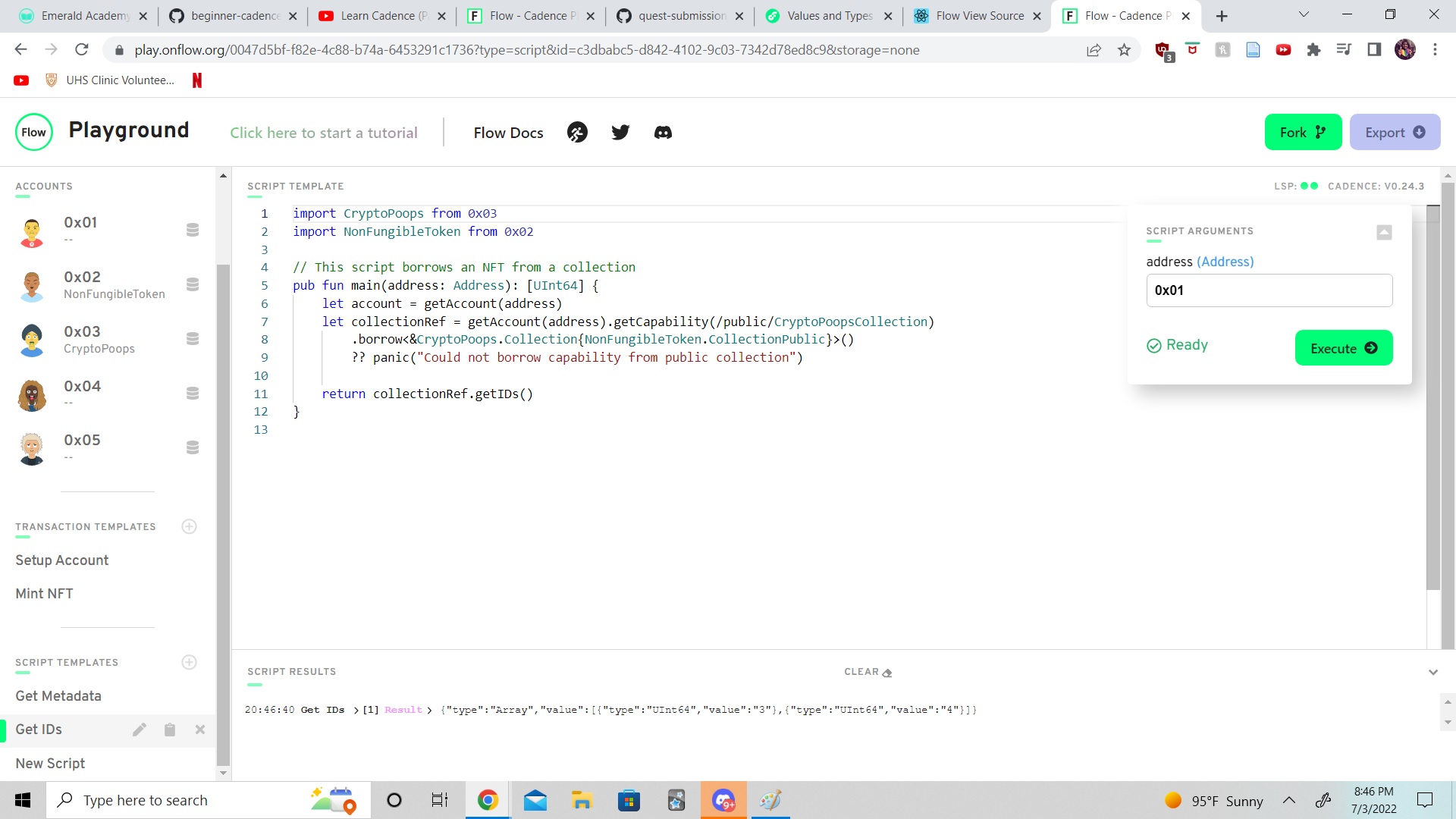
Script to get IDs:
import CryptoPoops from 0x03
import NonFungibleToken from 0x02

// This script borrows an NFT from a collection
pub fun main(address: Address): [UInt64] {
    let account = getAccount(address)
    let collectionRef = getAccount(address).getCapability(/public/CryptoPoopsCollection)
        .borrow<&CryptoPoops.Collection{NonFungibleToken.CollectionPublic}>()
        ?? panic("Could not borrow capability from public collection")

    return collectionRef.getIDs()
}
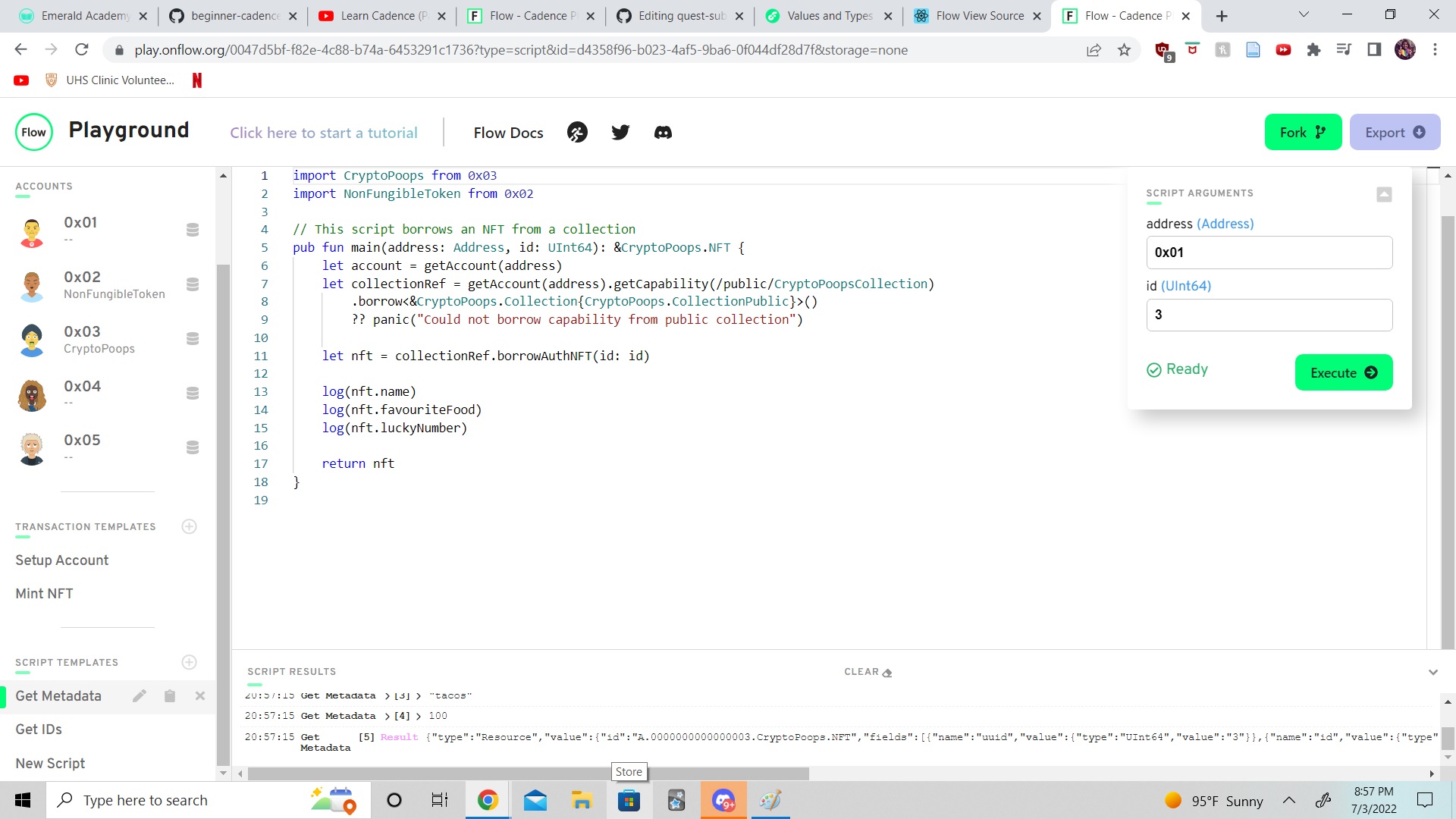
Script to get meta data:
import CryptoPoops from 0x03
import NonFungibleToken from 0x02

// This script borrows an NFT from a collection
pub fun main(address: Address, id: UInt64): &CryptoPoops.NFT {
    let account = getAccount(address)
    let collectionRef = getAccount(address).getCapability(/public/CryptoPoopsCollection)
        .borrow<&CryptoPoops.Collection{CryptoPoops.CollectionPublic}>()
        ?? panic("Could not borrow capability from public collection")

    let nft = collectionRef.borrowAuthNFT(id: id)

    log(nft.name)
    log(nft.favouriteFood)
    log(nft.luckyNumber)

    return nft
}