| title | Markit_v2 |
|---|---|
| emoji | 📄 |
| colorFrom | blue |
| colorTo | indigo |
| sdk | gradio |
| sdk_version | 5.14.0 |
| app_file | app.py |
| build_script | build.sh |
| startup_script | setup.sh |
| pinned | false |
| hf_oauth | true |
Author: Anse Min | 🤗 Hugging Face Space | GitHub | LinkedIn
A powerful Hugging Face Space that converts various document formats to Markdown and enables intelligent chat with your documents using advanced RAG (Retrieval-Augmented Generation).
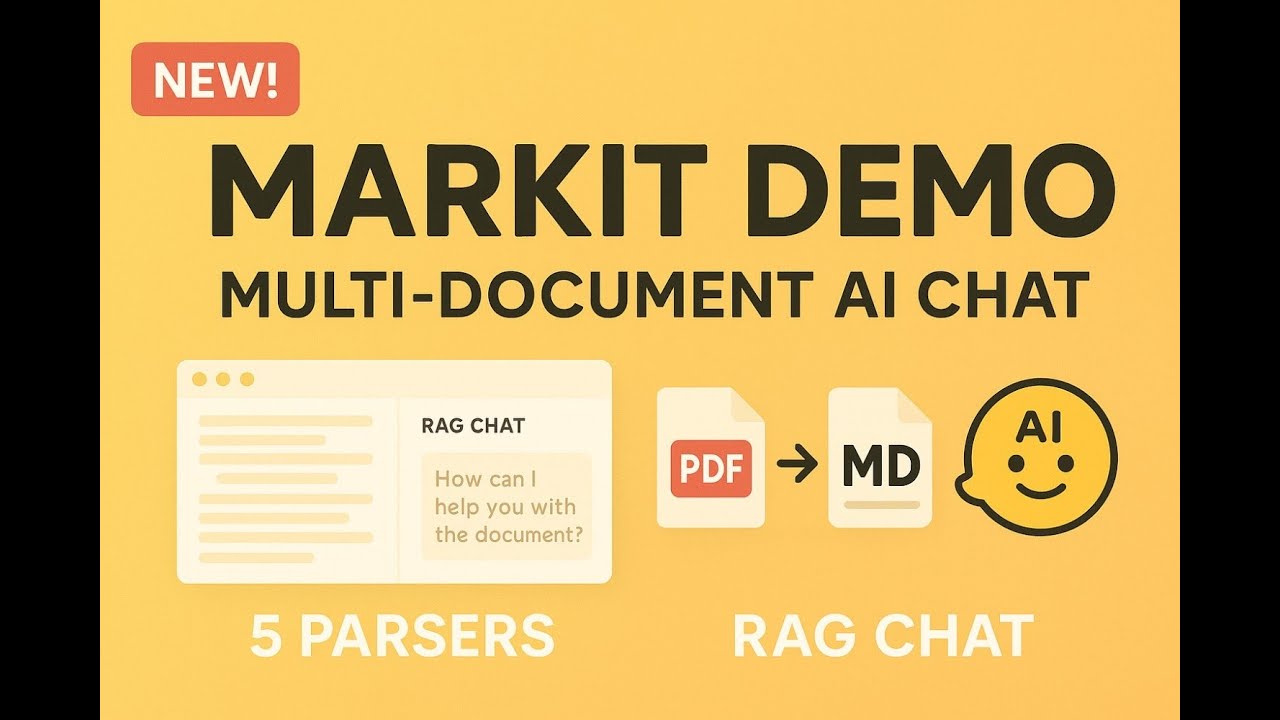
Complete walkthrough of Markit's flagship features including multi-document processing, RAG chat, and advanced retrieval strategies
Table of contents

What it does: Process up to 5 files simultaneously (20MB combined) with 4 intelligent processing types:
- 🔗 Combined: Merge documents with smart duplicate removal
- 📑 Individual: Separate sections per document with clear organization
- 📈 Summary: Executive overview + detailed analysis of all documents
- ⚖️ Comparison: Cross-document analysis with similarities/differences tables
Why it matters: Industry-leading multi-document processing that compares and contrasts information across different files, handles mixed file types seamlessly, and recognizes relationships across document boundaries.
.png)
Industry-leading multi-document processing with 4 intelligent processing types

What it does: Convert PDFs, Office documents, images, and more to Markdown using 5 powerful parsers:
- Gemini Flash: AI-powered understanding with high accuracy
- Mistral OCR: Fastest processing with document understanding
- Docling: Open source with advanced PDF table recognition
- GOT-OCR: Mathematical/scientific documents to LaTeX
- MarkItDown: High accuracy for CSV/XML and broad format support
Why it matters: Perfect table preservation creates enhanced markdown tables for superior RAG context, unlike standard PDF text extraction.
.png)
Choose the right parser for your specific needs and document types

What it does: Chat with your converted documents using 4 advanced retrieval strategies:
- 🎯 Similarity: Traditional semantic similarity using embeddings
- 🔀 MMR: Diverse results with reduced redundancy
- 🔍 BM25: Traditional keyword-based retrieval
- 🔗 Hybrid: Combines semantic + keyword search (recommended)
Why it matters: Ask for markdown tables in chat responses (impossible with standard PDF RAG), get streaming responses with document context, and easily clear data directly from the interface.
.png)
Advanced RAG system with 4 retrieval strategies for optimal document search

What it does: Interactive document search with:
- Real-time ranking of document chunks with confidence scores
- Method comparison to test different retrieval strategies
- Adjustable results (1-10) with responsive slider control
- Transparent scoring with actual ChromaDB similarity scores
Why it matters: Provides complete transparency into how your RAG system finds and ranks information, helping you optimize retrieval strategies.

What it does: Advanced LaTeX processing for mathematical and scientific documents:
- Native LaTeX output with no LLM conversion for maximum accuracy
- Mathpix rendering using the same library as official GOT-OCR demo
- RAG-compatible chunking that preserves LaTeX structures and mathematical tables
- Professional display with proper mathematical formatting
Why it matters: Perfect for research papers, scientific documents, and academic content with complex equations and structured data.
.png)
Complete workflow from document upload to intelligent RAG chat interaction
GOOGLE_API_KEY=your_gemini_api_key_here    # For Gemini Flash parser and RAG chat
OPENAI_API_KEY=your_openai_api_key_here    # For embeddings and AI descriptions
MISTRAL_API_KEY=your_mistral_api_key_here # For Mistral OCR parser (optional)DEBUG=true # Enable debug logging
MAX_FILE_SIZE=10485760 # 10MB per file limit
MAX_BATCH_FILES=5 # Maximum files for multi-document processing
MAX_BATCH_SIZE=20971520 # 20MB combined limit for batch processing
CHUNK_SIZE=1000 # Document chunk size for Markdown content
RETRIEVAL_K=4 # Number of documents to retrieve for RAG# Clone repository
git clone https://github.com/ansemin/Markit_v2
cd Markit_v2
# Create environment file
cp .env.example .env
# Edit .env with your API keys
# Install dependencies
pip install -r requirements.txt
# Run application
python app.py # Full environment setup (HF Spaces compatible)
python run_app.py # Local development (faster startup)
python run_app.py --clear-data-and-run # Testing with clean dataTwo ways to clear data:
- UI Method: Chat tab → "🗑️ Clear All Data" button (works in both local and HF Space)
- CLI Method:
python run_app.py --clear-data-and-run
What gets cleared: Vector store embeddings, chat history, and session data
| Method | Best For | Accuracy |
|---|---|---|
| 🎯 Similarity | General semantic questions | Good |
| 🔀 MMR | Diverse perspectives | Good |
| 🔍 BM25 | Exact keyword searches | Medium |
| 🔗 Hybrid | Most queries (recommended) | Excellent |
- Parsers: Gemini Flash, Mistral OCR, Docling, GOT-OCR, MarkItDown
- RAG System: OpenAI embeddings + ChromaDB vector store + Gemini 2.5 Flash
- UI Framework: Gradio with modular component architecture
- GPU Support: ZeroGPU integration for HF Spaces
- Markdown chunking: Preserves tables and code blocks
- LaTeX chunking: Preserves mathematical tables, environments, and structures
- Automatic format detection: Optimal chunking strategy per document type
- MarkItDown by Microsoft
- Docling by IBM Research
- GOT-OCR by StepFun
- Mathpix Markdown for LaTeX rendering
- Gradio for the UI framework