
A color-scheme that was heavily inspired by the JetBrains IntelliJ IDEA default theme, but was carefully refined to bring a more pleasant, aesthetic, and contrasting experience.
termguicolorsenabled for true color support.
With the native vim.pack:
vim.pack.add({ 'https://codeberg.org/brargenzilian/darcula-solid.nvim' });With lazy.nvim:
use { "brargenzilian/darcula-solid.nvim" }In init.lua:
vim.cmd('colorscheme darcula-solid')Or in your init.vim:
colorscheme darcula-solid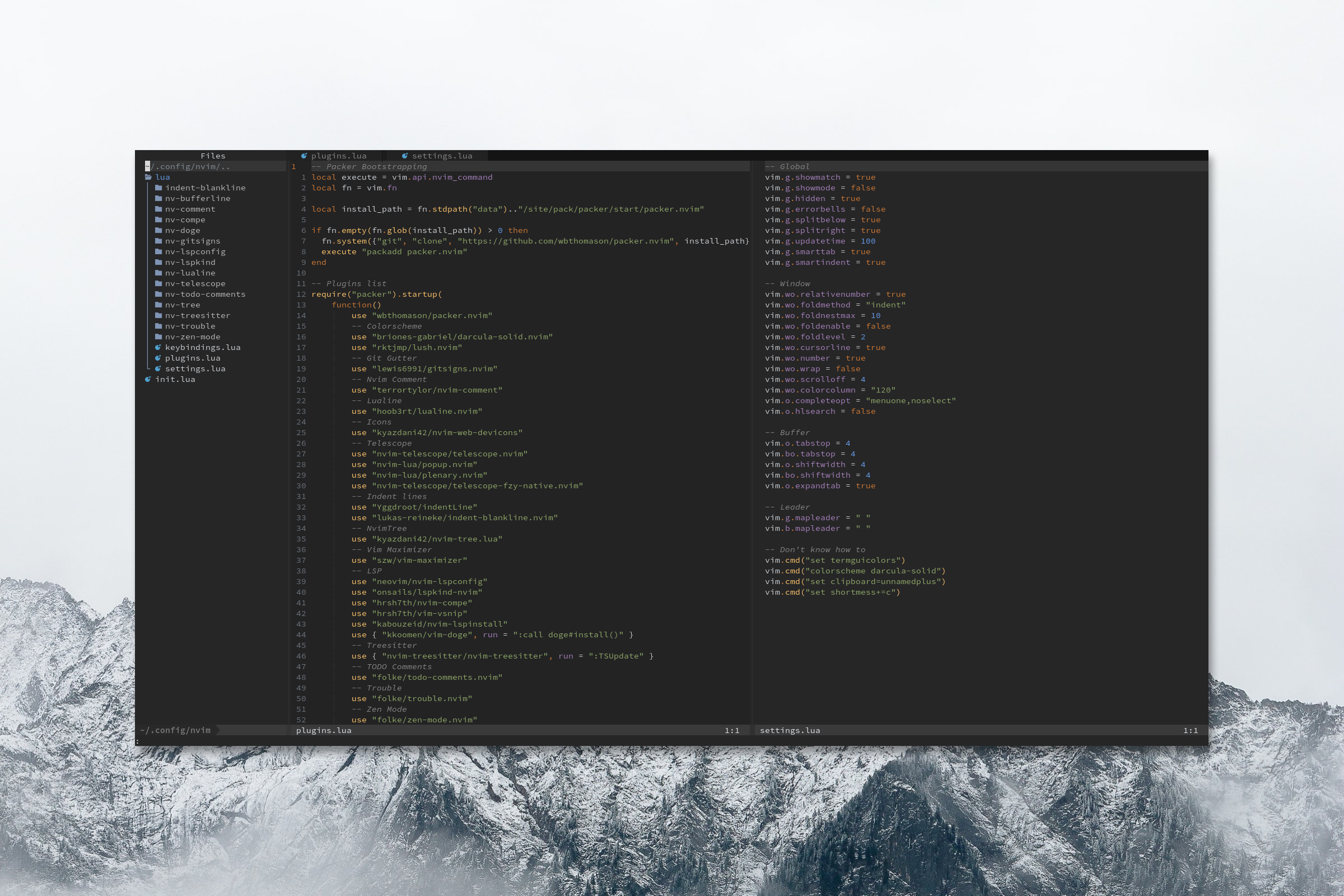
- Install the following packages in your local Neovim configuration:
- shipwright.nvim (required)
- lush.nvim (optional but recommended)
- Add/Update/Remove highlight groups from the
lua/darcula-solid/groups.luafile - Add/Update/Remove colors from the
lua/darcula-solid/palette.luafile - Once you're done with your changes, build the colorscheme using the
lua/build.luafile. It will updatelua/darcula-solid/init.luaautomatically. This will allow you to test the colorscheme locally by pointing towards the project from your local Neovim configuration. You can see more of how this step works here and here - Create a pull request and explain your changes
Huge thanks to @rorystephenson for suggesting this amazing idea and the developers of lush.nvim for their work that made this possible.