


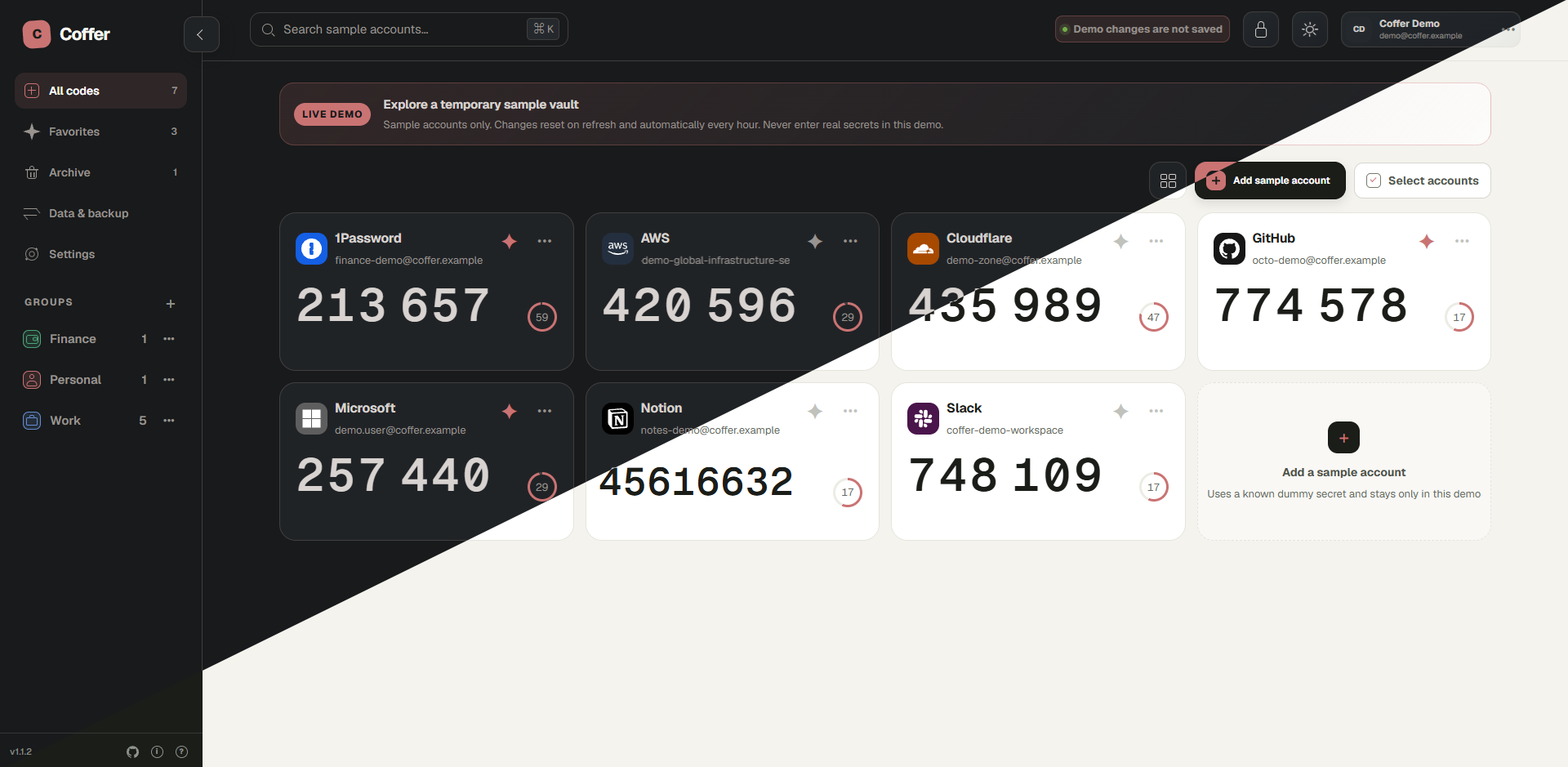
Coffer is a self-hosted, multi-user authenticator vault. It generates TOTP codes in the browser and encrypts each user's vault before storing it on the server. It also supports QR imports, groups, backups, and 2FAS transfers.
- Multi-user, browser-encrypted vaults
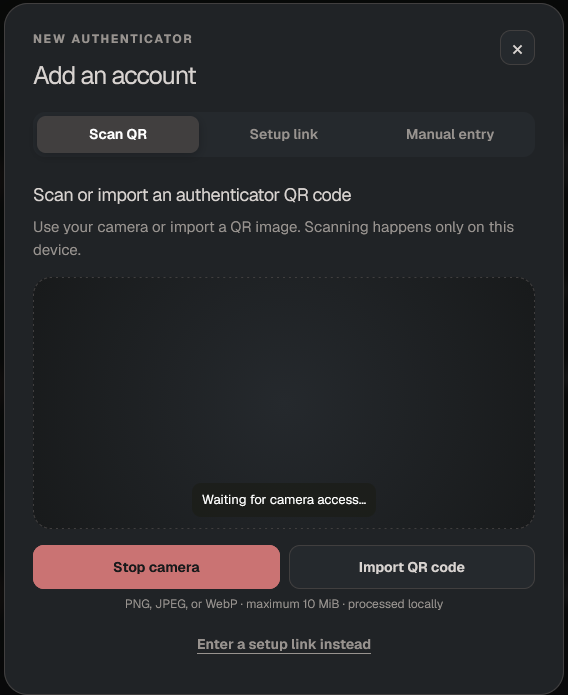
- TOTP generation with QR and manual account setup
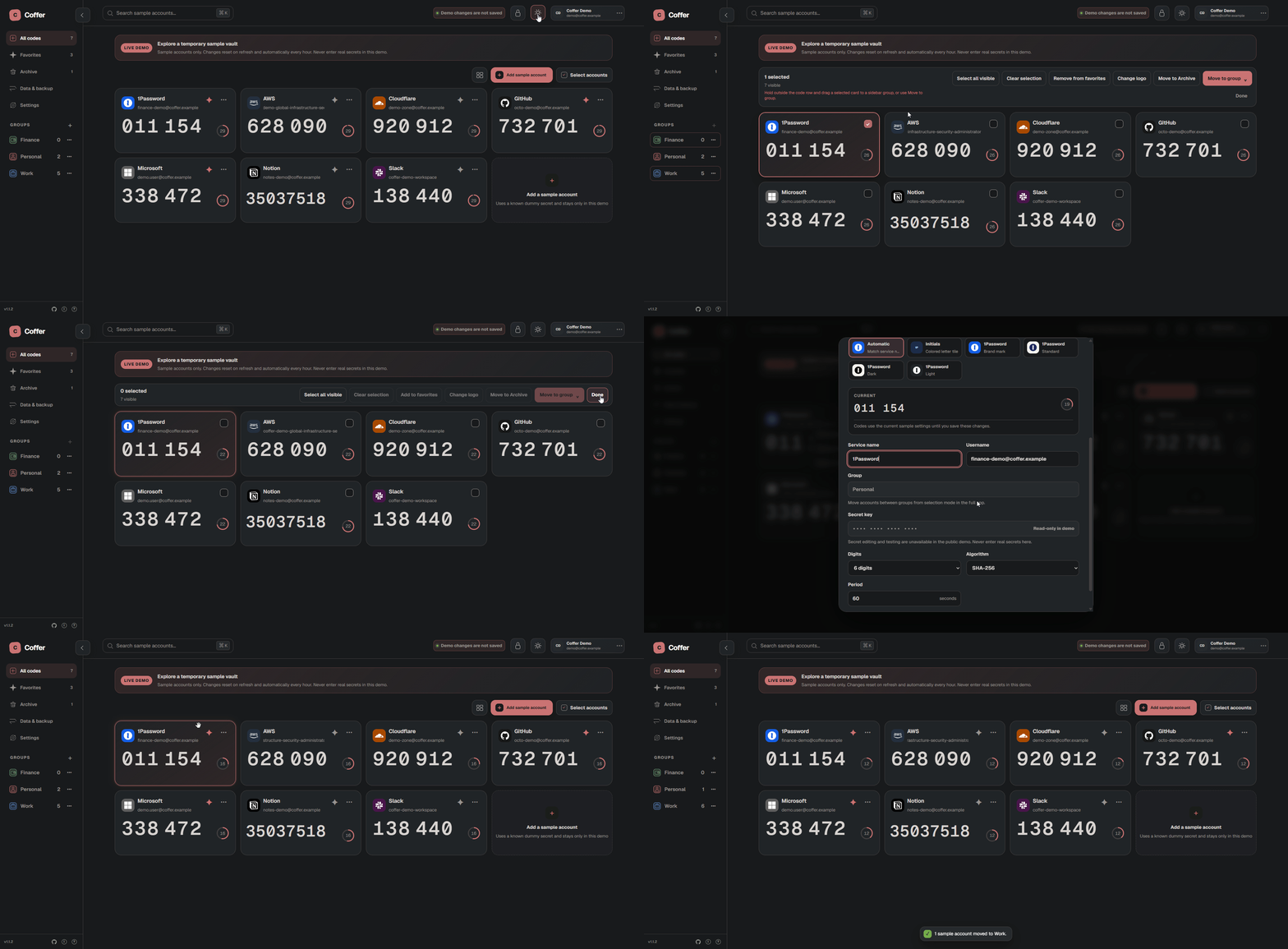
- Groups, favorites, archive, search, and bulk actions
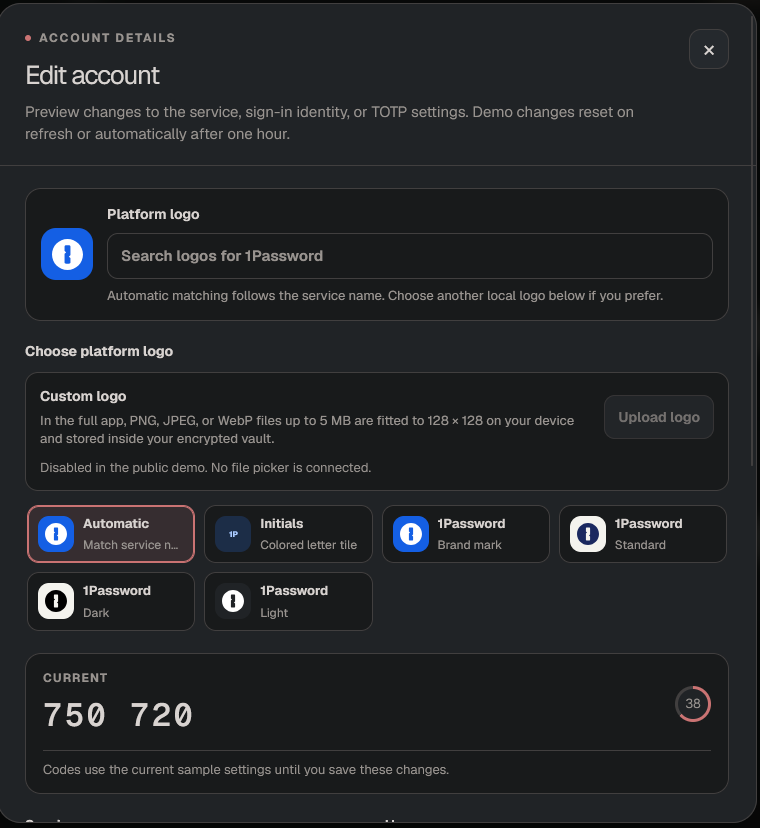
- Automatic local service logos and custom logo uploads
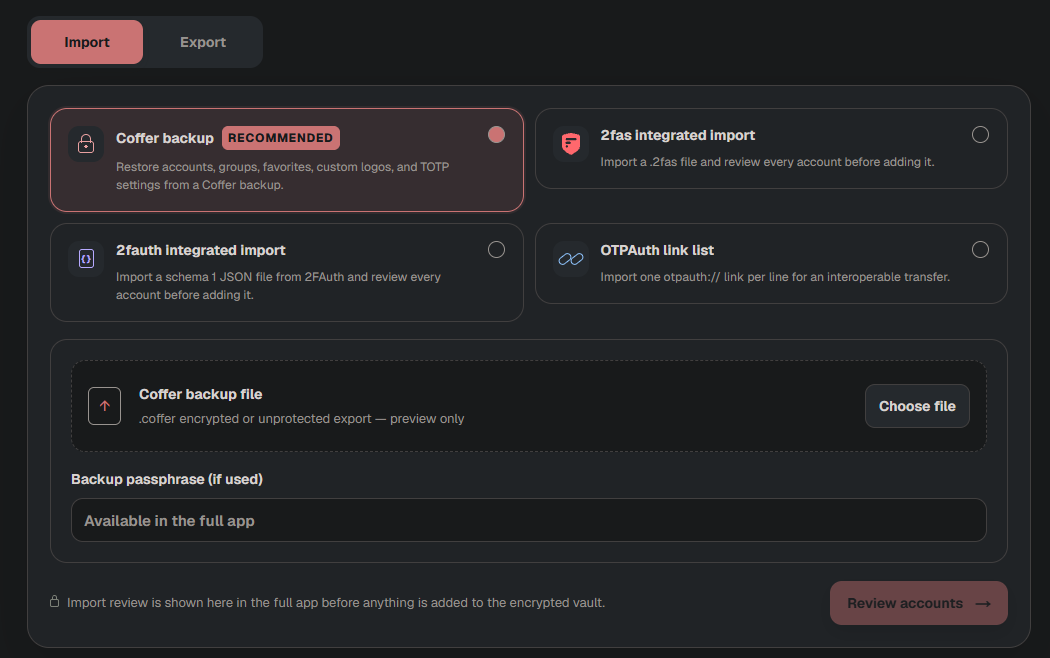
- Encrypted backups plus 2fas, 2fAuth, and OTPAuth transfers
- Responsive light and dark interfaces
docker compose up --build -dOpen http://localhost:3000. Encrypted vault data is
stored in ./data and remains there after docker compose down.
docker build -t coffer .
docker volume create coffer-data
docker run -d --name coffer --init --restart unless-stopped -p 127.0.0.1:3000:3000 -v coffer-data:/app/data coffer
Open http://localhost:3000. The coffer-data volume
keeps encrypted vault data across container restarts and replacements.
| Variable | Default | Purpose |
|---|---|---|
COFFER_DATA_DIR |
data (/app/data in Docker) |
Directory containing encrypted vault files. Mount persistent storage here. |
COFFER_TRUST_PROXY |
0 |
Set to 1 only behind a trusted reverse proxy so Coffer accepts forwarded origin, protocol, and client IP headers. |
VINEXT_TRUSTED_HOSTS |
Empty | Comma-separated public host[:port] allowlist, such as coffer.example.com. Recommended for HTTPS reverse-proxy deployments. |
HOST |
0.0.0.0 in Docker |
Address the application server listens on. |
PORT |
3000 |
Application server port inside the container. |
NODE_ENV |
production in Docker |
Node.js runtime mode. |
APP_HOST |
127.0.0.1 |
Docker Compose host address used for the published port. |
APP_PORT |
3000 |
Docker Compose host port. |
The COFFER_*, VINEXT_TRUSTED_HOSTS, HOST, PORT, and NODE_ENV entries
are container environment variables. APP_HOST and APP_PORT are Docker
Compose substitutions. When using Compose, add VINEXT_TRUSTED_HOSTS to
services.app.environment; placing it only in .env does not pass it into
the container.
For HTTPS behind a reverse proxy, set both COFFER_TRUST_PROXY=1 and
VINEXT_TRUSTED_HOSTS to the public hostname. The proxy must overwrite and
forward X-Forwarded-Proto and X-Forwarded-Host; the application backend
should not be exposed directly when proxy trust is enabled. Production browser
access requires HTTPS because vault encryption uses Web Crypto; localhost is
the development exception.
Passwords cannot be recovered. Keep a backup of your encrypted vault data.