A pixel, ASCII, minimal, retro theme for Hugo.
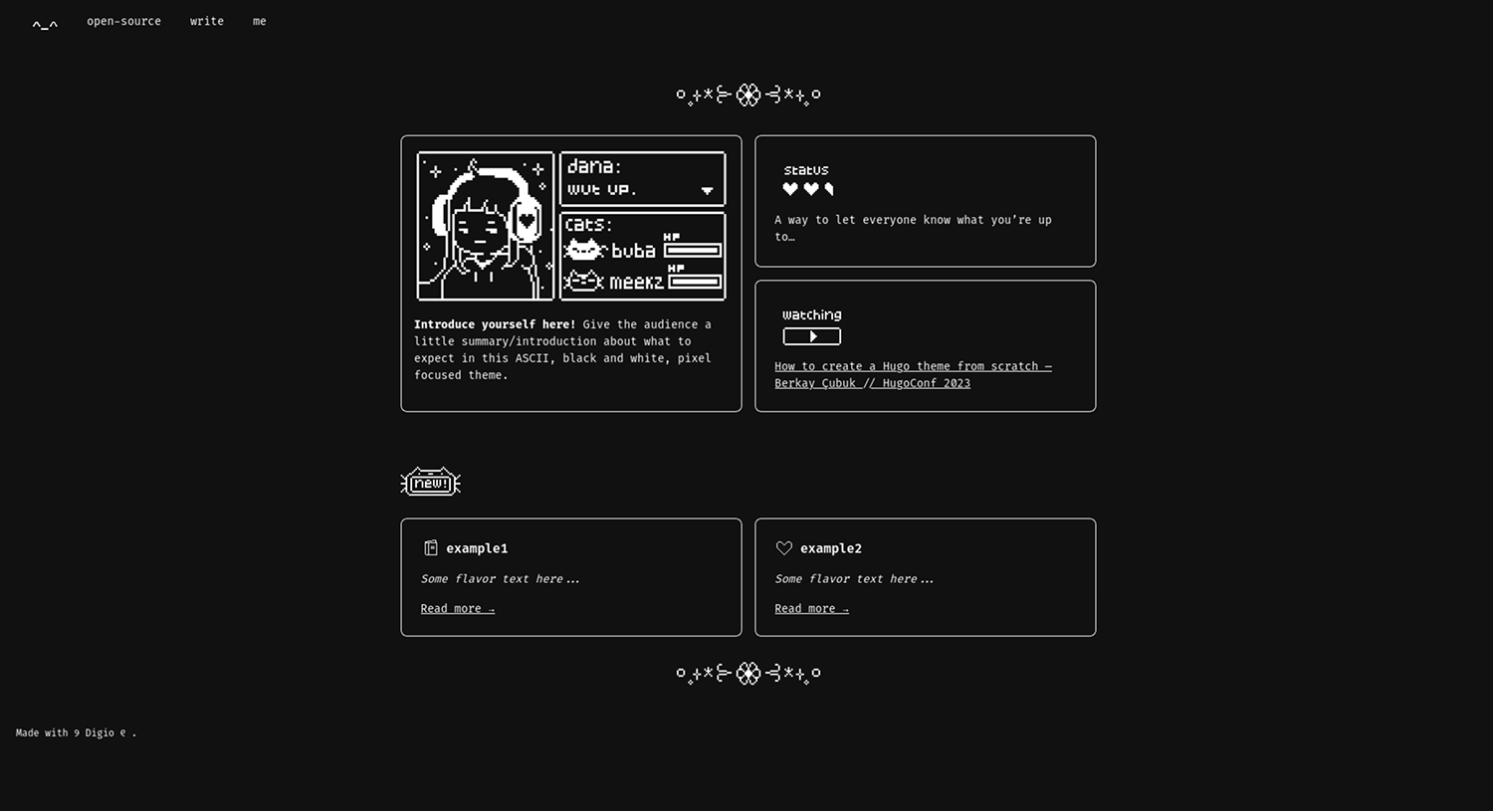
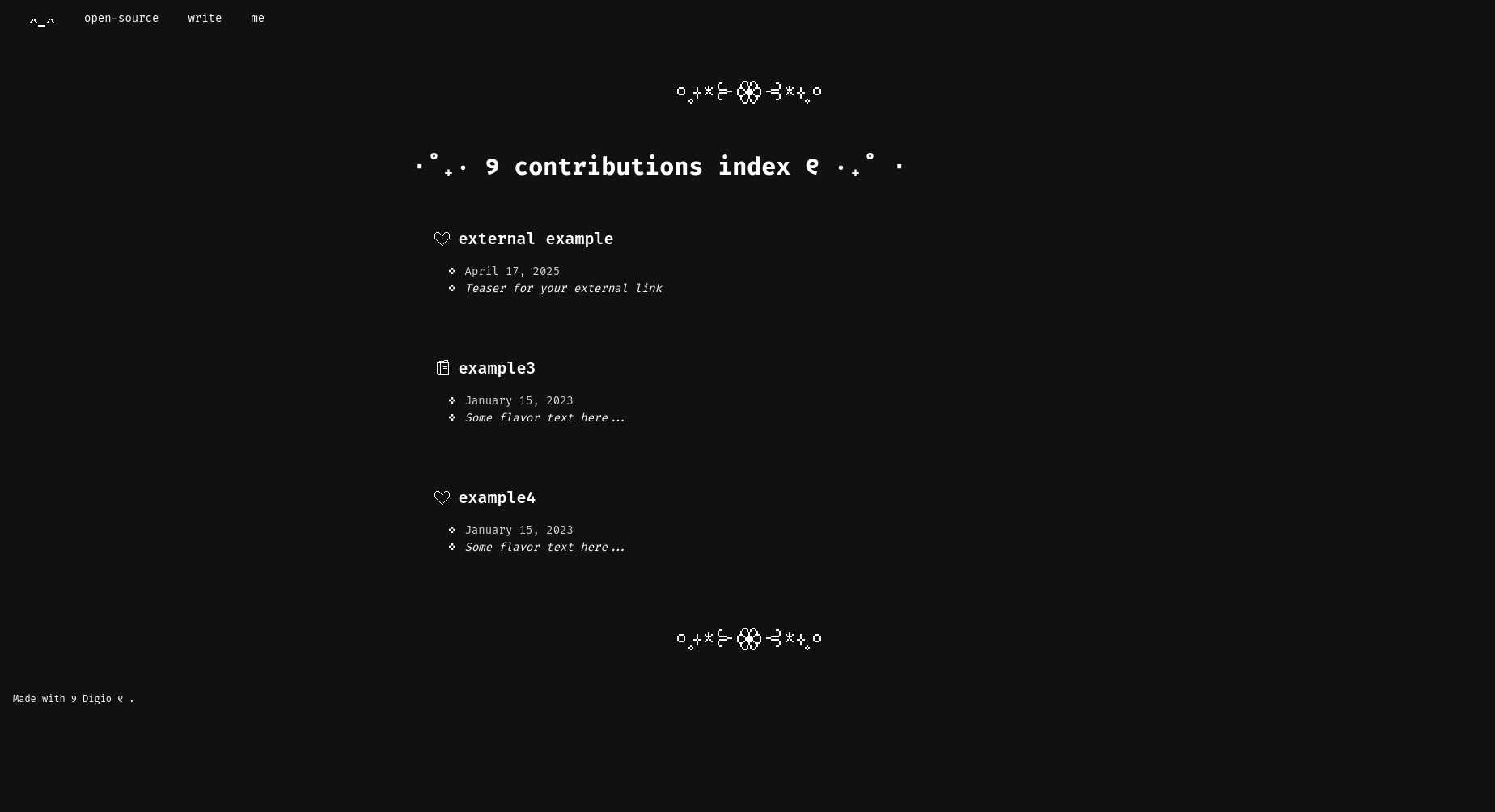
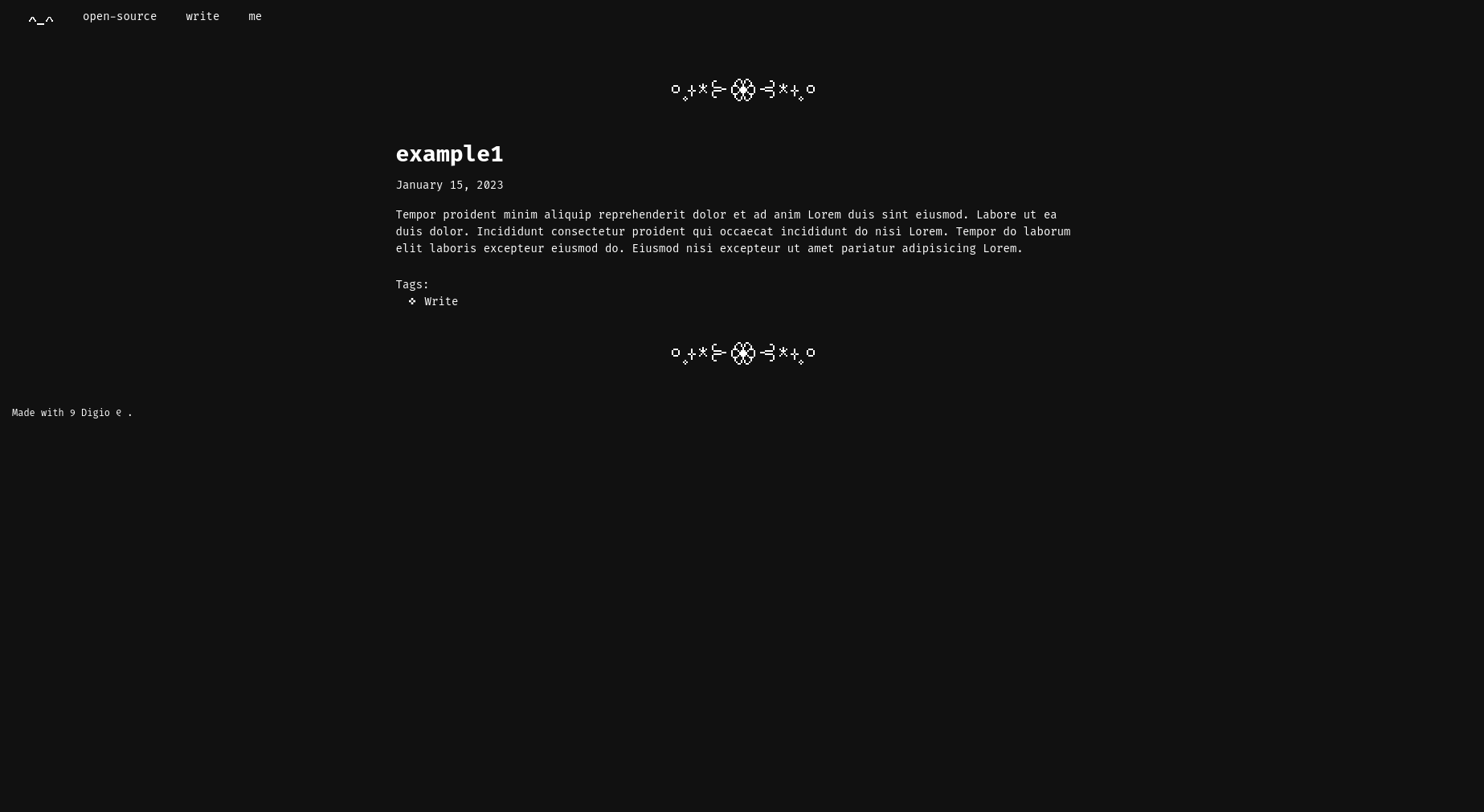
To see how this theme works, view my current blog.
- Tagging
- External links can be added as a part of post lists (sorted by date along with posts)
- Mobile-friendly
- Switch between icons to indicate different posts
To use digio-theme you need to install Hugo Extended by following https://gohugo.io/getting-started/installing/.
# Install dependencies
npm install

# Compile Tailwind into CSS once — good for production
npm run build

# Continuously compile Tailwind into CSS on file changes — good for development
npm run watch
hugo new site <your website's name>
cd <your website's name>
git submodule add https://github.com/danapixels/digio-theme themes/digio-theme
To update the theme later:
git submodule update --remote
mkdir themes
cd themes
git clone https://github.com/danapixels/digio-theme
hugo server -d
open http://localhost:1313/
These can be found in the theme's folder. Note: To keep theme images, you will need to copy the theme's static folder to your static folder (it may not copy them automatically).
Located in _index.md in the content folder.
# Change the home profile picture
portraitImage = "/yourimage.png"

# Change the bolded intro title
introTitle = "Introduce yourself here!"

# Change the summary of the homepage
introBody = "Give the audience a little summary/introduction about what to expect in this ASCII, black and white, pixel focused theme."

# Change the status image
statusImage = "/status.png"

# Change the status text
statusText = "A way to let everyone know what you're up to..."

# Change the currently watching image
watchingImage = "/watching.png"

# Change the watching text
watchingText = "How to create a Hugo theme from scratch — Berkay Çubuk // HugoConf 2023"

# Change the video URL
watchingUrl = "https://www.youtube.com/watch?v=0WJ2lWNhqm8"
Located in me.md in the content folder.
# Change listed likes
likes = [
  "Example 1",
  "Example 2",
  "Example 3",
  "Example 4",
  "Example 5",
  "Example 6",
  "Example 7",
  "Example 8",
  "Example 9",
  "Example 10",
]

# Change listed dislikes
dislikes = [
  "Example 1",
  "Example 2",
  "Example 3",
  "Example 4",
  "Example 5",
  "Example 6",
]

# Change listed hobbies
hobbies = [
  "Example 1",
  "Example 2",
  "Example 3",
  "Example 4",
  "Example 5",
  "Example 6",
]
# Heart icon
icon = "/contribute.png"

# Book icon
icon = "/writing.png"
# Make your own or choose `contribute.png` for a heart or `writing.png` for a book.
listIcon = "/writing.png"

# This will show in your sections and your homepage.
teaser = "Some flavor text here..."
# This will treat your external link as a post and be organized according to the date you set.
externalLinks = [
  { title = "external example", url = "https://gohugo.io/", date = "2025-04-17", icon = "/contribute.png", teaser = "Teaser for your external link" },
]