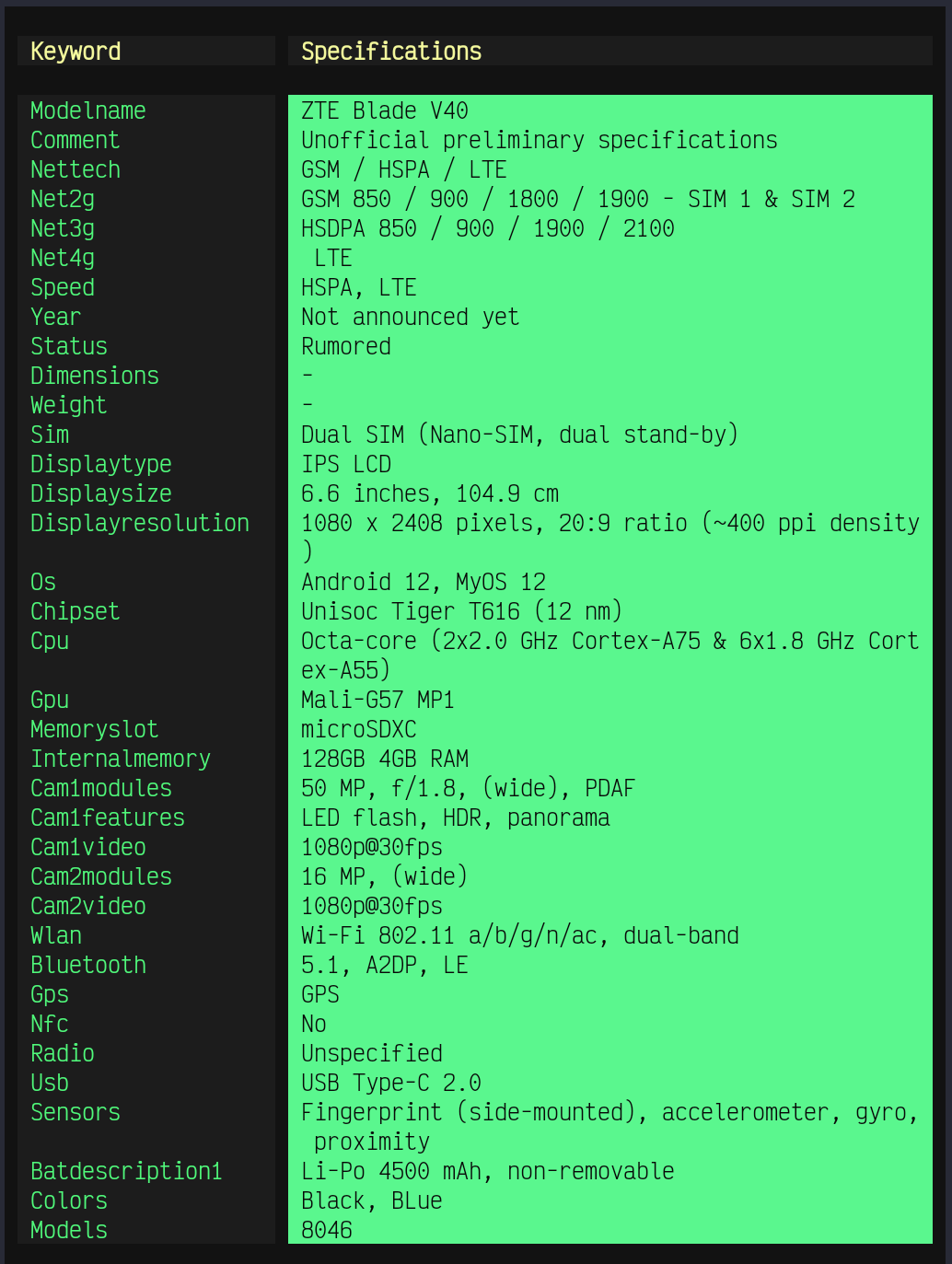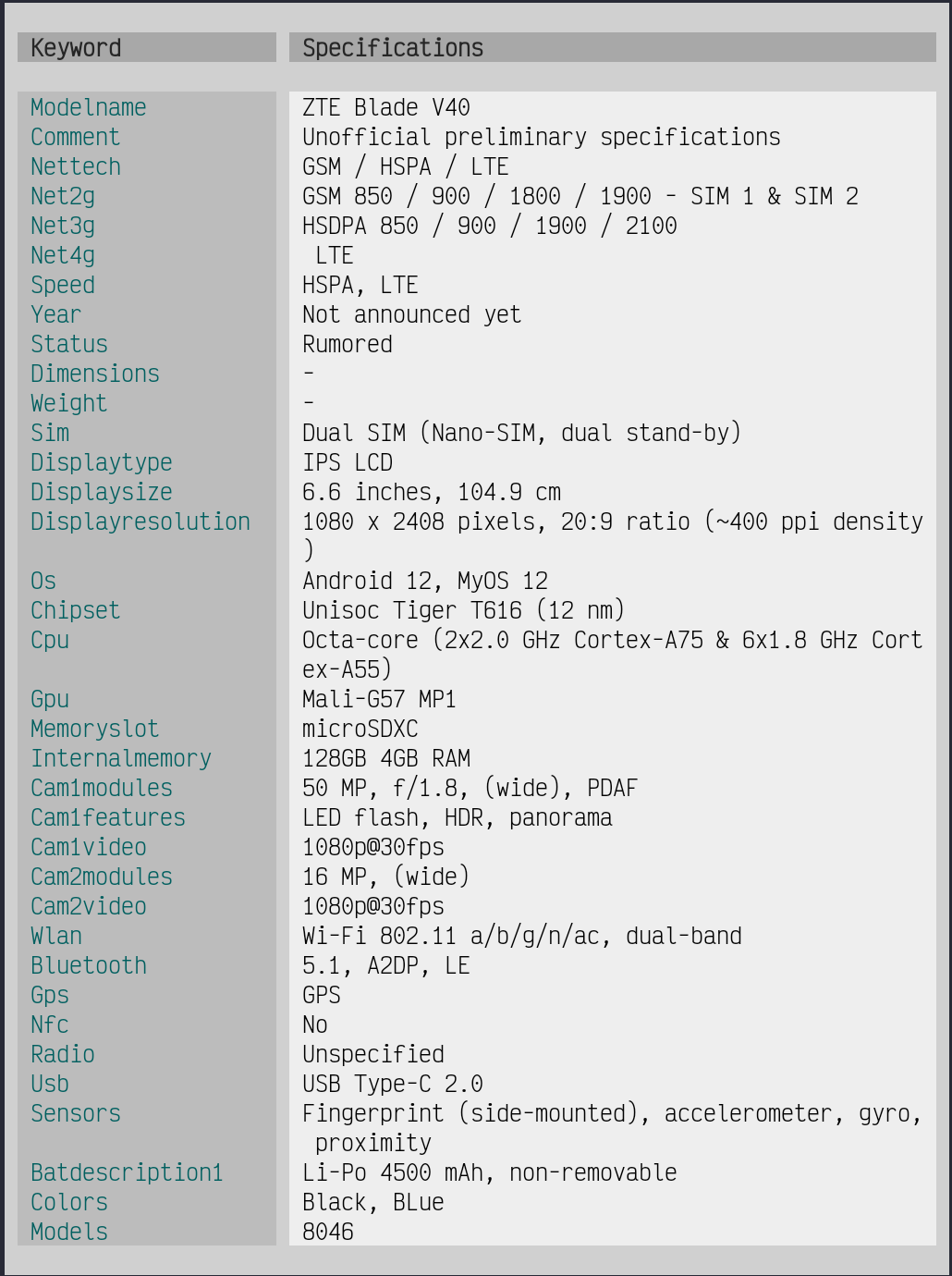


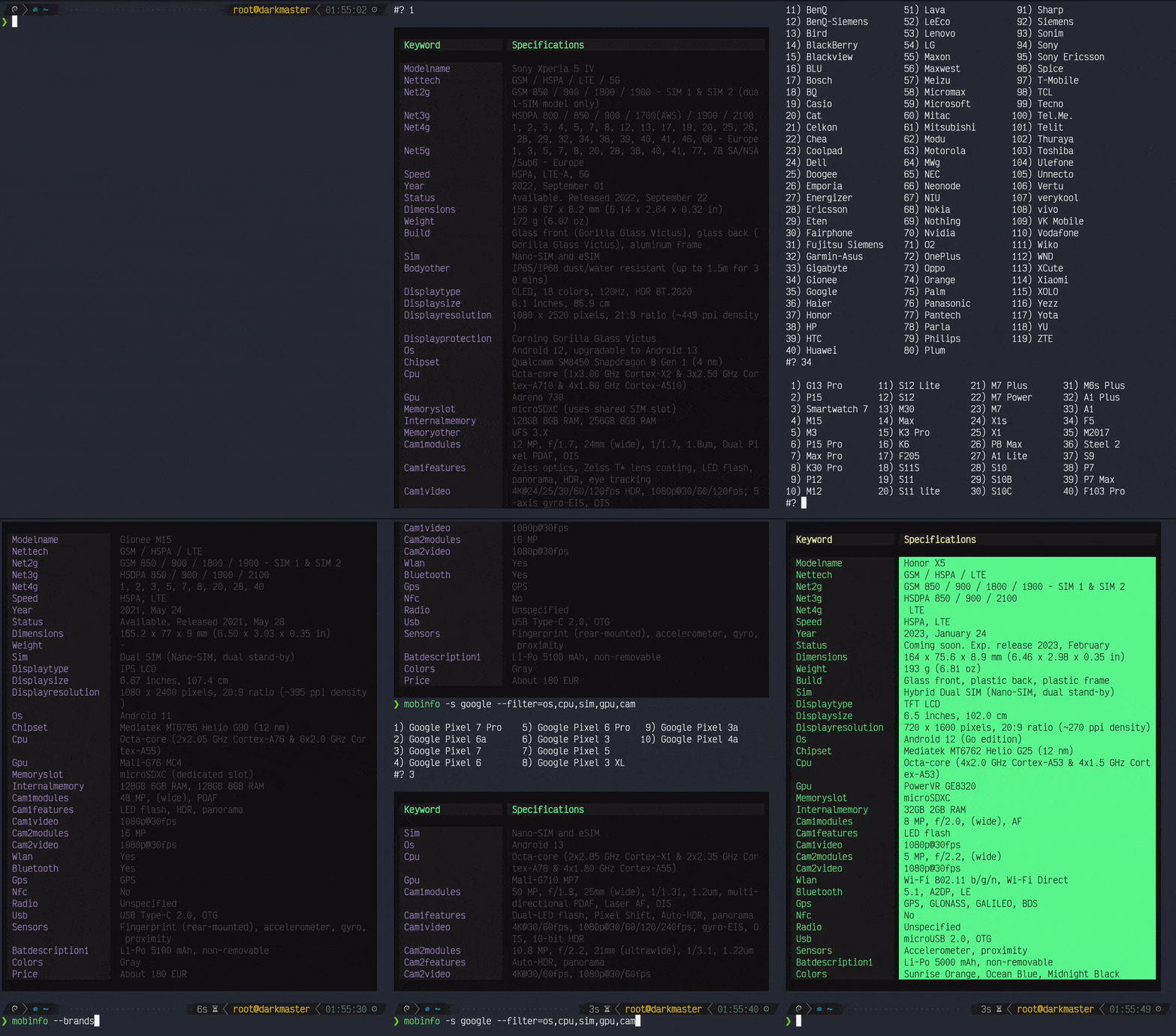
A command-line tool written in Bash 4.2+ that offers comprehensive and up-to-date mobile phone information from various online websites.
This tool was created with one purpose: to quickly get detailled
technical characteristics and specifications of any smartphone
directly from your favorite terminal.
- Clone it
git clone --depth 1 https://github.com/grm34/mobinfo ~/.mobinfo- Install it with make
# Install
cd ~/.mobinfo
sudo make install

# Update
cd ~/.mobinfo
sudo make update

# Uninstall
cd ~/.mobinfo
sudo make uninstall
rm -rf ~/.mobinfo- Or run it directly from a function or an alias
# Add one of the following lines to your ~/.bashrc or
# whatever shell startup file and reload your terminal.

# Alias
alias mobinfo="bash ~/.mobinfo/mobinfo"

# Function
mobinfo() { bash ~/.mobinfo/mobinfo "$@" ;}
Definition of a function or an alias may differ from one shell to another so adapting may be necessary.
Usage: mobinfo [OPTIONS]... <arguments>... [FILTERS]...

GLOBAL:
  -s, --search  <device name>    Search mobile phone.
  -f, --first   <device name>    Search and output the first match.
  -b, --brands                   Search by brand (list all brands).
  -l, --latest                   Search latest devices.
  -c, --coming-soon              Search announced devices.
  -t, --top-by-fans              Search most popular devices.

DATABASE:
  -pa, --phonearena              Search on PhoneArena (default).
  -ga, --gsmarena                Search on GSMArena.
  -pd, --phonesdata              Search on PhonesData.

FILTERING:
  -so, --specs-only              Show specifications only.
  -hl, --highlight               Show highlighted specifications.
  -HL, --hl-only                 Show highlighted specs only.

     Highlighted specifications only available on GSMArena.

  -F, --filter  <filter1,filter2>

     os, chipset, cpu, gpu, models, modelname, nettech, net2g, net3g,
     net4g, speed, wlan, bluetooth, gps, sim, nfc, radio, usb, colors,
     price, sendors, memoryslot, internalmemory, memoryother, year,
     status, selfie, dimensions, displaytype, displaysize, comment,
     displayresolution, displayprotection, cam1modules, cam1features,
     cam1video, cam2modules, cam2features, cam2video, featuresother,
     bodyother, optionalother, batdescription1, sar-us, sar-eu, (...)

     Filters listed are those of GSMArena and are for illustrative
     purposes only, filter by keyword or even by single character.

RENDERING:
  -R,  --raw                     Disable specifications rendering.
  -nc, --no-color                Disable ANSI colors rendering.
  -bc, --basic-color             Basic colors instead of 256-colors.
  -T, --theme  <name>            Change 256-colors theme.
                                 light - dark (default) - hack
  -C, --foreground  <colors>     Change foreground colors.
  -B, --background  <colors>     Change background colors.

     The table is divided into seven blocks and it is possible to
     change the color of each of them. In order the blocks are:
     head1 - head2 - Vsymbol - Hsymbol - Asymbol - row1 - row2

     Dark theme (default):  --foreground 2,2,233,233,233,140,8
                            --background 234,234,233,233,233,234,233

OTHER:
  -h, --help                     Get help for commands.
  -V, --version                  Show version number and quit.
  -v, --verbose                  Make curl operations more talkative.
                                 Useful for debugging and seeing
                                 what is going on under the hood.
  -m, --max-time  <seconds>      Maximum time in seconds that you
                                 allow curl operations to take.
                                 Useful for preventing slow networks
                                 or database going down (default 5).
  -N, --alnum                    Disable special characters (ASCii).
  -x, --log 2> logfile           Verbose logfile for error reporting.

EXAMPLES:
  mobinfo --search samsung
  mobinfo -s xiaomi mi 11 --filter name,os,cpu,gpu,memory
  mobinfo -f A51 5G UW --filter status,price --specs-only
  mobinfo --brands --filter name,os,cam,bat --theme hack

COMPARE:
  mobinfo --first iphone XR && mobinfo --first iphone XS
  mobinfo -f A51 --filter cpu && mobinfo -f A52 --filter cpu

Report bugs to https://github.com/grm34/mobinfo/issues
You may need to install
bashcurlgrepfirst.