Catch every spark, before it fades.
An Obsidian plugin for journaling — built around two ideas:
- Shoot first, write later. Drop a photo into the sidebar and Spark Memo reads its EXIF capture time and GPS location, then writes the memo as if you'd jotted it down back then, at that place — the same experience Day One gave you, now inside your Obsidian vault.
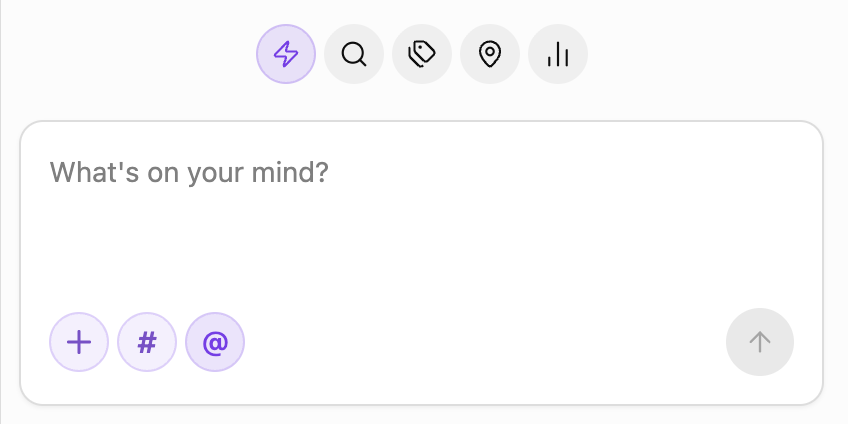
- Never lose the thought. The quick-capture sidebar is always one click away: type, dictate, paste an image, or hit record — the memo lands in today's daily note before the moment passes.
Under the hood it highlights HH:MM timestamps inside a designated Memo section, rolls up everything you've written into a yearly heatmap, and plots every geo-tagged memo on an offline world map — so you can look back on a whole year, or a whole map, at a glance.



Originally forked from zhaohongxuan/journal-partner. Thanks to the original author for the timestamp-highlighting core.
- Timestamp highlighting in the
## Memosection — pill badges in Source, Live Preview, and Reading view, with customizable colors and an optional read-only mode - Quick-capture sidebar — write, dictate, paste images, or record audio; entries are appended to today's daily note under
## Memo - Photo-driven memos — pasted or uploaded images with EXIF time / GPS are turned into memos at the original moment and place, stored as
[Name](geo:lat,lon)links - Tag & location roll-ups — every
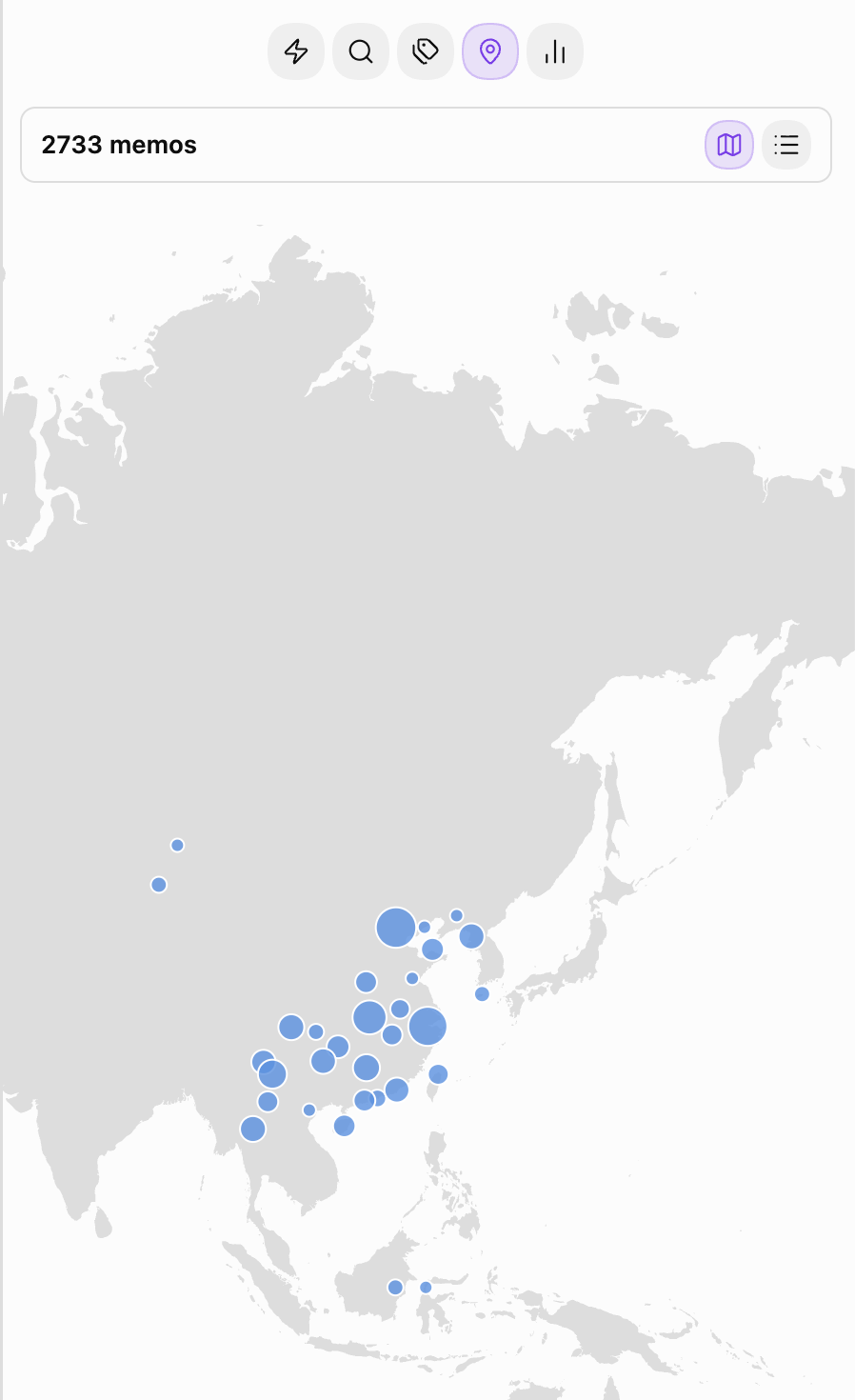
#tagand every geo-tagged memo grouped for review, with rename / merge / delete for tags - Offline world map — the Locations tab opens on a map of everywhere you've written, drawn from a vector basemap bundled with the plugin: no tile server, no network request, no account. Nearby memos cluster into a single dot sized by how much you wrote there; hover for the count, click to read them, and scroll sideways to wrap around the globe
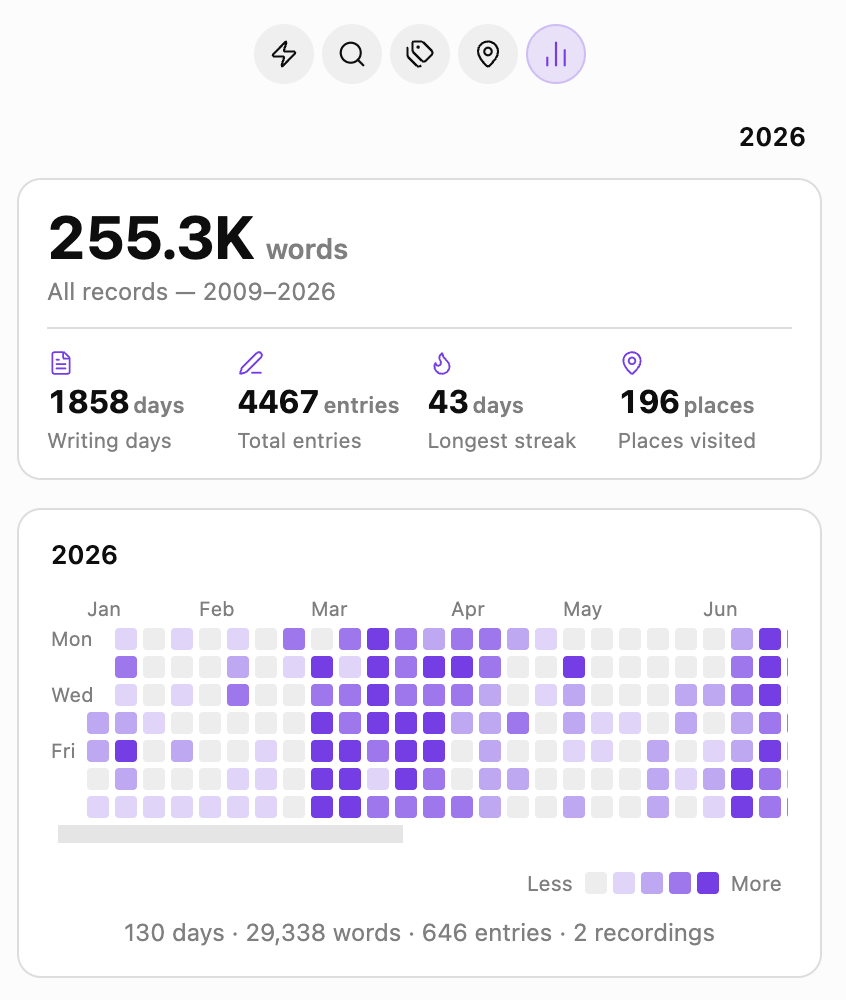
- Yearly heatmap — GitHub-style grid per year, with total words, writing days, entry count, and longest streak
- Random rewind — open the Search tab and a random past memo greets you, so old thoughts get another moment in the light
- Multi-language — follows Obsidian's UI language (English / 简体中文)
Requires Obsidian's built-in Daily Notes core plugin.
Once the plugin is accepted into the community catalog, install it from Settings → Community plugins → Browse → "Spark Memo".
Manual install: download main.js, manifest.json, and styles.css from the latest GitHub Release into <vault>/.obsidian/plugins/spark-memo/, then enable it in Settings → Community plugins.
- Click the feather-pen icon in the ribbon (or run "Open Quick Capture sidebar" from the Command Palette) to open the sidebar
- Type into the input, then click submit — the memo is written to today's daily note as
- HH:MM text - Paste an image or hit record to attach media; images with EXIF time / GPS will prompt you to use their moment and place
- Switch to the
Search/Tags/Locations/Statstabs to browse across days —Locationsopens on the world map, with the city list one click away
MIT