AWS w Docker Deployment
In this project I have created EC2 instance on Amazon with a later version of Ubuntu pre-defined AMI. Then installed Ruby on Rails onto this instance. After this I have deployed my project R1 rails project PhotoSite on it. Once this part is done. I have installed Docker software on ec2, then deployed Project R1 into this Docker Container and created the image of the Project
https://www.youtube.com/watch?v=4RSzkCUSXmA
- I have installed the Docker software on ec2.
- Then downloaded the “get-docker.sh” script from “https://get.docker.com” using the “curl” browser.
- Once the docker got installed I deployed Photosite inside a Docker container containing its dependencies. Defining dependencies is done using a file called Dockerfile.
- Then generated the Rails skeleton app using docker-compose and docker image got built.
A SEPERATE SCREEN SHOT FOR each new screen a user sees in using your application on the EC2 deployment featuring YOUR personal Docker Container in YOUR AWS account
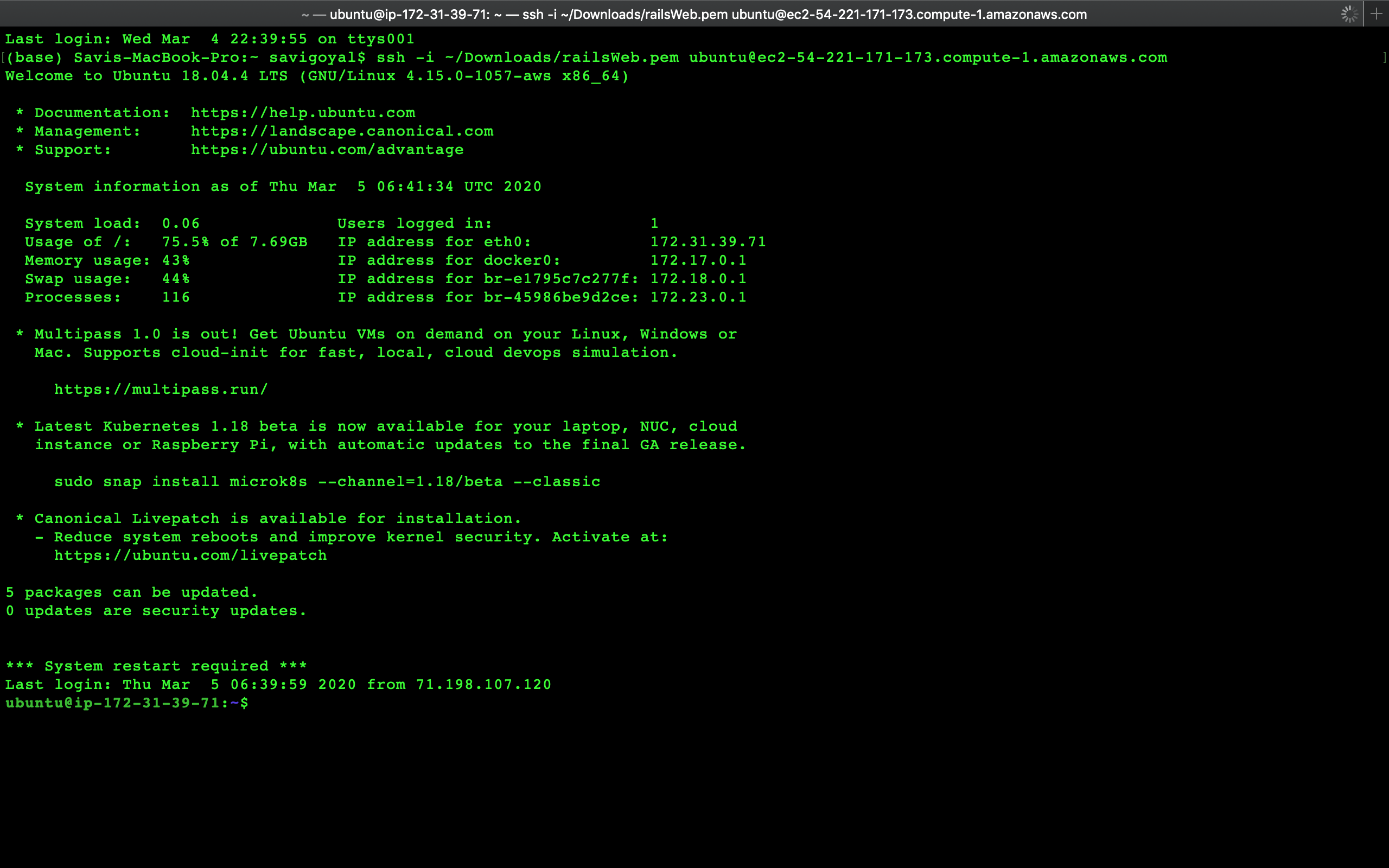
I have logged in EC2 instance of aws.
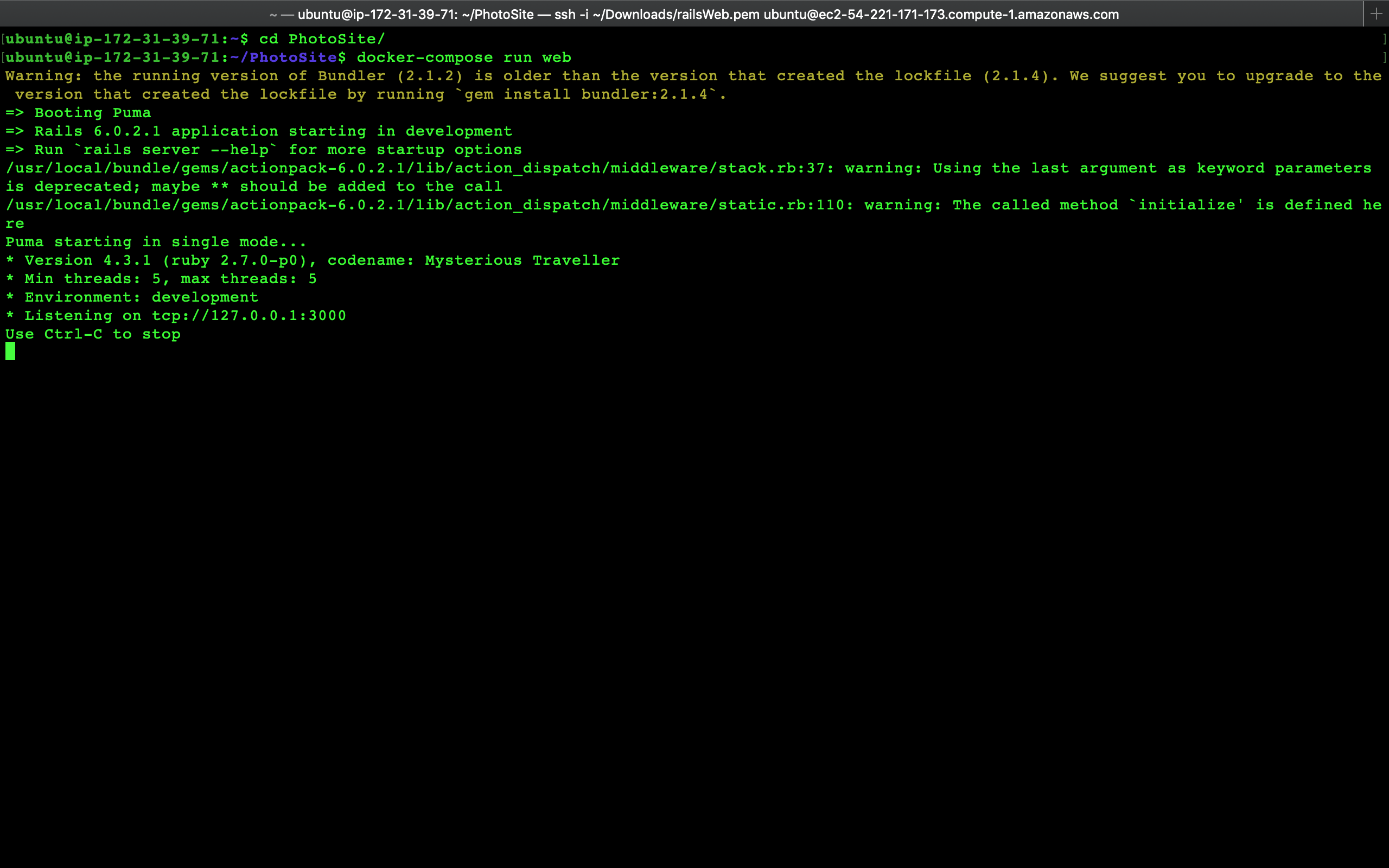
Entered into Photosite folder in ec2 instance and ran docker-compose run web to start docker container
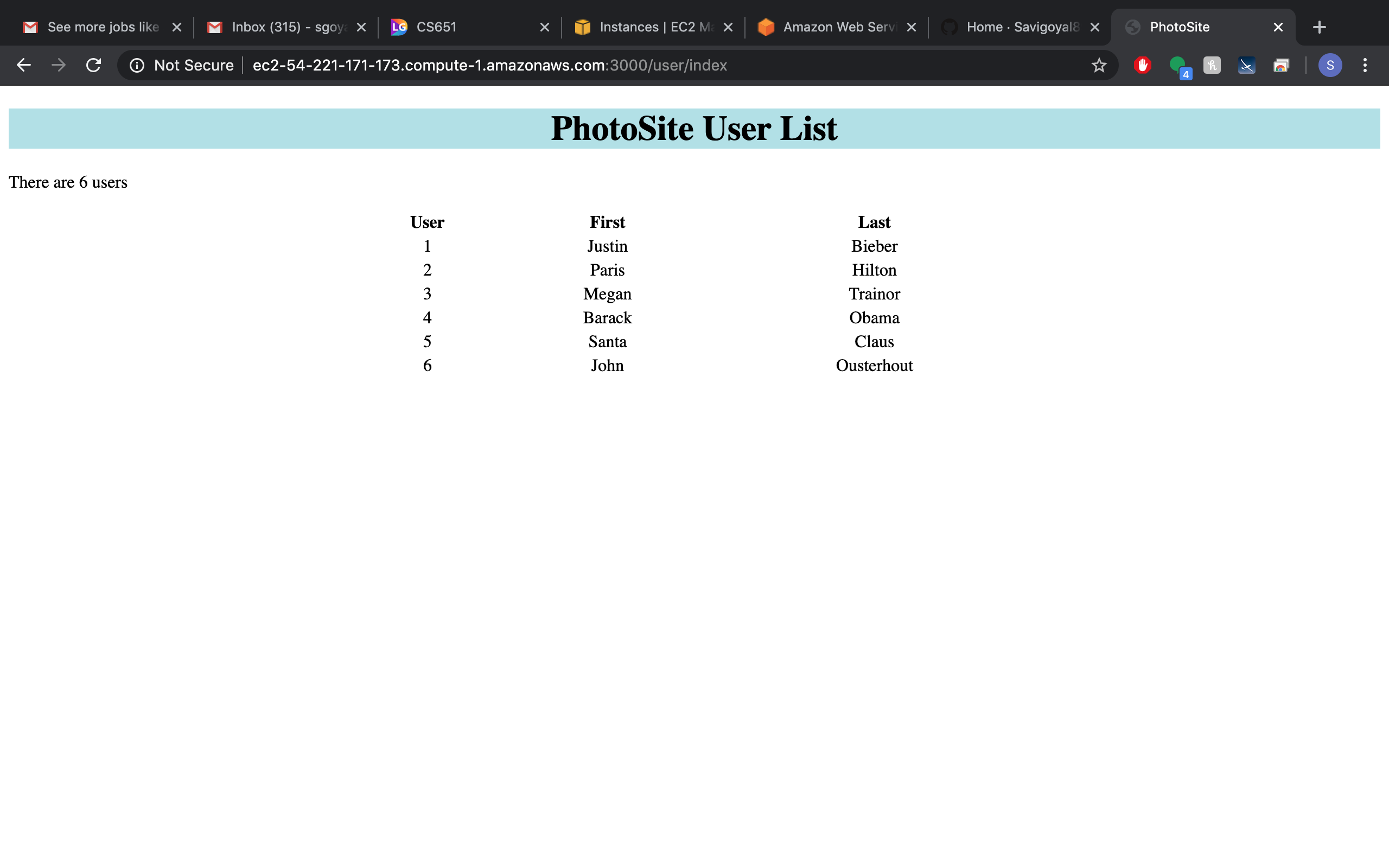
Now on browser I can see my photosite rails project is running on docker container on ec2 Instance

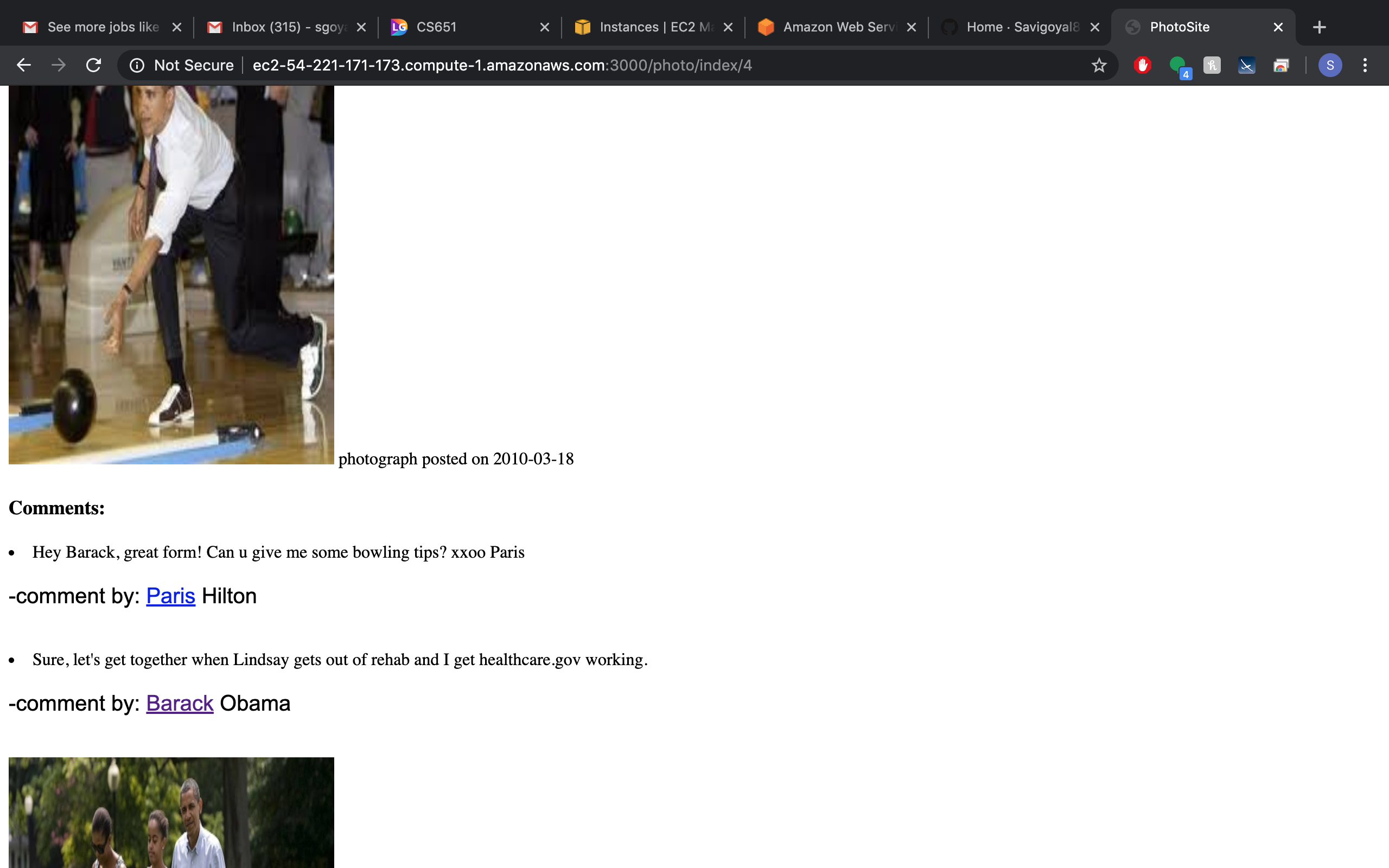

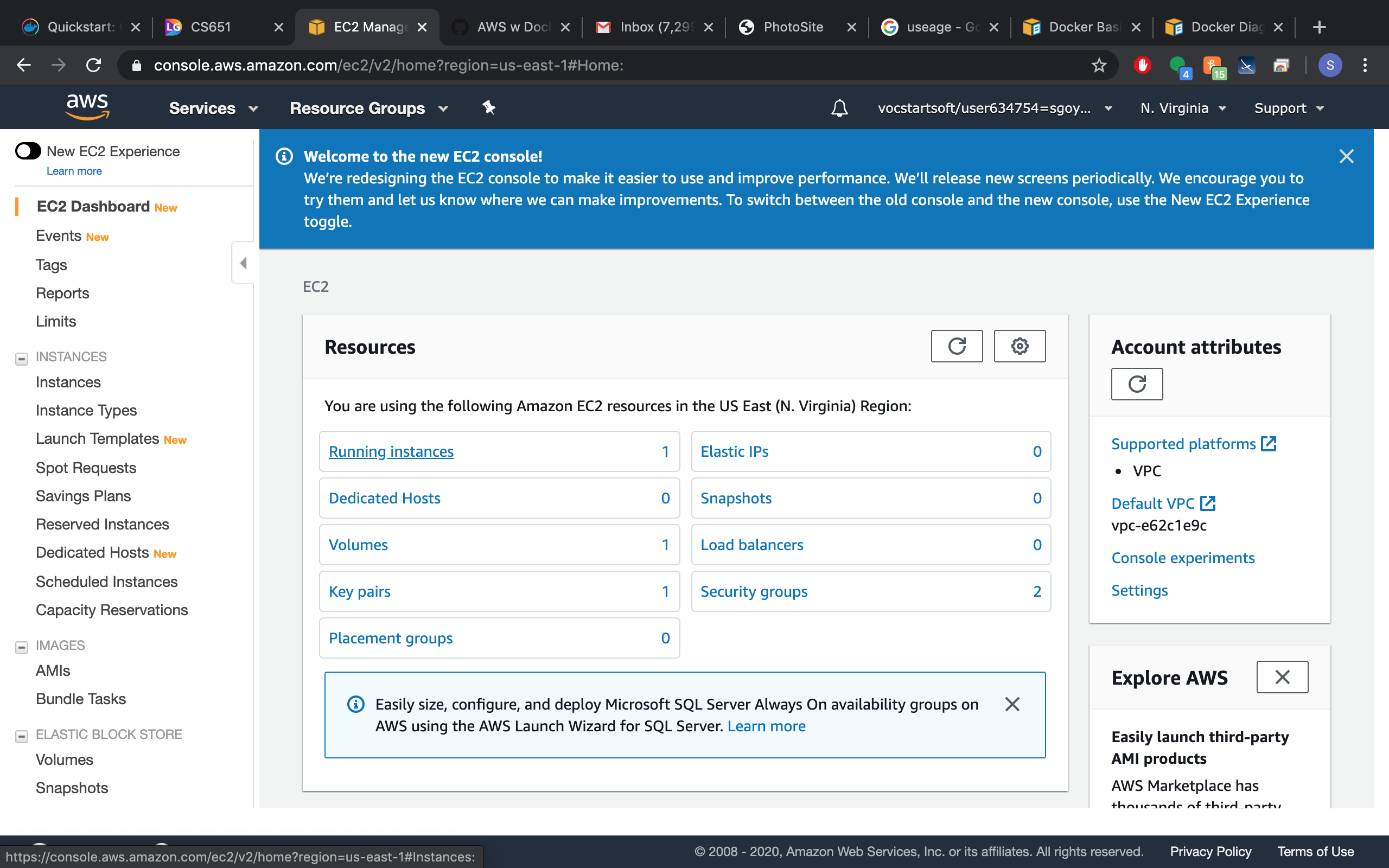
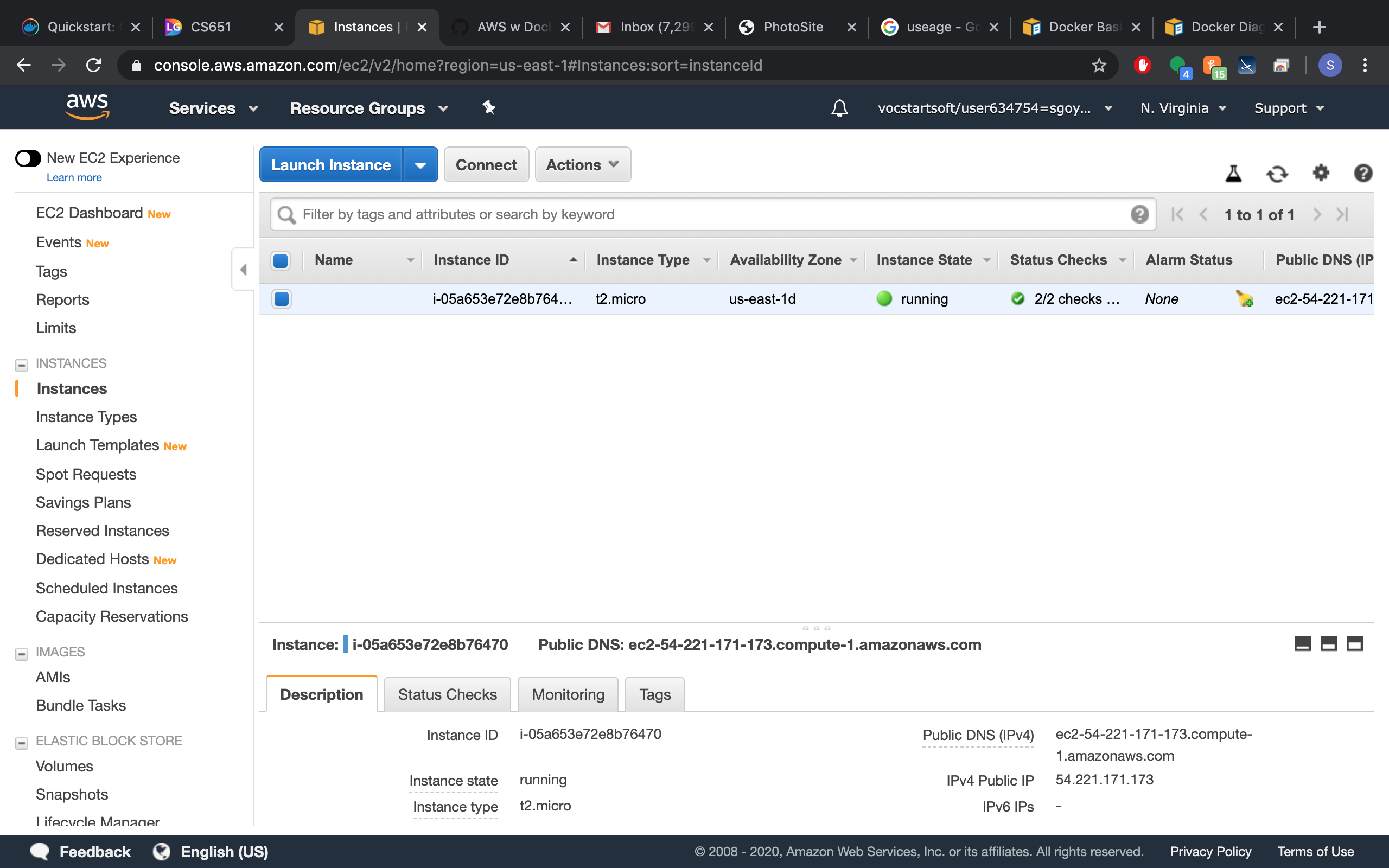
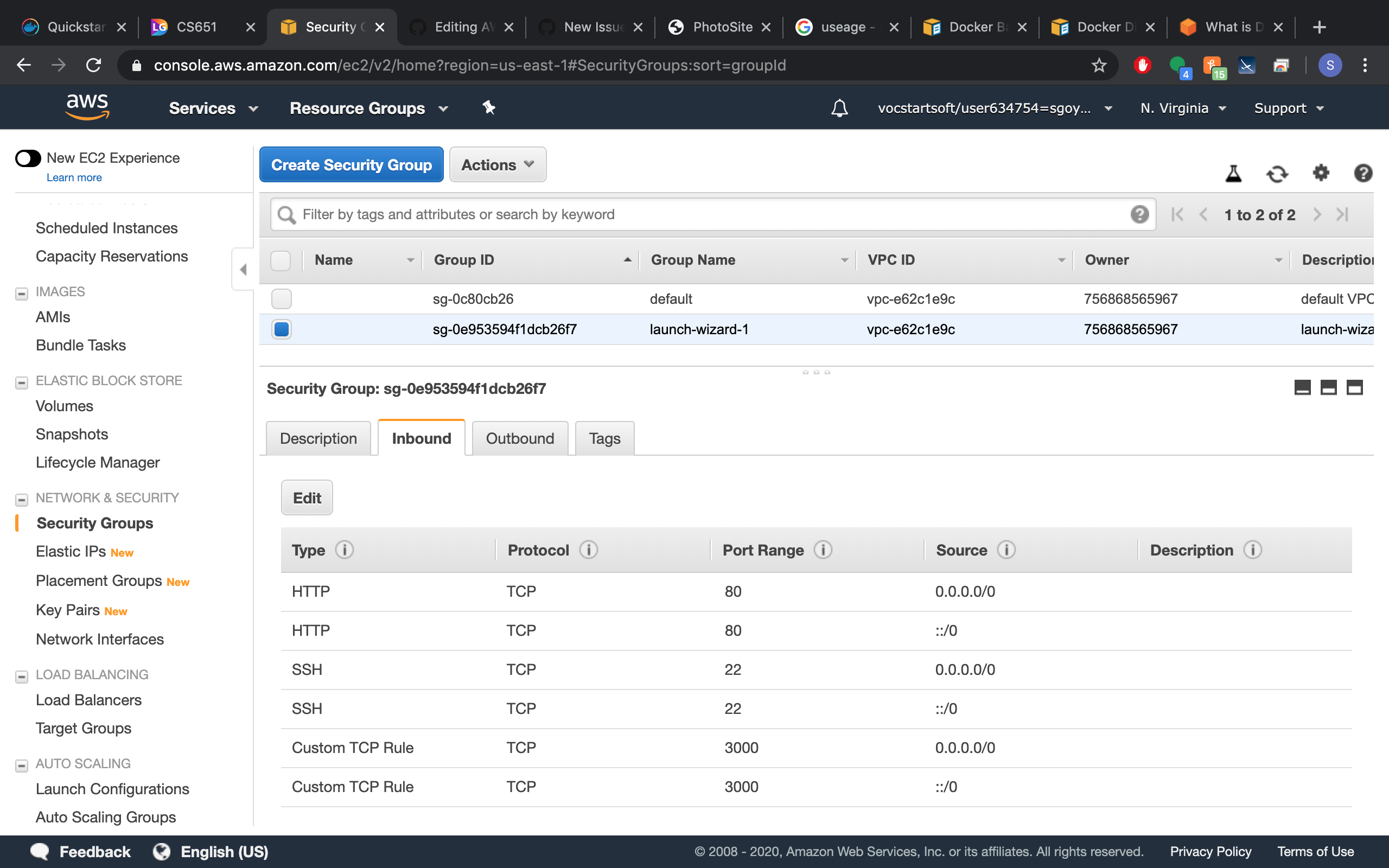
Everything is implemented
https://www.youtube.com/watch?v=4RSzkCUSXmA
Rebooting an instance is like rebooting a PC. The hard disk isn't affected. You don't return to the image's original state, but the contents of the hard disks are those before the reboot. Rebooting isn't associated with billing. Billing starts when you instantiate an image and stops when you terminate it. Rebooting in between hasn't any effect
Rebooting an instance is like rebooting a PC. The hard disk isn't affected. You don't return to the image's original state, but the contents of the hard disks are those before the reboot. Rebooting isn't associated with billing. Billing starts when you instantiate an image and stops when you terminate it. Rebooting in between hasn't any effect