 |
Keep your skills sharp. A linter for the files that steer AI coding agents. |
|
|
|






Agent instructions behave like code, but most teams still review them like prose. skillsaw gives them a linter. It finds the structural errors and content problems that make agents less reliable: vague language, contradictions, buried priorities, repeated directives, hidden content, broken references, unsafe configuration, and more.
It understands Agent Skills, Claude Code plugins, CLAUDE.md, AGENTS.md, GEMINI.md, Cursor, Copilot, Kiro, hooks, agent configuration, and evals. Safe structural fixes can be applied automatically; everything else comes with precise, agent-friendly guidance.
Get started | Browse the rules | Read the documentation
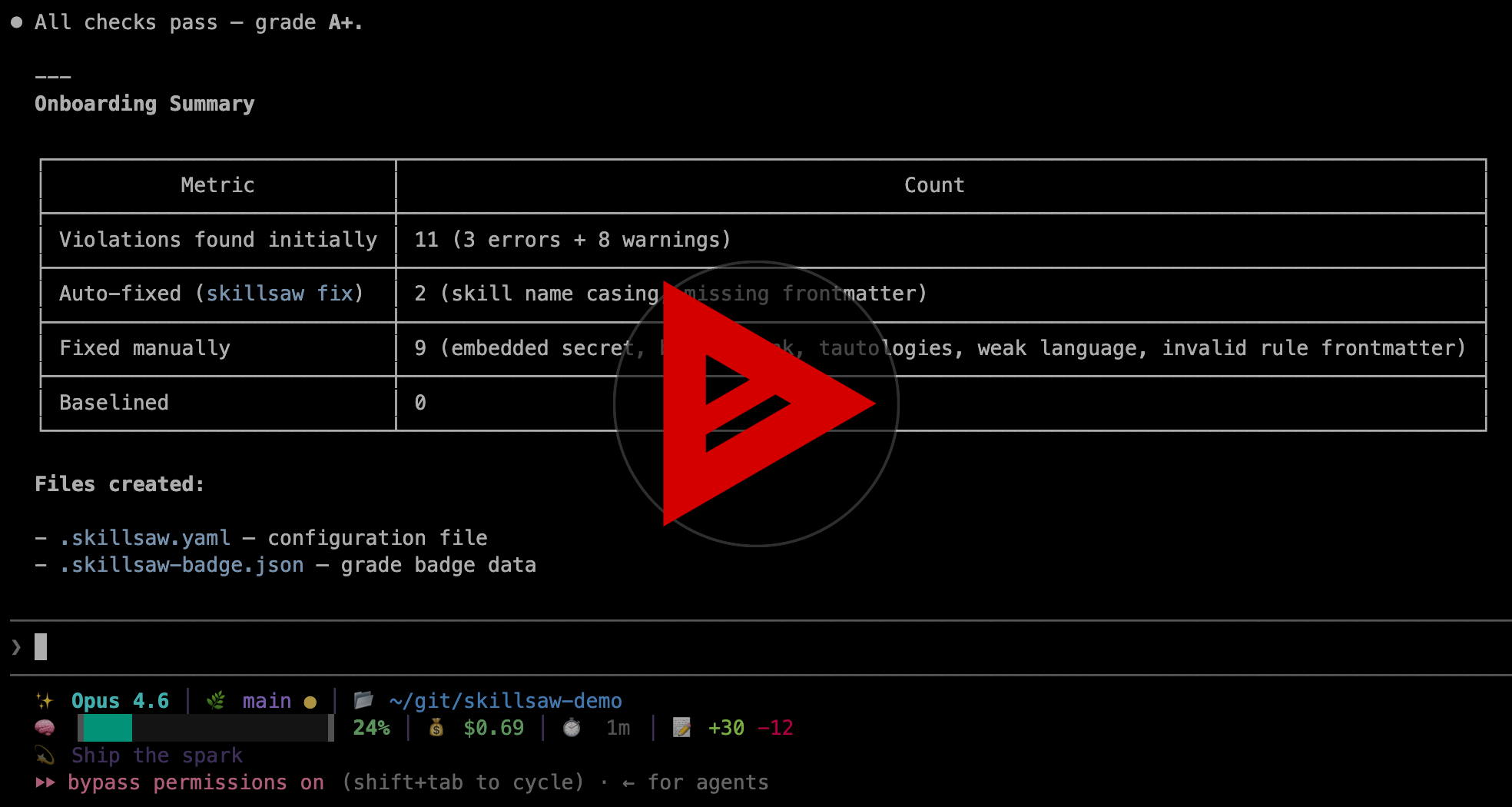
Watch an AI agent grade, fix, and configure a repository from scratch.
Paste this into your coding agent to onboard skillsaw now:
Read and follow the instructions at
https://raw.githubusercontent.com/stbenjam/skillsaw/refs/heads/main/skills/skillsaw-onboard/SKILL.md
to onboard this repo to skillsaw.
Or run it yourself. No installation is required with
uvx:
uvx skillsaw tree      # See what skillsaw detects
uvx skillsaw           # Lint the current repository
uvx skillsaw fix       # Apply safe, deterministic fixes
uvx skillsaw baseline # Accept existing findings and fail only on new ones- Instruction quality: weak language, contradictions, tautologies, attention dead zones, missing stop conditions, and bloated context.
- Structure and compatibility: invalid frontmatter, manifests, commands, skills, agents, hooks, marketplaces, and tool-specific configuration.
- Security risks: embedded secrets, invisible Unicode, encoded payloads, hidden instructions, dangerous hooks, and prohibited MCP servers.
- Repository drift: broken references, unreferenced files, inconsistent terminology, stale baselines, and context-budget regressions.
skillsaw detects the repository type automatically and can lint multiple types in the same project. See supported repository types and the complete rule reference for details.
skillsaw works locally, in CI, and inside coding-agent workflows. It provides line-level findings, explanations for every rule, deterministic autofixes, baselines for gradual adoption, GitHub and GitLab integration, and text, JSON, SARIF, HTML, and Code Climate output. Rules are configurable, and projects can add local rules or install rule plugins.
| Goal | Documentation |
|---|---|
| Install and run skillsaw | Getting Started |
| Tune rules and exclusions | Configuration |
| Adopt it without fixing everything at once | Baselines |
| Add checks to pull requests | CI Integration |
| Understand and apply fixes | Autofixing |
| Create project-specific checks | Custom Rules |
| Publish reusable rule packages | Rule Plugins |
| Review the security model | Supply Chain Protection |
| Look up commands and flags | CLI Reference |
Every run produces a letter grade based on weighted violation density. The same data can be rendered as a self-contained report card for a README or project dashboard.
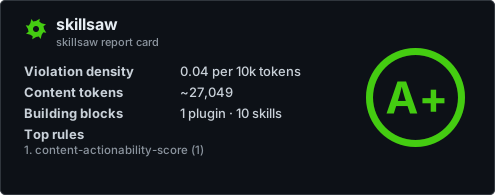
skillsaw's own report card, generated with skillsaw badge --large.
Learn how to generate a grade badge and report card for your project.
Contributions are welcome. See CONTRIBUTING.md for the project guidelines and DEVELOPMENT.md for the local setup.
Questions and bug reports belong in GitHub Issues. skillsaw is licensed under the Apache License 2.0.