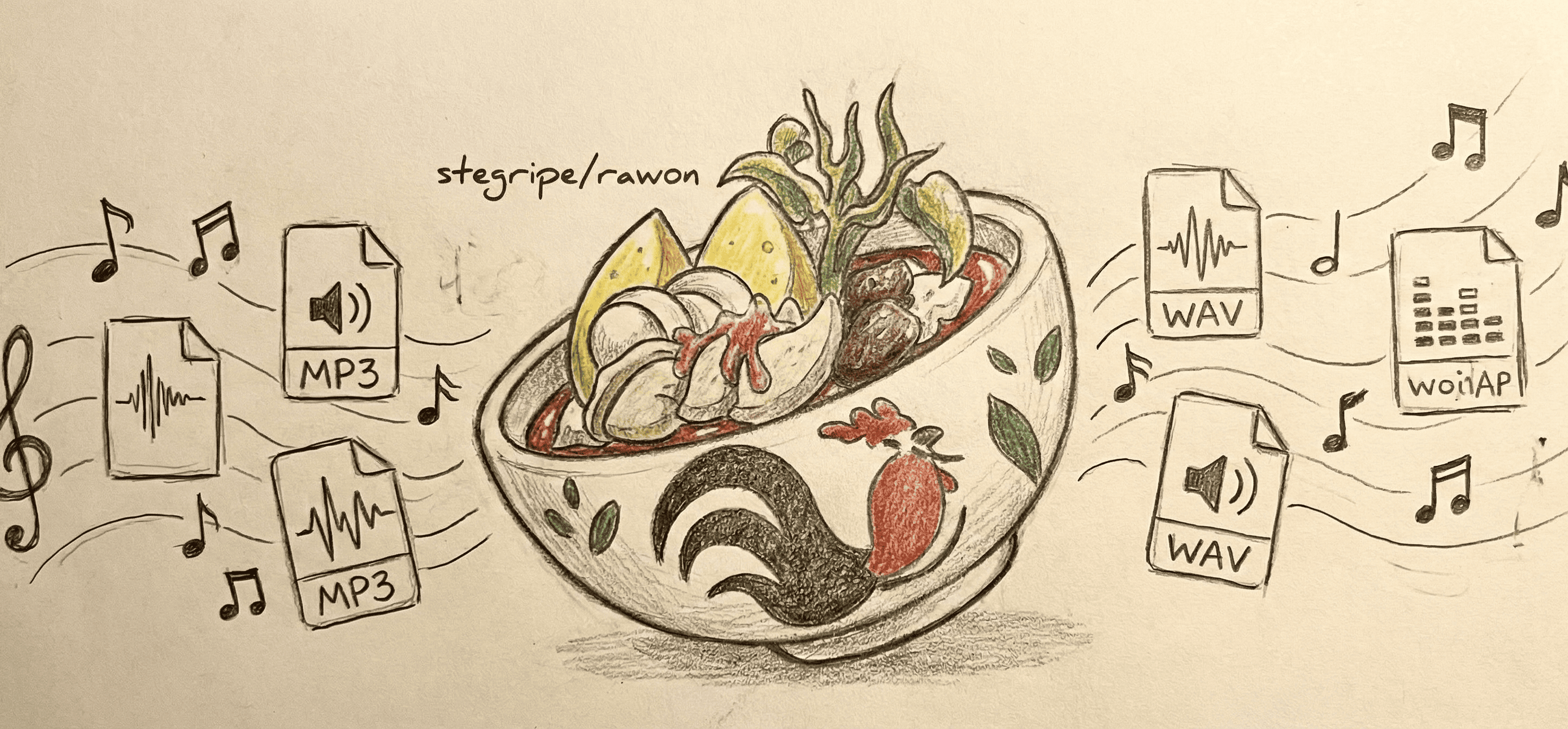


A simple powerful Discord music (multi-)bot built to fulfill your production desires. Easy to use, with no coding required.
- Production-ready, no coding required
- Request channel feature for seamless music experience
- Support for YouTube, Spotify, SoundCloud, and direct files
- Run multiple bot instances for different voice channels
- Smart audio pre-caching for smoother playback
- Built-in Google login via Puppeteer for cookie management
Note: Docker users don't need to install FFmpeg manually — it's included in the Docker image.
- Download and install the prerequisites above
- Clone or download this repository
- Copy
.env.exampleto.envand fill in the required values.DISCORD_TOKENis required to start;STEGRIPE_API_LICENSE_KEYis required for licensed features. - Install dependencies:
pnpm install- Build the project:
pnpm run build- Start the bot:
pnpm start- (Optional) After the bot is online, set up a dedicated music channel:
<prefix>requestchannel <#channel>
Example: !requestchannel #music-requests
- Create a
.envfile with your configuration (copy from.env.example) - Create
dev.envfromdev.env.example, or remove thedev.envline fromenv_file - Create a
docker-compose.yamlfile:
services:
  rawon:
    image: ghcr.io/stegripe/rawon:latest
    container_name: rawon-bot
    restart: unless-stopped
    env_file:
      - .env
      - dev.env
    ports:
      - "${DEVTOOLS_PORT:-3000}:${DEVTOOLS_PORT:-3000}"
    volumes:
      - rawon:/app/cache

volumes:
rawon:- Start the bot:
docker compose up -d- View logs:
docker logs -f rawon-botdocker run -d \
--name rawon-bot \
--env-file .env \
-p "${DEVTOOLS_PORT:-3000}:${DEVTOOLS_PORT:-3000}" \
-v rawon:/app/cache \
--restart unless-stopped \
ghcr.io/stegripe/rawon:latestThe /app/cache volume stores:
yt-dlpbinary for audio streamingdata.*for persistent settings (request channels, player states)- Cached audio files (if audio caching is enabled)
- Cookie file and profile data from Google login (see Cookies Setup)
The DEVTOOLS_PORT (default: 3000) is used for Chrome DevTools remote debugging proxy. This is required for !login start to work from a remote machine. Set DEVTOOLS_PORT in your dev.env file to use a different port.
.env.example- Essential settings (Discord/Spotify token, prefix, IDs, etc.)dev.env.example- Optional developer settings (prefix/slash toggles, sharding, DevTools, debug mode, etc.)- Bot-specific settings (embed color, yes/no emoji, splash, alt prefix, default volume, selection type, audio cache) are managed via the
setupcommand (developer-only) and stored in the database. Usesetup viewto list available settings.
Use the ones you need/should and fill in the values.
Some features require an approved STEGRIPE_API_LICENSE_KEY.
- Start the bot once.
- Copy the Bot ID from the license warning.
- Join stegripe.org/discord.
- Send the Bot ID to Stegripe staff for review.
- After approval, set
STEGRIPE_API_LICENSE_KEYin.env. - Restart the bot.
General commands remain available without a license. Approved bot IDs can use the licensed feature set.
Multi-bot mode is adaptive - no extra configuration needed!
- Single token = Single bot mode
- Multiple tokens (comma-separated) = Multi-bot mode automatically enabled
Example for multi-bot:
DISCORD_TOKEN="token1, token2, token3"Features:
- The first (order) token becomes the primary bot for general commands
- Each bot handles music commands for users in its voice channel
- Adaptive ordering - if the primary bot is not in a server, the next available bot takes over
- Each bot requires its own Discord application
- Each bot ID that needs license access must be approved for the same
STEGRIPE_API_LICENSE_KEY; unapproved bot IDs stay online but will not handle license-gated actions
- Disclaimers - Important legal information
- Cookies Setup - Fix "Sign in to confirm you're not a bot" errors on hosting providers
"Sign in to confirm you're not a bot" errors?
If you're hosting on cloud providers (AWS, GCP, Azure, Railway, etc.), you may encounter bot detection errors. See Cookies Setup for the solution.
Quick fix using the login command:
!login start    # Opens a browser for Google login
!login status   # Check current login & cookie status
!login logout   # Clear the login session (wipes all cookies and profile data)
For help and questions, join our official Discord Server.
- Stegripe Developers (en-US, id-ID, ko-KR, ms-MY)
- @21Z (en-US)
- @lxndr-rl (es-ES)
- @MoustacheOff (fr-FR)
- @RabbitYuKu (zh-CN, zh-TW)
- @RomaDevWorld (uk-UA)
- @hmz121 (vi-VN)
- @melloirl (pt-BR)
- @Ronner231 (ru-RU)
- @Fyphen1223 (ja-JP)
- @OsmanTunahan (tr-TR)
© 2026 Stegripe Development
