Installation
🌐 Language: English | Français
dictee ships as pre-built packages for the major Linux distributions, plus a portable tarball and a from-source path for everything else. Both CPU and CUDA variants are published for each format.
The recommended path is the one-liner installer: it auto-detects your distribution and GPU, adds the NVIDIA CUDA repository if needed, then pulls the right package from the latest GitHub release.
- One-liner install (recommended)
- CPU vs CUDA
- Manual install per distribution
- ARM64 / Jetson
- Post-install verification
- Uninstall
curl -fsSL https://raw.githubusercontent.com/rcspam/dictee/master/install.sh | bashThe installer:
- Detects your distribution (Ubuntu, Debian, Fedora, openSUSE, Arch) via
/etc/os-release. - Detects an NVIDIA GPU via
nvidia-smi(or asks you if detection is ambiguous). - Adds the NVIDIA CUDA APT/DNF repository if you have a GPU (needed for
libcudnn9-cuda-12/cuda-cudart-12-x). - Installs the matching
.debor.rpmfrom the latest GitHub release. - Offers to launch the setup wizard (
dictee-setup) if a graphical session is available.
Pass options after --:
# Force CPU variant (skip GPU detection)
curl -fsSL https://raw.githubusercontent.com/rcspam/dictee/master/install.sh | bash -s -- --cpu

# Force CUDA variant
curl -fsSL https://raw.githubusercontent.com/rcspam/dictee/master/install.sh | bash -s -- --gpu

# Pin a specific version
curl -fsSL https://raw.githubusercontent.com/rcspam/dictee/master/install.sh | bash -s -- --version 1.3.3

# Non-interactive (no prompts, auto-detect everything)
curl -fsSL https://raw.githubusercontent.com/rcspam/dictee/master/install.sh | bash -s -- --non-interactive| Distribution | Mode | Package type | Notes |
|---|---|---|---|
| Ubuntu 22.04 / 24.04 / 24.10 | Native | .deb |
Fully tested |
| Debian 12+ | Native | .deb |
Fully tested |
| Fedora 40+ | Native | .rpm |
Fully tested (VM Fedora CI) |
| openSUSE Tumbleweed | Native | .rpm |
Community tested |
| Arch Linux | Native | AUR (source) | makepkg -si |
| Anything else | Fallback | .tar.gz |
Portable tarball |
Two packages are published for each format:
-
dictee-cpu— runs inference on CPU. Recommended for laptops without NVIDIA GPU, older GPUs (compute capability < 6.0), or AMD/Intel GPUs. -
dictee-cuda— runs inference on NVIDIA GPU via CUDA 12. Requires NVIDIA driver 535+ and a GPU with compute capability ≥ 6.0 (Pascal or newer).
The CUDA package bundles CUDA runtime libraries internally (via a pip venv since v1.3) so you only need the NVIDIA driver + libcudnn9 — no need to install the full CUDA toolkit. See GPU-Setup for distro-specific prerequisites.
Both packages can be installed, but only one at a time is active. The
dictee-switch-backendtool activates the right systemd service.
Same utterance, same model, measured on a TUXEDO InfinityBook Pro Gen8 (MK2) — Intel Core i7-13700H vs RTX 4070 Laptop 8 GB, TUXEDO OS (kernel 6.17, NVIDIA 590.48.01):
| Audio length | CPU (i7-13700H) | CUDA (RTX 4070) | Speedup |
|---|---|---|---|
| 3 s | 0.4 s | 0.09 s | 4.4× |
| 5 s | 0.8 s | 0.16 s | 5.0× |
| 30 s | 4.7 s | 0.9 s | 5.2× |
| 1 min | 9.1 s | 1.8 s | 5.1× |
| 5 min | 43 s | 8.9 s | 4.8× |
CUDA is ~5× faster across all audio durations. For sub-5-second dictations (typical interactive use), latency difference is ~600 ms — borderline perceptible. For long-form transcription (meetings, podcasts), CUDA is essentially mandatory.
Download packages from the Releases page.
CPU variant:
sudo apt install ./dictee-cpu_1.3.3_amd64.debCUDA variant — requires the NVIDIA CUDA APT repository first:
# 1) Add the NVIDIA CUDA repository (one-time setup; see GPU-Setup for other distro versions)
wget https://developer.download.nvidia.com/compute/cuda/repos/ubuntu2404/x86_64/cuda-keyring_1.1-1_all.deb
sudo dpkg -i cuda-keyring_1.1-1_all.deb
sudo apt update

# 2) Install dictee (all dependencies resolved automatically)
sudo apt install ./dictee-cuda_1.3.3_amd64.deb
Replace
ubuntu2404with your distribution version (ubuntu2204,ubuntu2410…). Full matrix at developer.download.nvidia.com/compute/cuda/repos.
CPU variant:
sudo dnf install ./dictee-cpu-1.3.3-1.x86_64.rpmCUDA variant — add the NVIDIA CUDA DNF repository first:
# Fedora 41 example
sudo dnf config-manager addrepo --from-repofile=\
  https://developer.download.nvidia.com/compute/cuda/repos/fedora41/x86_64/cuda-fedora41.repo

sudo dnf install ./dictee-cuda-1.3.3-1.x86_64.rpmTwo PKGBUILD files are maintained at the repo root: PKGBUILD (CPU) and PKGBUILD-cuda (CUDA, with bundled ONNX Runtime + nvidia-*-cu12 wheels). Both work on x86_64 and aarch64.
CPU variant:
git clone https://github.com/rcspam/dictee.git
cd dictee
makepkg -si
CUDA variant:
git clone https://github.com/rcspam/dictee.git
cd dictee
makepkg -p PKGBUILD-cuda -si
The CUDA PKGBUILD-cuda declares the ONNX Runtime tarball in source=() (downloaded by makepkg), bundles libonnxruntime{,_providers_cuda,_providers_shared}.so, and runs pip install nvidia-*-cu12 into /opt/dictee/cuda-venv in post_install — symmetric pre_remove. You only need the NVIDIA driver on the host; no system-wide cuda / cudnn package is required.
Both PKGBUILDs ship
options=('!lto')and this is REQUIRED on Arch./etc/makepkg.confenables LTO globally, and combined withonig_sys's staticlibonig.athe linker drops sections and fails withundefined reference to onig_*. Removing!ltowill reproduce the bug.
Works on any glibc-based Linux (Slackware, Void, Gentoo, NixOS via nix-ld, etc.):
tar xzf dictee-1.3.3_amd64.tar.gz
cd dictee-1.3.3
sudo ./install.sh
The tarball bundles the Rust binaries, the plasmoid, systemd user units, and all Python UI dependencies. It installs to /usr/bin/, /usr/share/dictee/, and /usr/lib/systemd/user/.
git clone https://github.com/rcspam/dictee.git
cd dictee

# CPU-only
cargo build --release

# CUDA + diarization
cargo build --release --features "cuda,sortformer"

sudo ./install.sh
See Developer-Guide for the full list of Cargo features (coreml, tensorrt, openvino, webgpu…) and the build-deb.sh / build-rpm.sh scripts used to produce the official packages.
No pre-built ARM64 package is shipped — build from source on the target device.
| Platform | Supported | Notes |
|---|---|---|
| NVIDIA Jetson (Orin, Xavier, Nano) | ✅ CUDA | Use JetPack 6+; build with --features cuda,sortformer
|
| Raspberry Pi 4/5 | ⚠ CPU only | Vosk recommended for low RAM (~50 MB model) |
| Apple Silicon (via Asahi Linux) | ⚠ CPU only | No GPU acceleration; coreml feature is macOS-only |
| Any other aarch64 | ⚠ CPU only | Portable tarball path |
After installation, verify the setup:
# Binary present
which dictee
# → /usr/bin/dictee

# Daemon service enabled (should show 'active')
systemctl --user status dictee

# ASR backend detection
dictee-switch-backend status
# → ASR: parakeet (dictee.service, active)
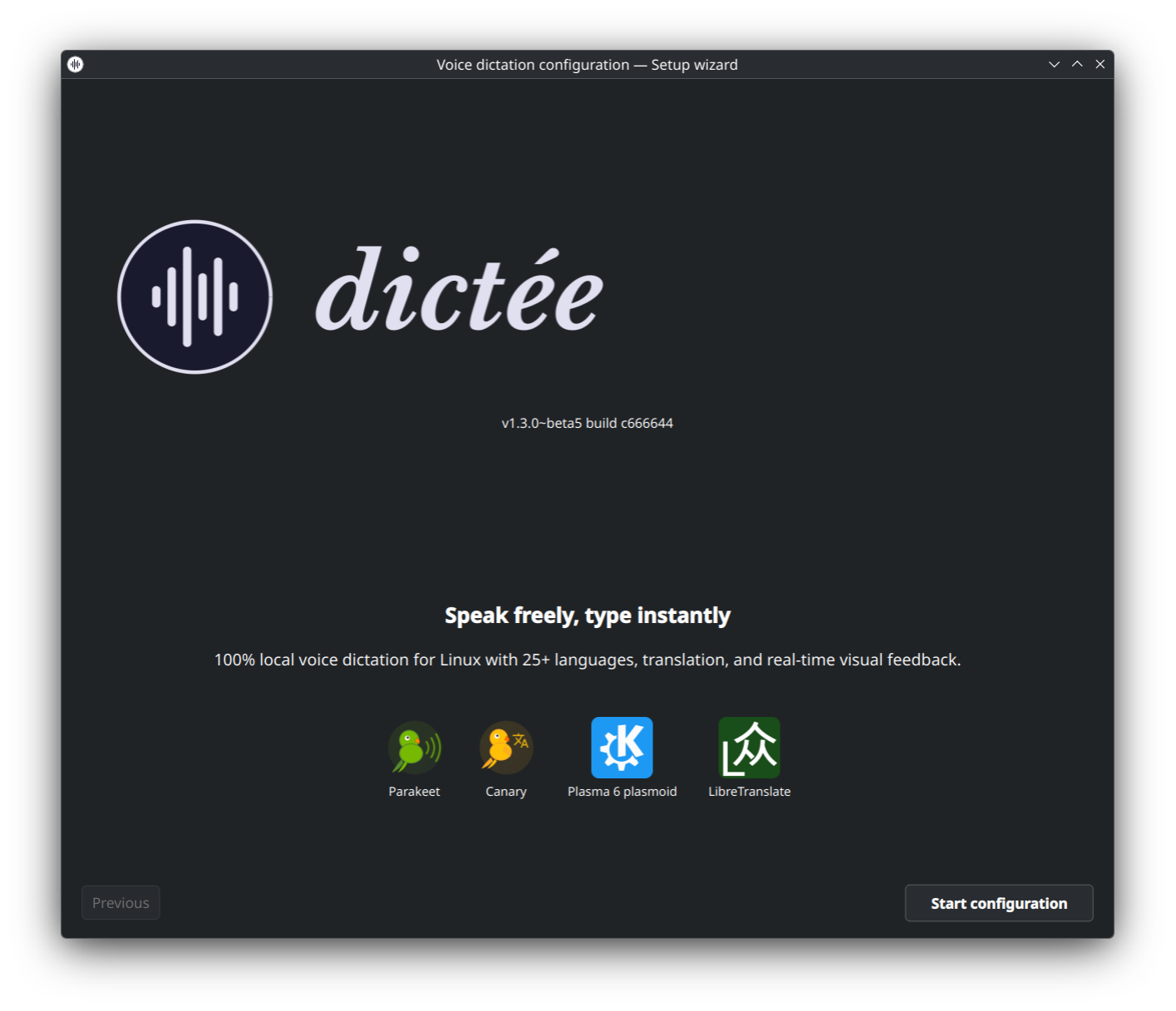
# → Translate: google (trans)dictee doesn't auto-open on install. Your next step is to launch dictee-setup — on first run it opens the guided Setup Wizard that walks you through ASR backend, shortcuts, translation, microphone, etc., and writes ~/.config/dictee/dictee.conf.
| Method | Command / Action |
|---|---|
| Terminal |
dictee-setup (or dictee-setup --wizard to force the wizard flow) |
| App launcher | Search your desktop menu for « Dictee Configuration » (Settings · Accessibility) |
| Tray icon | Right-click the dictee tray icon → Configure Dictée |
| Plasmoid widget | Right-click the dictee plasmoid → Configure (KDE Plasma 6 only) |
The first launch (no existing dictee.conf) opens the 8-step wizard automatically. Once the wizard is complete, the same command re-opens the classic sidebar UI — see the full tour: Configuration.
After completing the wizard, bind your global keyboard shortcut and trigger a test transcription:
# Test transcription (needs a working microphone, will pop a notification
# "dictee started" then transcribe for your default duration)
dicteeThe universal uninstaller auto-detects how dictee was installed (.deb / .rpm / pacman / tarball) and removes each layer. User configs and models are preserved unless --purge is passed:
curl -fsSL https://raw.githubusercontent.com/rcspam/dictee/master/uninstall.sh | bashOptions (after --):
# Also remove configs + models (complete wipe)
curl -fsSL https://raw.githubusercontent.com/rcspam/dictee/master/uninstall.sh | bash -s -- --purge

# Skip the interactive model-removal prompt (keep models, remove app only)
curl -fsSL https://raw.githubusercontent.com/rcspam/dictee/master/uninstall.sh | bash -s -- --keep-models

# Non-interactive (assume defaults, no prompts)
curl -fsSL https://raw.githubusercontent.com/rcspam/dictee/master/uninstall.sh | bash -s -- --non-interactiveDebian / Ubuntu:
sudo apt remove --purge dictee-cpu dictee-cuda dictee-plasmoidFedora / openSUSE:
sudo dnf remove dictee-cpu dictee-cuda dictee-plasmoidArch Linux:
sudo pacman -Rns dicteeTarball / from-source install:
sudo /usr/share/dictee/uninstall.shPackage uninstall leaves your user configuration (~/.config/dictee/, custom rules, dictionary) and model cache (~/.cache/dictee/ or /usr/share/dictee/tdt/) intact. To remove them:
rm -rf ~/.config/dictee/ ~/.cache/dictee/
sudo rm -rf /usr/share/dictee/tdt/ /usr/share/dictee/canary/- GPU-Setup — CUDA prerequisites, driver matrix, cuDNN, detection logic
- ASR-Backends — compare Parakeet, Canary, faster-whisper, Vosk
- Keyboard-Shortcuts — bind the dictation trigger
- Troubleshooting — common installation issues